macniroc2
Inspiring
March 26, 2018
Answered

iPhone X: black screen when hovering over text in text Input

  • March 26, 2018
  • 1 reply
  • 797 views

I've been trying to submit a bug via Adobe labs, and my past 8 submissions have failed. I am submitting this here.

Problem Description: I am seeing a black screen when pressing and holding my finger on text in a textinput.  "select all" or "copy" / "paste" functions.

Steps to Reproduce: Run AIR 29 app on iPhone X with a text input box
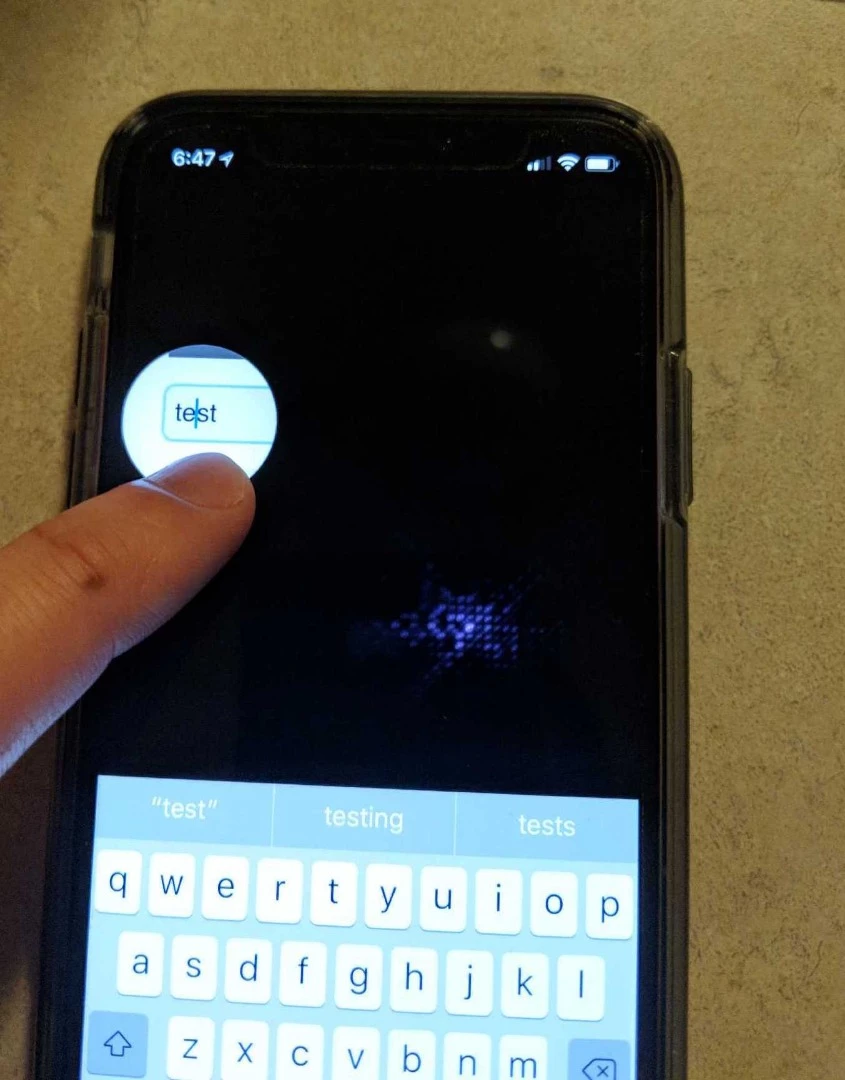
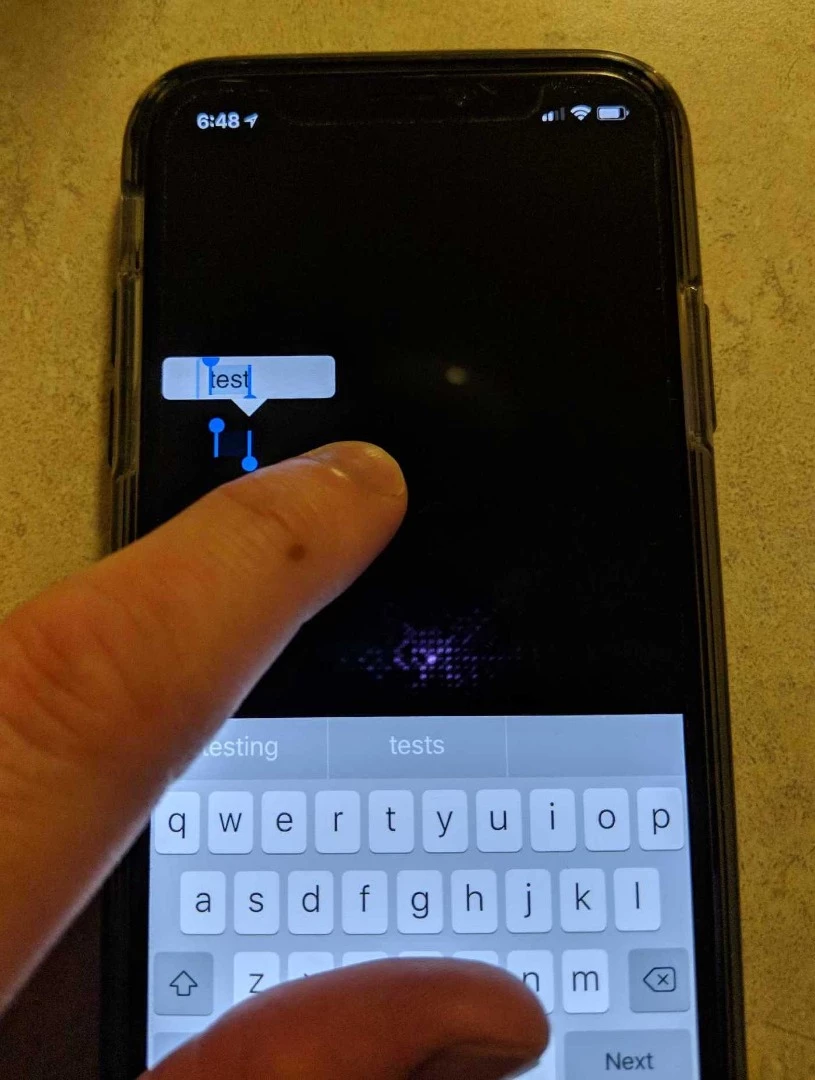
Any Workarounds: No

Hardware Info: iPhone X iOS 11.3

Operating System: MAC OS High Sierra

Graphics Info: /

This topic has been closed for replies.
Correct answer macniroc2

This was an iOS bug, I updated to the latest 11.3 iOS beta and the issue went away.

1 reply

pravishtis
Adobe Employee
Adobe Employee
March 28, 2018

Hi,

Can you please specify whether you're using a flex project. We've tried a flex project with textInput but there's no black screen.

Can you please share your sample code where the issue is reproducible so that we can investigate further.

Thanks,

Pravishti | Adobe AIR Engineering

macniroc2
macniroc2AuthorCorrect answer
Inspiring
March 28, 2018

This was an iOS bug, I updated to the latest 11.3 iOS beta and the issue went away.