



Local Camera instance unusable in Android 4.x (Galax S3 and Nexus 7)
I'm working on an app that supports simple video conferencing through FMS. The app creates one video on my AIR View and attaches the camera to it, and creates a second video and attaches the incoming stream to it. All in all, it's worked quite well.
That was, until I tired it on a Nexus 7 running Android 4.1.2 and AIR 3.5.60. The video from the camera appears, but the quality is terrifically awful, and I can see three or four copies of the image overlaid each other. I wrote this off as a Nexus issue. That was, until I tried it on a Galaxy S3 running Android 4.0.4 and AIR 3.5.0.60. The result is the samed ghosting mess.
I developed a tiny little app to demonstrate the problem (the source code is below). It's nothing more than an AIR app and the camera+video object placed on a single view. Here's how it looks on the Galaxy S3:
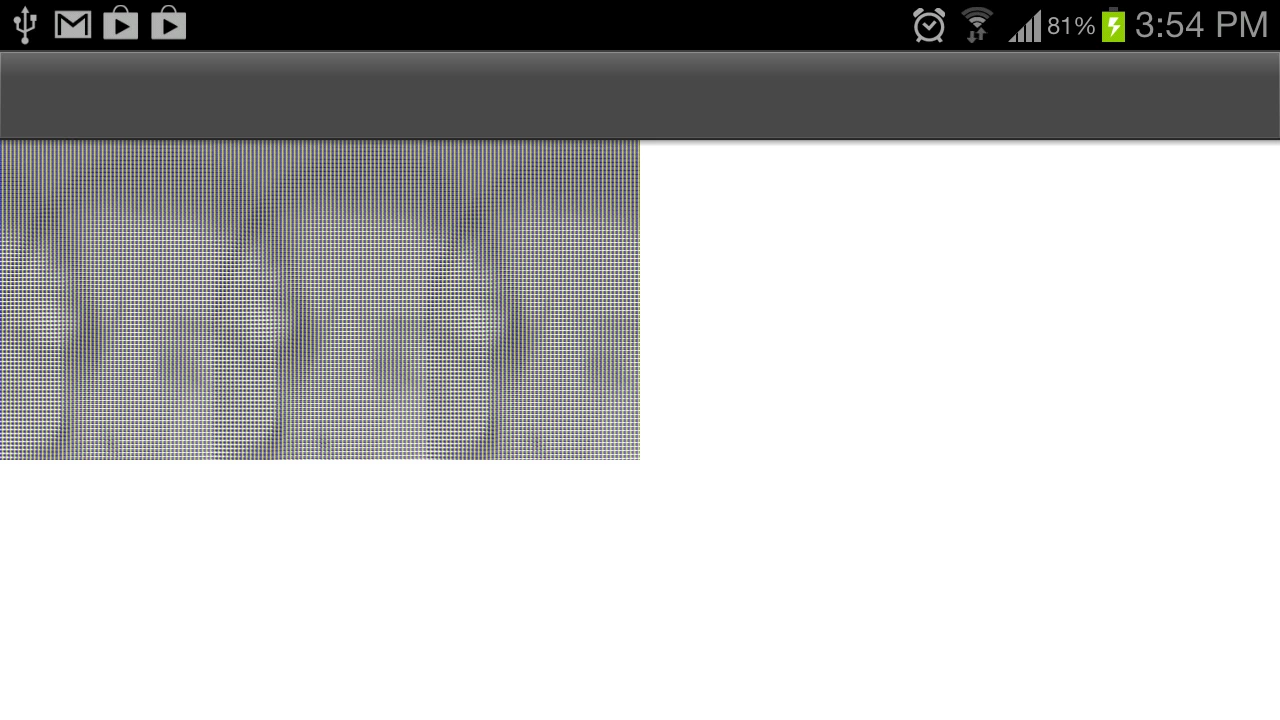
You can roughly make out my face three+ times. On my myTouch 4G, the video looks perfect (no ghosting, no lines, just normal video).
I'd love for this to be some egregious issue with my code. But, failing that I'm guessing it's an Adroid 4.x issue. I searched the discussion area, but wasn't able to find anyone else having this issue. I do apologize if I'm missing something obvious and this is a well known problem.
I'd love a fix. I'd love to at least know this is a known issue.
Thanks in advance,
Ben
<!-- VidTesterApp.xml -->
<?xml version="1.0" encoding="utf-8"?>
<!--
A trivial video testing app
-->
<s:ViewNavigatorApplication
xmlns:fx="http://ns.adobe.com/mxml/2009"
xmlns:s="library://ns.adobe.com/flex/spark"
firstView="VidTestView">
</s:ViewNavigatorApplication>
<!-- VidTesterView.xml -->
<?xml version="1.0" encoding="utf-8"?>
<s:View xmlns:fx="http://ns.adobe.com/mxml/2009"
xmlns:s="library://ns.adobe.com/flex/spark"
creationComplete="addCamera();">
<s:Label text="Loading camera..."/>
<fx:Script>
import flash.media.Camera;
import flash.media.Video;
import mx.core.UIComponent;
private function addCamera():void {
var camera:Camera = Camera.getCamera((Camera.names.length - 1) + "");
camera.setMode(640, 320, 30, false);
var video:Video = new Video(640, 320);
var box:UIComponent = new UIComponent();
video.attachCamera(camera);
box.addChild(video)
this.addElement(box);
trace("Setup complete");
}
</fx:Script>
</s:View>
 AdChoices