
Multi-touch app issues with point placement
We have a custom app built on AIR that is a interactive whiteboard app with pens, colours, shapes, etc.
The app has multi-touch, so that if used on a touch screen with 2,4,6,8,10 touch capabilities it works.
This has been running successfully for over 4 years.
However, with recent updates of Adobe AIR a problem has arisen.
The image here shows the two fingers moving down, Finger "A" is tracked by line "A" correctly, but finger "B" is tracked by line "B" - like I said offset to the right and down.
This is still an issue with 18.0.0.180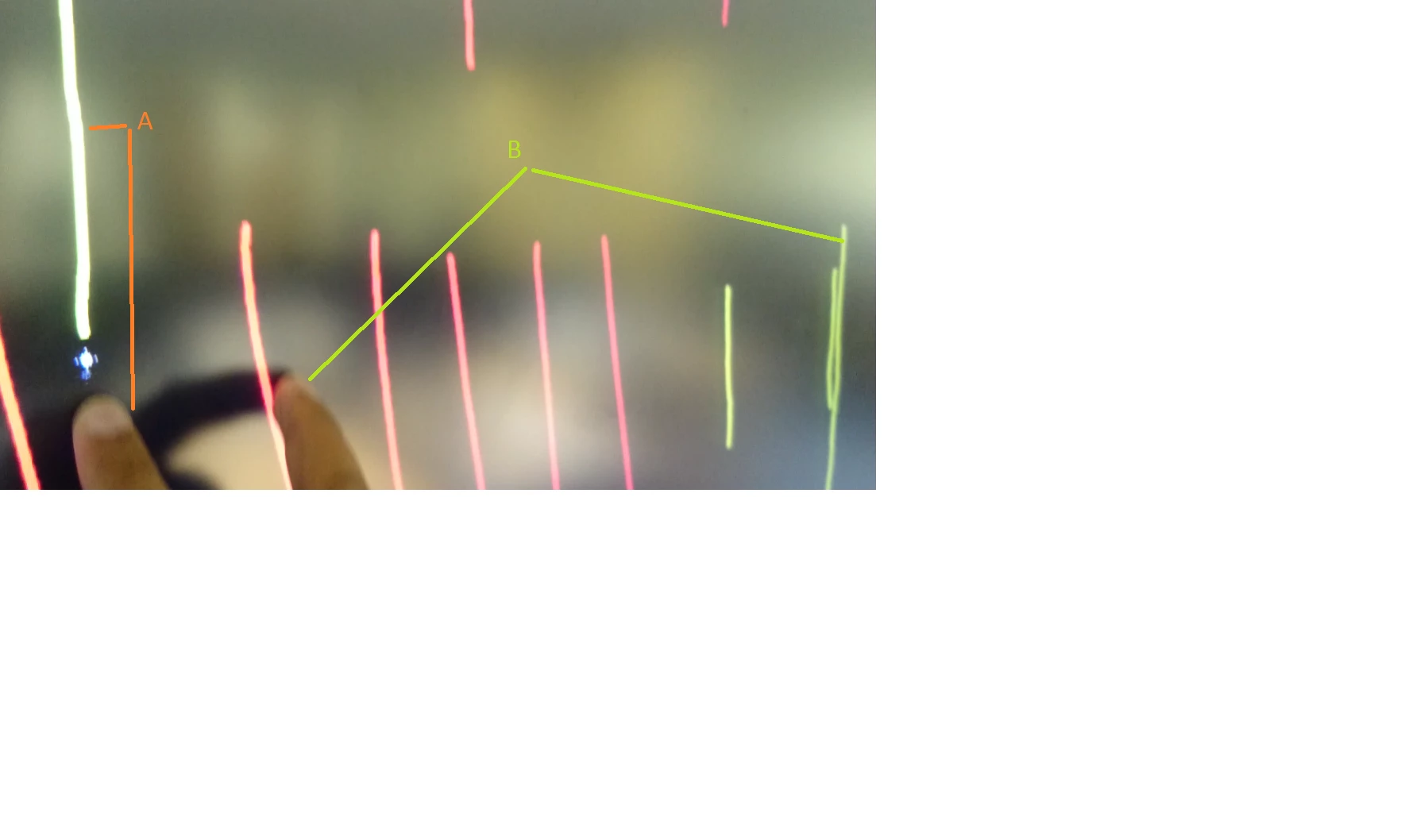 .
.
In the app you select a pen, then draw with one finger - fine.
Now draw with two fingers - the first line is correctly under the first finger, the second line is about 1000 pixels to the right and about 200 pixels down.
If I do this with 3,4,5+ fingers, I get the first line being tracked under the under correctly and the others somewhat to the right and below.
A quick solution for us would be to find an old version of Adobe AIR from say 6 months ago.


 AdChoices