
Problems with AIR windows in multi-monitor setup with different font scaling
I'm developing a multi-monitor Flex/AIR application that uses several AIR windows placed on different displays/monitors that might have different font scaling. I'm experiencing some graphical issues with the Flex components when moving a window from one display to another.
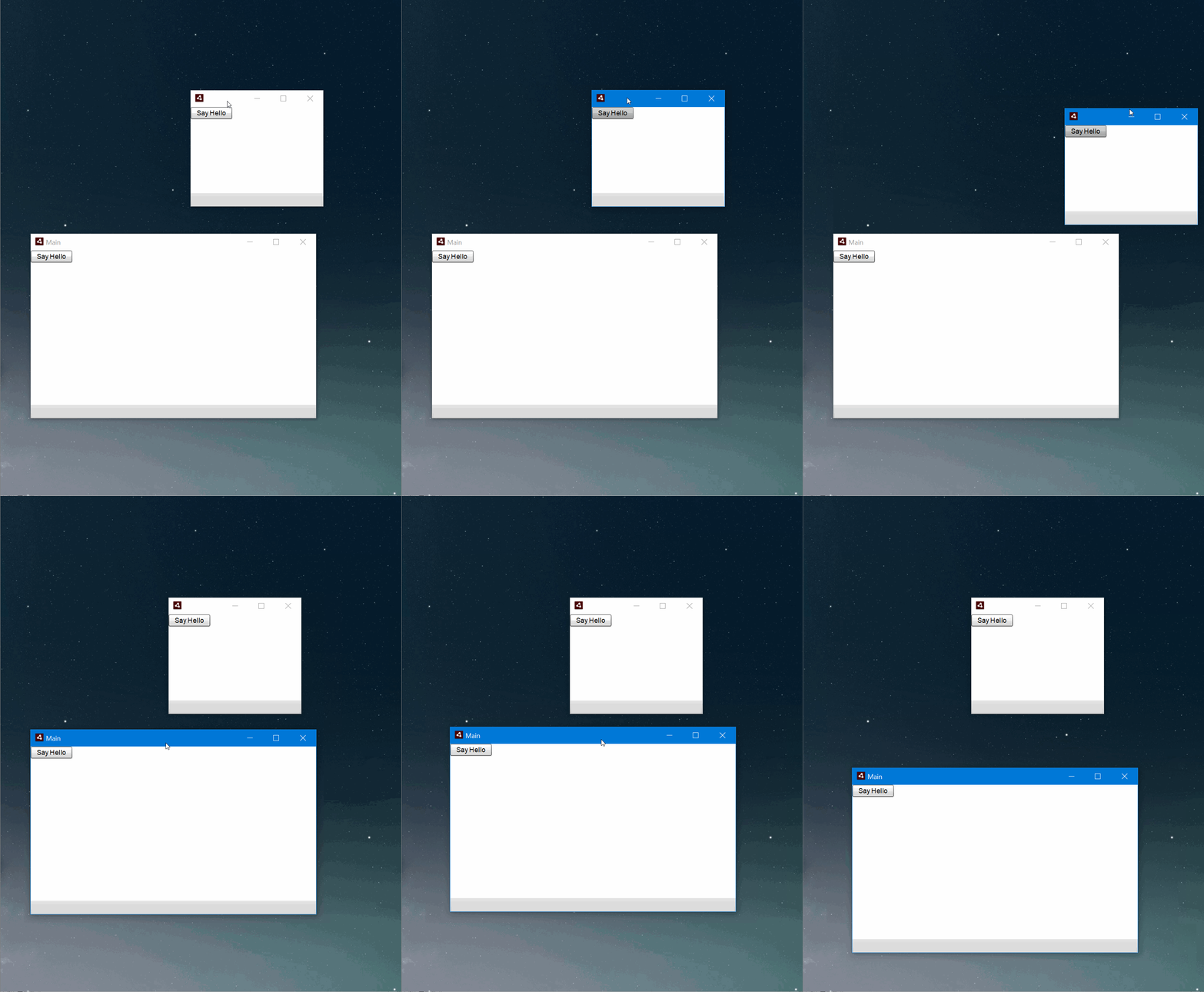
For example, say I have two AIR windows (A and B) and two displays (1 and 2). Display 1 has scaling set to 150% and Display 2 has it set to 100%. At app start both windows will be placed on Display 1. If I manually or programmatically move Window B from Display 1 (scaling: 150%) to Display 2 (scaling: 100%), the components of Window A (still placed on Display1) will suddenly shrink. Window B and its components (now on Display2) are successfully adjusted to the font scaling of its new placement (Display 2).
So the problem is that Window A also gets its contents re-rendered in another scaling when Window B is moved moved to a display with another scaling factor. The problem occurs when <initialWindow> in application descriptor has : <requestedDisplayResolution>high</requestedDisplayResolution>
Is there a way to have AIR applications be Per-monitor DPI Aware ?
OS: Windows 10 Pro 64bit, Version 1803, OS Build: 17134.1
Framework: Flex 4.6.0, AIR 29
Example project:
See the attached GIF for a demonstration:


 AdChoices