Inspiring
April 16, 2012
Answered

Reset stage view-port after soft keyboard? Bug? (iOS)

  • April 16, 2012
  • 4 replies
  • 1519 views

AIR 3.2, iPad 3.

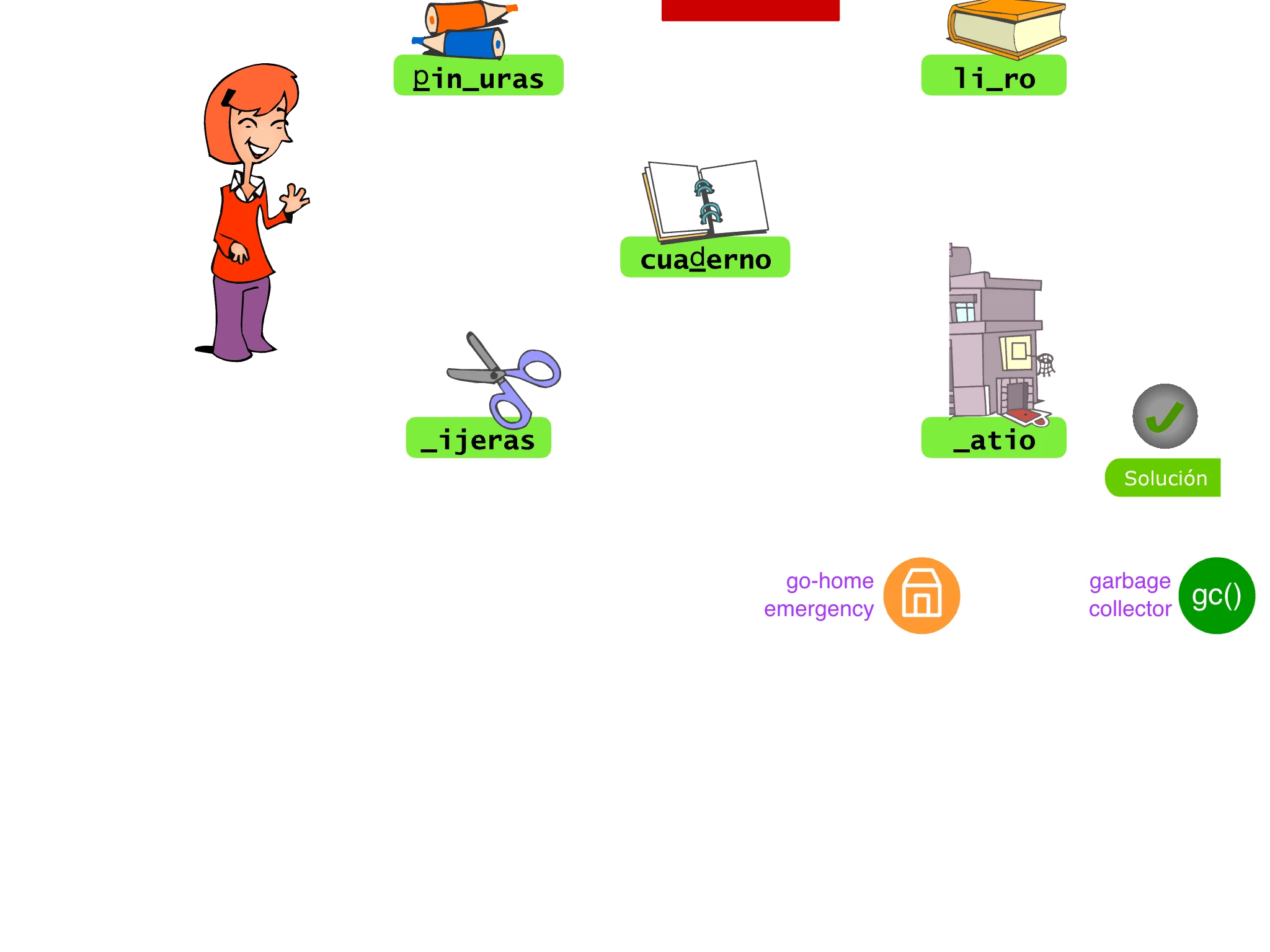
Some illustrative pics:

1. Tap the input text field in the middle.
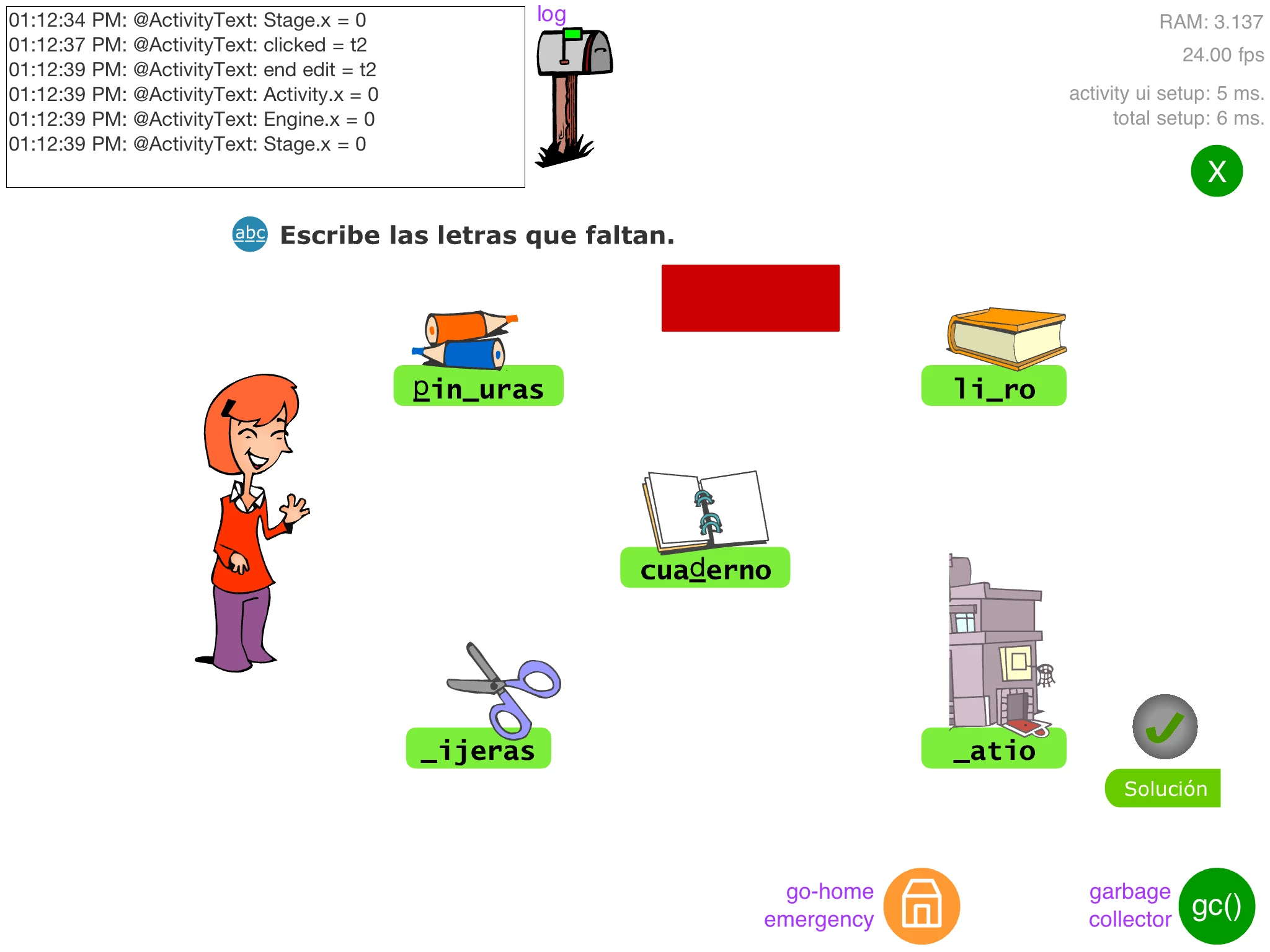
2. The soft keyboard pushes up the stage, so the text field is into view.
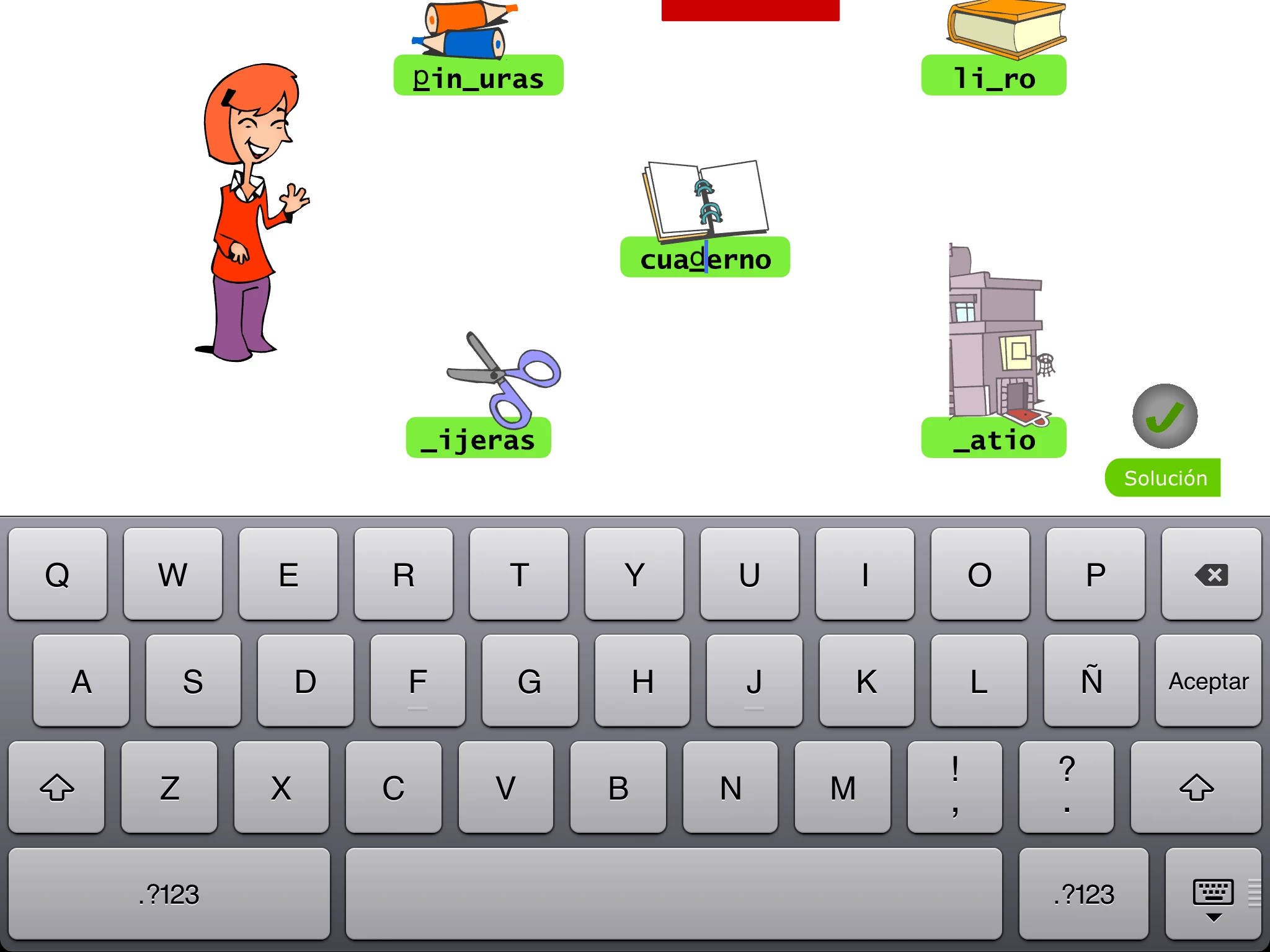
3. When you are done, the stage should be like in the beginnings, but it's scrolled down

Well, this seems like a bug (?) and I'd be interested in a workaround if you know of any 😉

Thanks in advance!

This topic has been closed for replies.
Correct answer michal_twomstudio

you can use <softKeyboardBehavior>none</softKeyboardBehavior> setting in your xml description file.

none - will not move the application

pan - will move the application up

http://help.adobe.com/en_US/air/build/WSfffb011ac560372f2fea1812938a6e463-8000.html#WSfffb011ac560372f1a6f6f1912d7748050e-7fff

4 replies

julifosAuthor
Inspiring
May 5, 2012

Yes, I finally used <softKeyboardBehavior>none</softKeyboardBehavior> and making my own panning, kind of:

-on soft-keyboard-raised

-move stage where tapped textfield is visible

-on soft-keyboard-closed

-move stage to y=0

Getting input textfields to work consistently in Flash has been allways a PITA (I allways remember the well-known bug FP-40 and its many variants), but getting the iOS soft-keyboard into stage makes things much more funny

For my needs, if you wanna know, I finally sticked using a out-of-view StageText (which is the only one receiving "some" KEY_UP events) and a dynamic textfield with a fake blinking cursor to let the user know what's going on while he's typing (appart from panning myself).

Participant
April 30, 2012

Hi, have you find the solution for this issue? I have the same problem, and can't find how to fix it

Thank you!

Inspiring
May 1, 2012

A similar issue happened to me recently. Only instead of the keyboard, it happened with the menu bar after playing with the native video player (called through a stageWebView) on an iPhone. My app's screen was "pushed down" by the menu bar after accessing the video controls in the iOS app-switcher bar (double-tap home button and swipe all the way to the left).

It was a rather remote circumstance involving a video being "AirPlay-ed" in the background, but I do suspect a related issue going on here with AIR (3.2) not playing well with native iOS controls.

michal_twomstudioCorrect answer
Participating Frequently
May 4, 2012

you can use <softKeyboardBehavior>none</softKeyboardBehavior> setting in your xml description file.

none - will not move the application

pan - will move the application up

http://help.adobe.com/en_US/air/build/WSfffb011ac560372f2fea1812938a6e463-8000.html#WSfffb011ac560372f1a6f6f1912d7748050e-7fff