


Suddenly I'm "Unable to Install .ipas" via Xcode on test Devices -> WHY!?
Hi,
I just wanted to do a quick update on one of my iOS Apps (Published on a Mac macOS 11.2.1 / Adobe Animate 2021 / AIR 33.1.1.406) - I had to create a new developmenet certificate as my old one expired - but somehow XCode tells me each time it is: "Unable to install" my App.
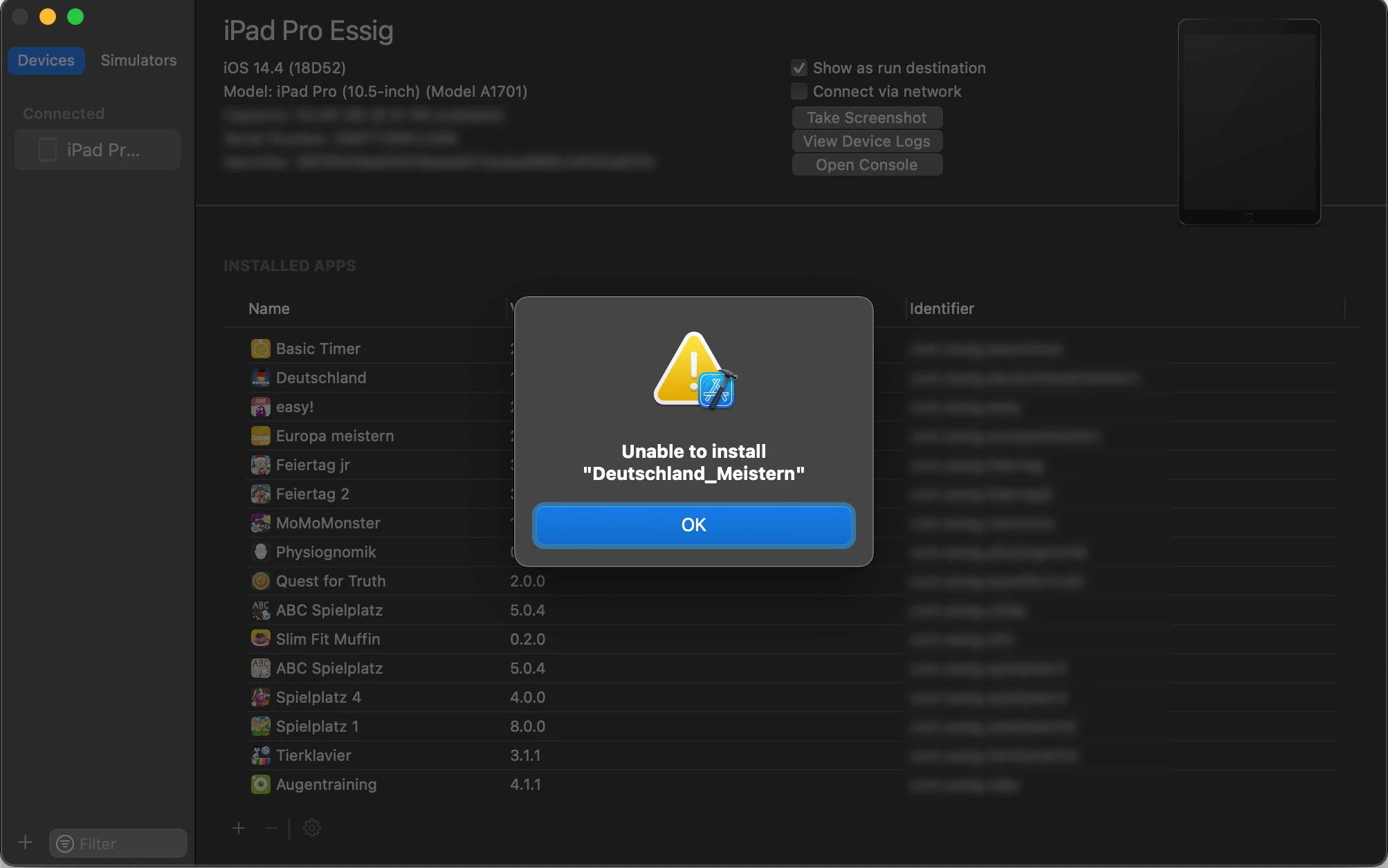 So I checked and re-created my certificates (.p12 files and xyz.mobileprovision), checked the list of my Test Devices on "Apples Member Center" - as I did it for years now, but I just can't installe & test the new .ipa files anymore.
I tried it on several different test devices.
I'm able to install the old test.ipa files via XCode on those devices I still have - but not one of the new published files (I also tried it out wit hseveral different AIR versions - nu success).
So did anything change lately on how to create .p12 files, using the Keychain Access (and sign) .ipa files?
Can anyone please help? Are there any instructions, tutorials or videos on how to make this work again?
Best regards and thank you in advance!
Jan
 AdChoices