Participant
November 15, 2020
Question

Accessing lower Layers of the Scene

  • November 15, 2020
  • 2 replies
  • 202 views

Hey Folks,

this should be a rather simple one:
I have rigged up a character a friend of mine sent me as PSD file.
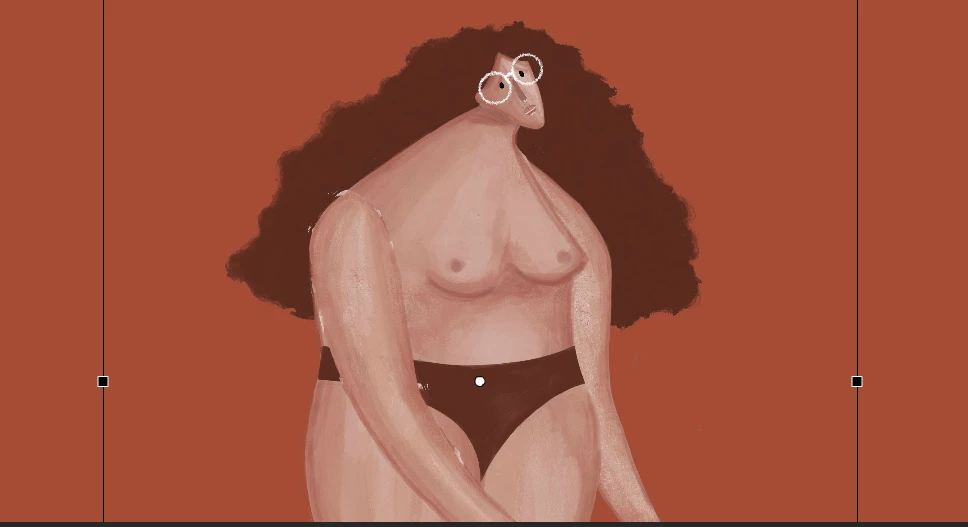
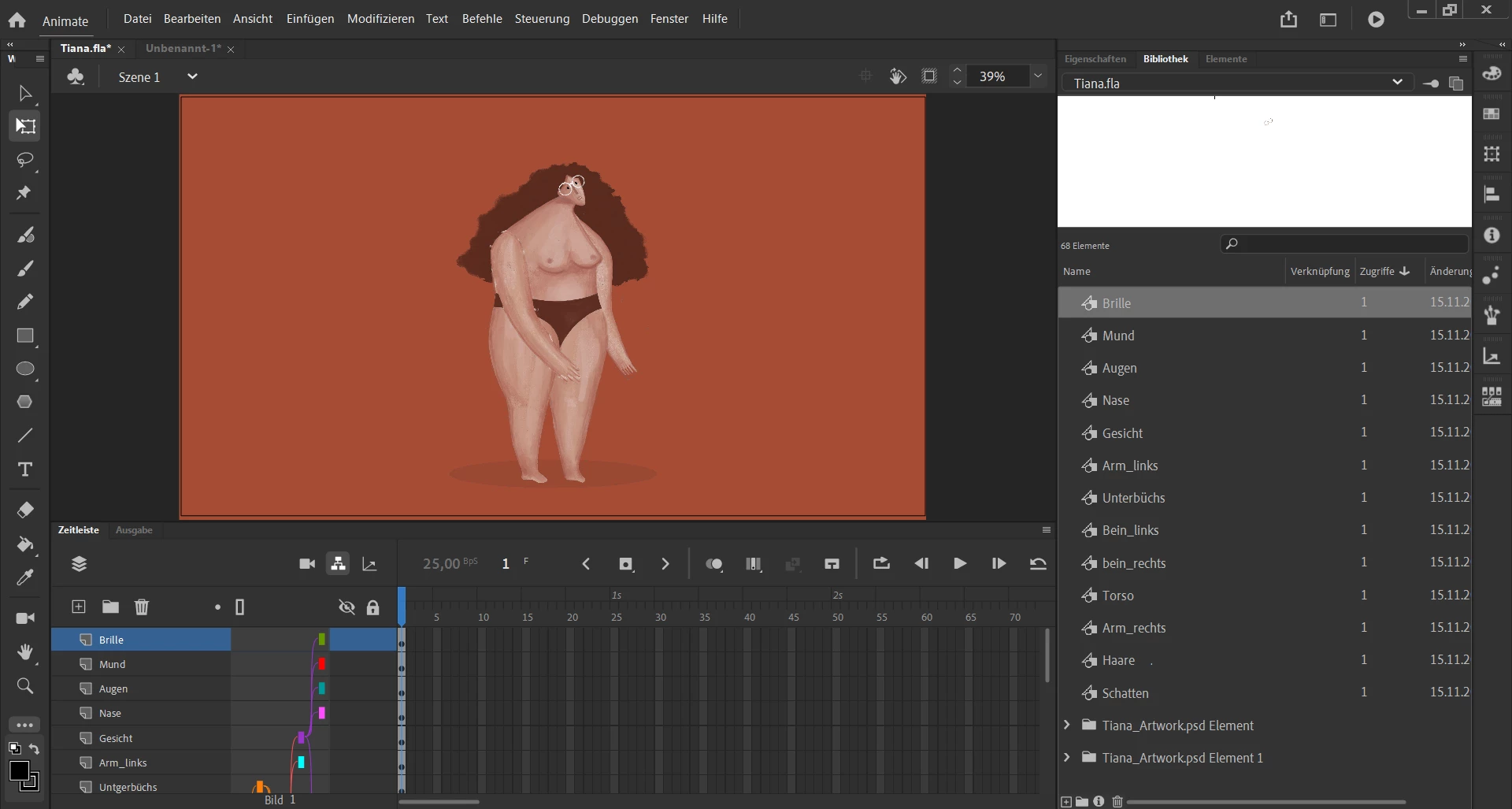
Now I have the problem, that the symbol contures are the size of her initial canvas. So that if I want to select the Leg it selects the glasses, because they are the utmost layer. Is there a way of telling animate to disregard the transparent parts of a layer while selecting? Or can you resize the window each symbol is in? So that the glasses are only selected when actually clicking on them.

Cheers and thanks in advance


    This topic has been closed for replies.

    2 replies

    Vladin M. Mitov
    Inspiring
    November 15, 2020

    Hi,

    Edit all of the rigged symbols ( body parts) and in each of them create a vector mask which will define the "clickable" area for the symbol.
    https://helpx.adobe.com/animate/using/using-mask-layers.html


    - Vlad: UX and graphic design, Flash user since 1998Member of Flanimate Power Tools team - extensions for character animation
    kglad
    Community Expert
    Community Expert
    November 15, 2020

    for layers you don't want to select, you can so any of the three:


    1. lock the (click the layer lock)

    2. make the layer not visible (click the layer eye icon)

    3, outline the layer (click the layer rectangle)