
Question
Adding color in Adobe Animate
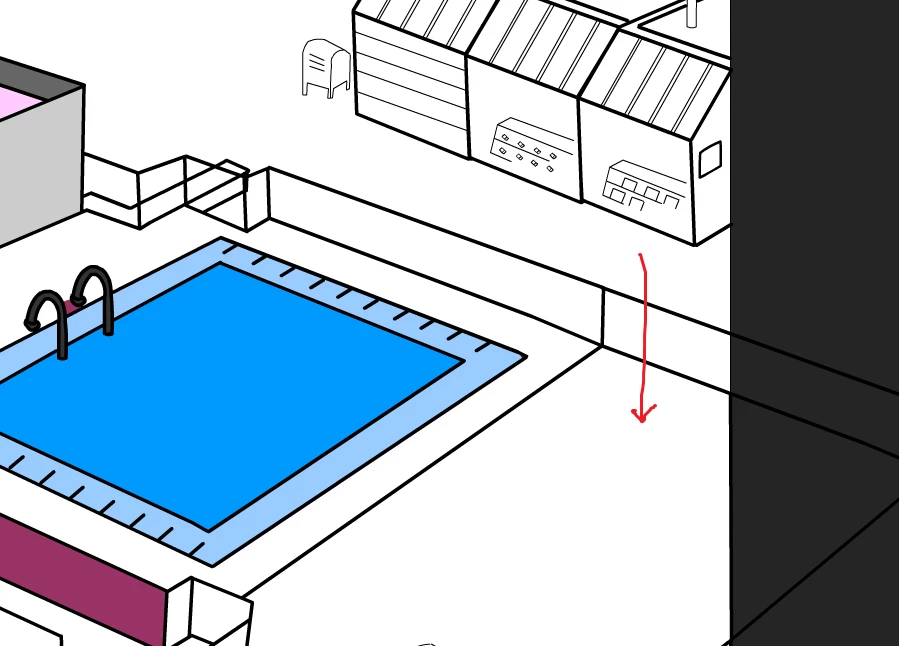
Just started using Adobe Animate (or generally started learning animation) 3 days ago and hitting a roadblock which I can't figure out. From my research, Brush tool (Paint inside mode) and paint bucket tool (I have tried using different mode such as Closing big gap) is used to add colors to the area.
But then, Im having issued to add color in a larger area (as shown in the image - red arrow). Using brush tool (Paint inside mode works but is a pain in the ass which it wont just paint inside the area I want).
Anyone can provide me a solution with this? Really needed the help. Any reply will be much appreciated.


 AdChoices