


Participant
Sep 30, 2022 11:34 AM UTC
Question

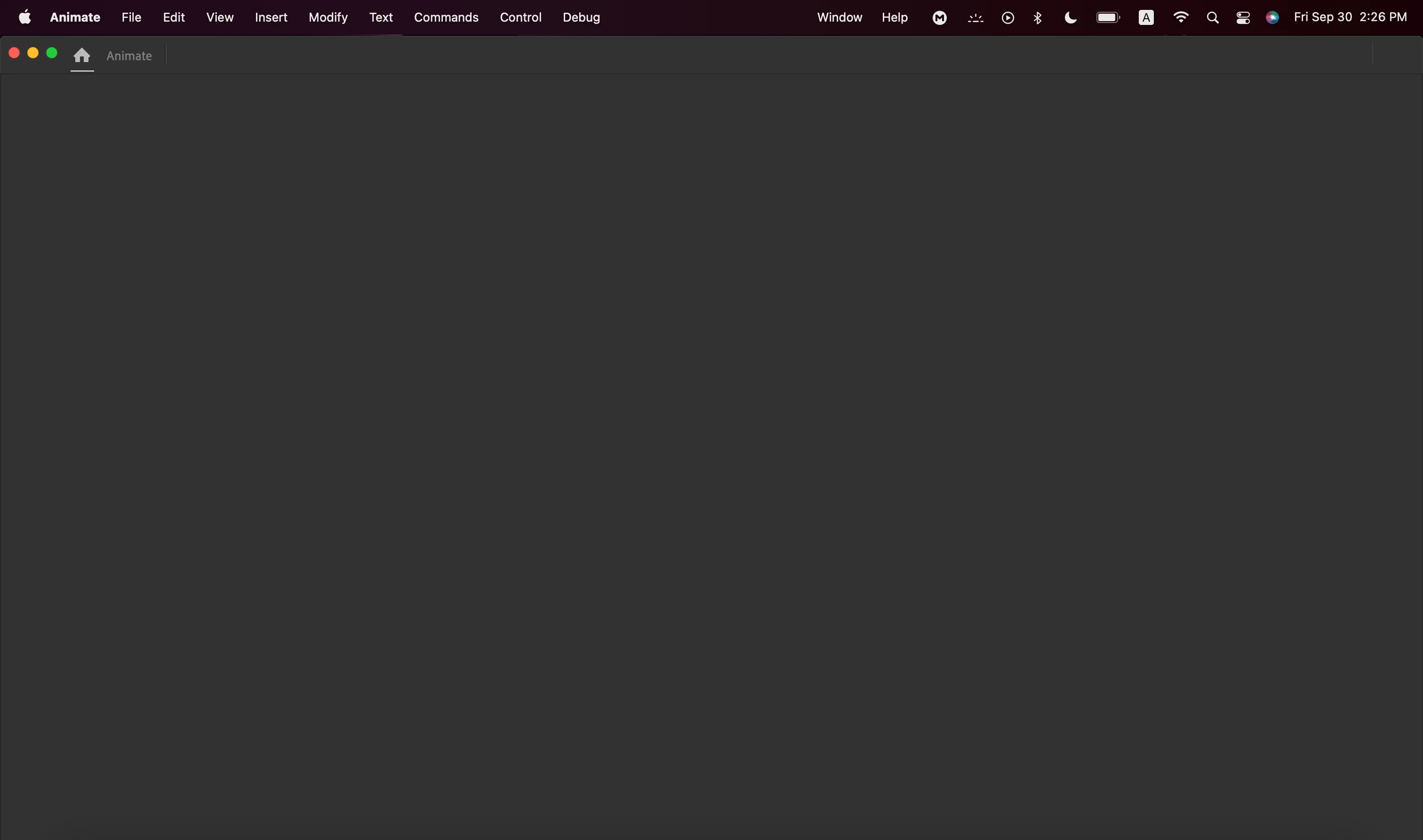
Adobe animate 2021/2022 blank start page (Mac)

I was just switching from Animate 2019 to Animate 2021 because I want to get used to the new Interface and the start page is blank so is there a solution? to this. I'm using a Mac not a windows system
This topic is closed to new replies. Start a new post to keep the conversation going.

3 replies

TaylorMarvin
Participant
Sep 30, 2022 12:14 PM UTC

If you go to File > New, the "New Document" menu should pop up.

Translate
Participant
Sep 30, 2022 12:24 PM UTC

I need start page to appear all the time

Translate
kglad
Community Expert
Community Expert
Sep 30, 2022 1:21 PM UTC

reset your preferences by removing


Win:

C:\Users\<username>\AppData\Local\Adobe\Animate CC <version>\ and

C\Users\<username>\AppData\Roaming\Adobe\Animate\<version>\


Mac:

/Users/<username>/Library/Application Support/Adobe/<Animate CC version>/ and

/Users/<username>/Library/Preferences/Adobe/Animate/<version>/)

Translate