
Question
Adobe Animate 2024 - Canvas Video Component Source not working?
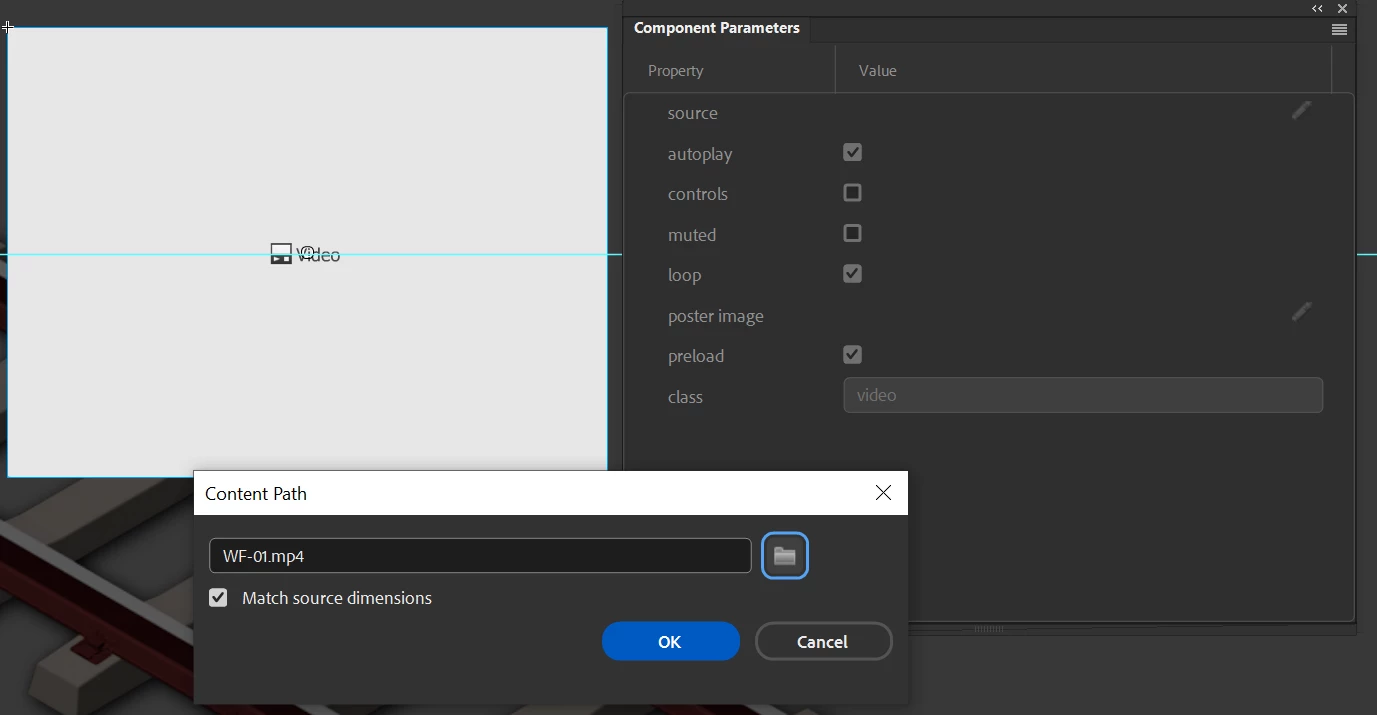
Source selected, OK clicked:
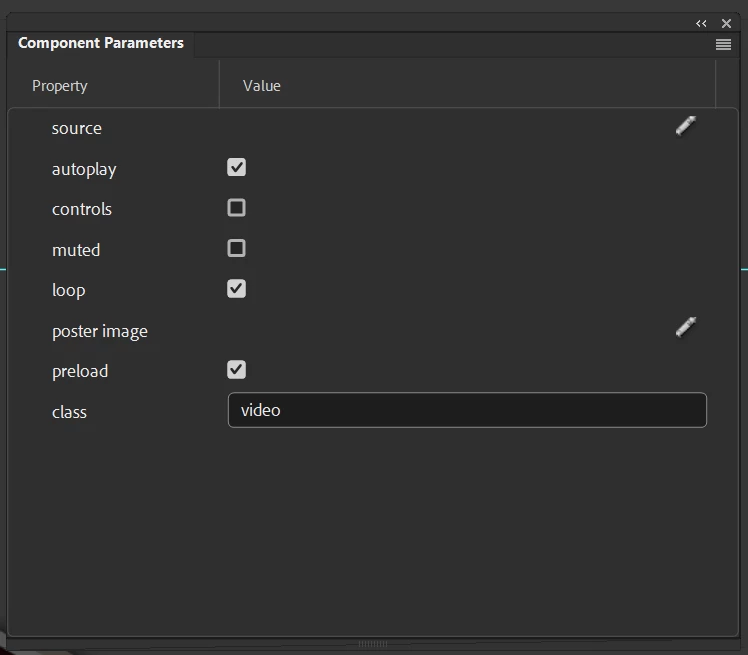
Source selection is ignored:
I have to edit the published JS file to add it:

This is ridiculous, what gives?
Anyone else having this issue?

Source selected, OK clicked:
Source selection is ignored:
I have to edit the published JS file to add it:
This is ridiculous, what gives?
Anyone else having this issue?
Already have an account? Login
Enter your E-mail address. We'll send you an e-mail with instructions to reset your password.


 AdChoices