Participating Frequently
June 8, 2022
Question

Adobe Animate Canvas (HTML5) local file open problem <title changed-kglad>

  • June 8, 2022
  • 3 replies
  • 396 views

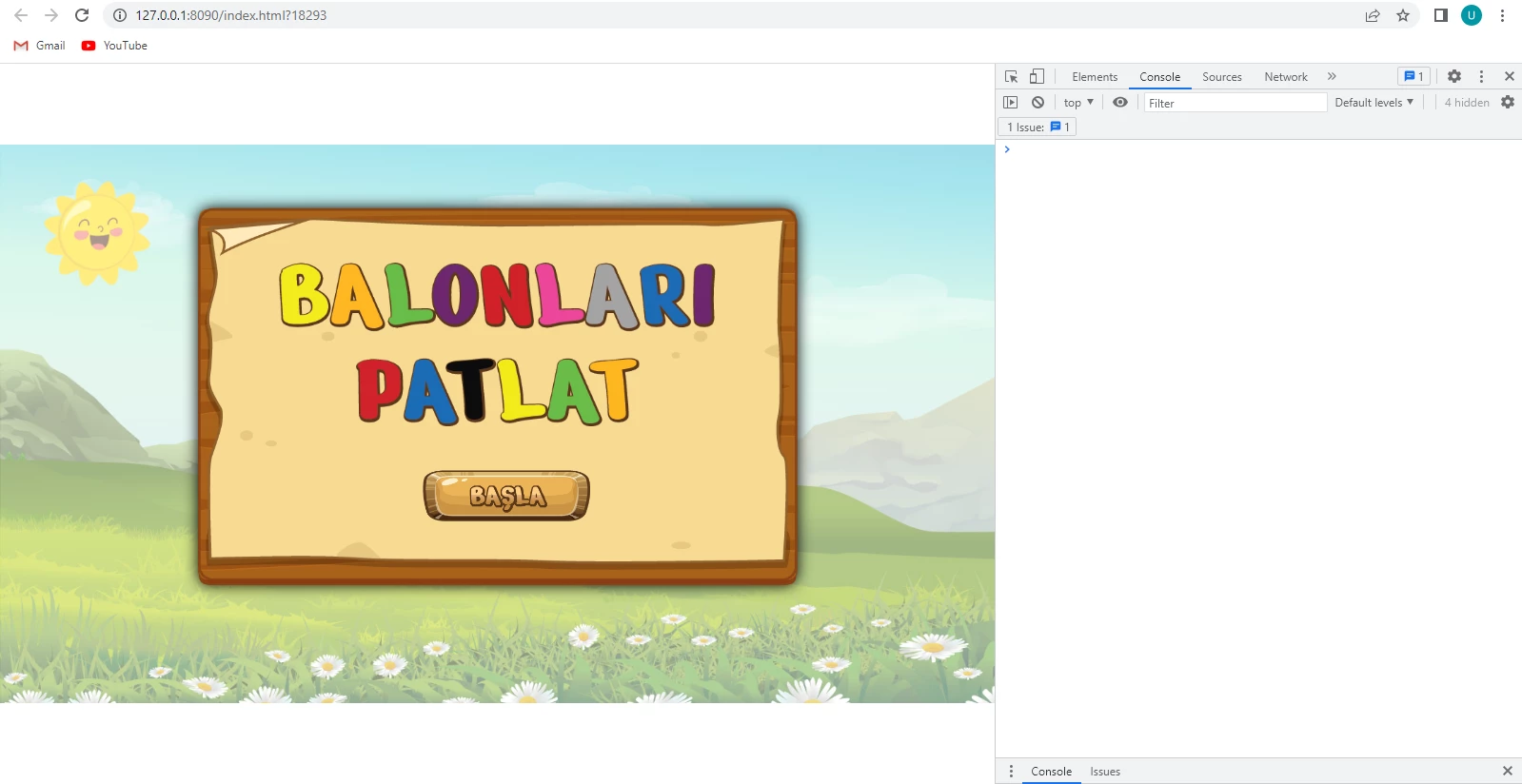
Control-Test(CTRL + ENTER) no problem

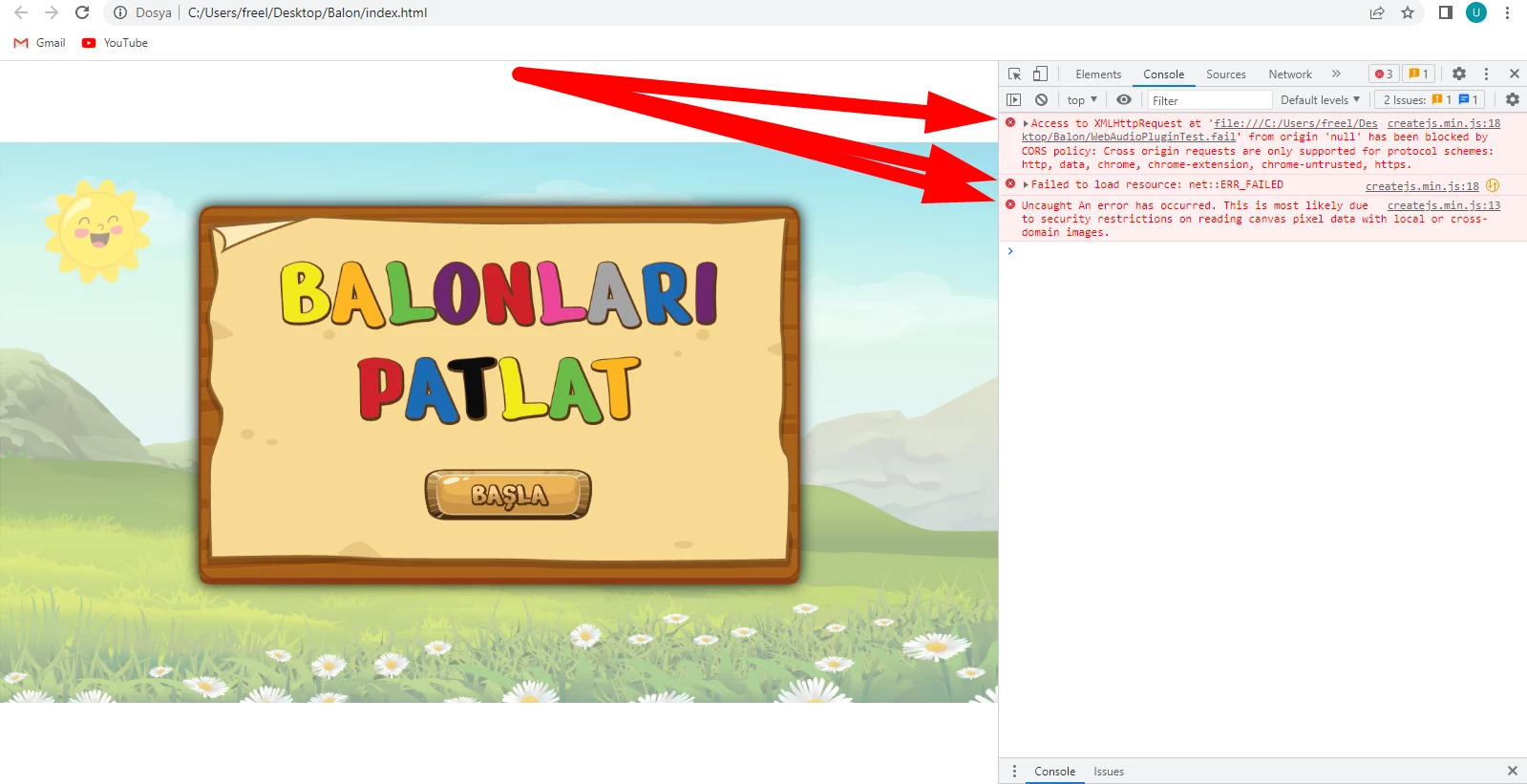
but the publish error



can you help me

    This topic has been closed for replies.

    3 replies

    JoãoCésar17023019
    Community Expert
    Community Expert
    June 9, 2022

    Hi.


    This is a CORS issue.


    For security reasons, browsers restrict cross-origin HTTP requests initiated from scripts. For example, XMLHttpRequest and the Fetch API follow the same-origin policy. This means that a web application using those APIs can only request resources from the same origin the application was loaded from unless the response from other origins includes the right CORS headers.


    So make sure you're requesting assets from the same origin/domain.


    But first, make sure you're running your content from a local or remote server. When you test your application (Cmd + Enter/Return), Animate automatically creates one to run the content.


    Regards,

    JC


    Participating Frequently
    June 10, 2022

    I want to open locally

    JoãoCésar17023019
    Community Expert
    Community Expert
    June 10, 2022

    Hi.


    Please see the answer I just gave in the other thread:

    https://community.adobe.com/t5/animate-discussions/adobe-animate-canvas-html5-publish-local-error/m-p/12996412#M354713


    But please keep in mind that what Animate outputs is essentially a web page so it's meant to be viewed/run on the web.


    If you're willing to send the files directly to your users, you'll have to make sure that they know how to setup a server but you shouldn't expect this kind for expertise from your audience.


    In the end, the best to do is to host your content online and send a link to it.


    Regards,

    JC

    Community Expert
    June 8, 2022

    JoãoCésar Is really good with code he may be able to help you

    LinSims
    Community Expert
    Community Expert
    June 8, 2022

    Let me move this to the Animate forum for you, which is the appropriate forum for your question.

    The Using the Community forum is for help in using the Adobe Support Community forums, not for help with specific programs, installation issues, or account issues such as subscription questions or billing problems, or generalized questions about Creative Cloud services.

    * Product questions should be posted in the associated product community.
    * Installation questions should be posted in the Download & Install community.
    * Account issues, including subscription questions or billing problems, should be posted in the Account, Payment, & Plan community.
    * Questions about the Creative Cloud desktop app or general questions about apps in the Creative Cloud should be posted to the Creative Cloud Services community.