deromes69420762
Participant
January 1, 2020
Answered

Adobe Animate cc 2020 - Creating a soundboard with pause and stop functionality

  • January 1, 2020
  • 1 reply
  • 767 views

Hello,


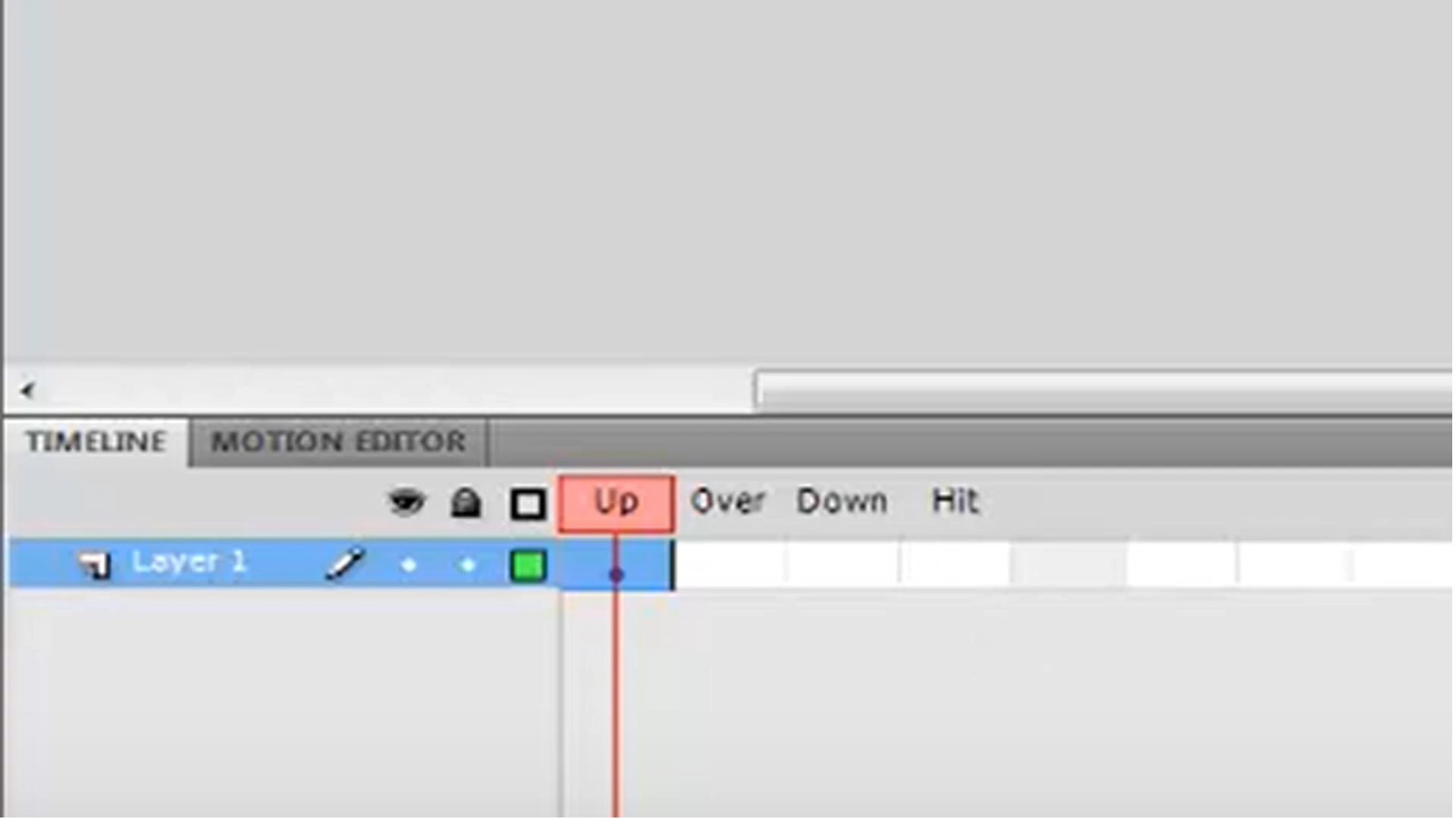
I'm trying to create a very unique soundboard to use with theatre sound effects and music. I created one using Actionscript 3.0 that plays very short clips with no stop or pause. I want to add longer clips that I can play, stop or even pause. This button play plays but I am trying how to stop, and pause. Any help would be much appreciated. 


This topic has been closed for replies.
Correct answer kglad

i don't know why you're showing a button "timeline" because that's not relevant to what you want.  ie, whether you use a button (or buttons) or movieclip (or movieclips) to start, play, stop and pause is incidental.


you can use:


var sound:Sound;

var sc:SoundChannel;

var pos:Number;


function playF(s:Sound):void{

sc = s.play();

sound =s;

}

function stopF():void{

pos = sc.position;

sc.stop();

}

function resumeF():void{

sc = sound.play(pos);

}


p.s.  you'll probably want to add idiot-proofing to prevent playing of multiple sounds

1 reply

kglad
Community Expert
kgladCommunity ExpertCorrect answer
Community Expert
January 1, 2020

i don't know why you're showing a button "timeline" because that's not relevant to what you want.  ie, whether you use a button (or buttons) or movieclip (or movieclips) to start, play, stop and pause is incidental.


you can use:


var sound:Sound;

var sc:SoundChannel;

var pos:Number;


function playF(s:Sound):void{

sc = s.play();

sound =s;

}

function stopF():void{

pos = sc.position;

sc.stop();

}

function resumeF():void{

sc = sound.play(pos);

}


p.s.  you'll probably want to add idiot-proofing to prevent playing of multiple sounds

deromes69420762
Participant
January 3, 2020

Got it. I'm new to coding. I will take me some time to build this thing.

kglad
Community Expert
Community Expert
January 3, 2020

you're welcome.