

Participant
Apr 6, 2022 2:23 PM UTC
Question

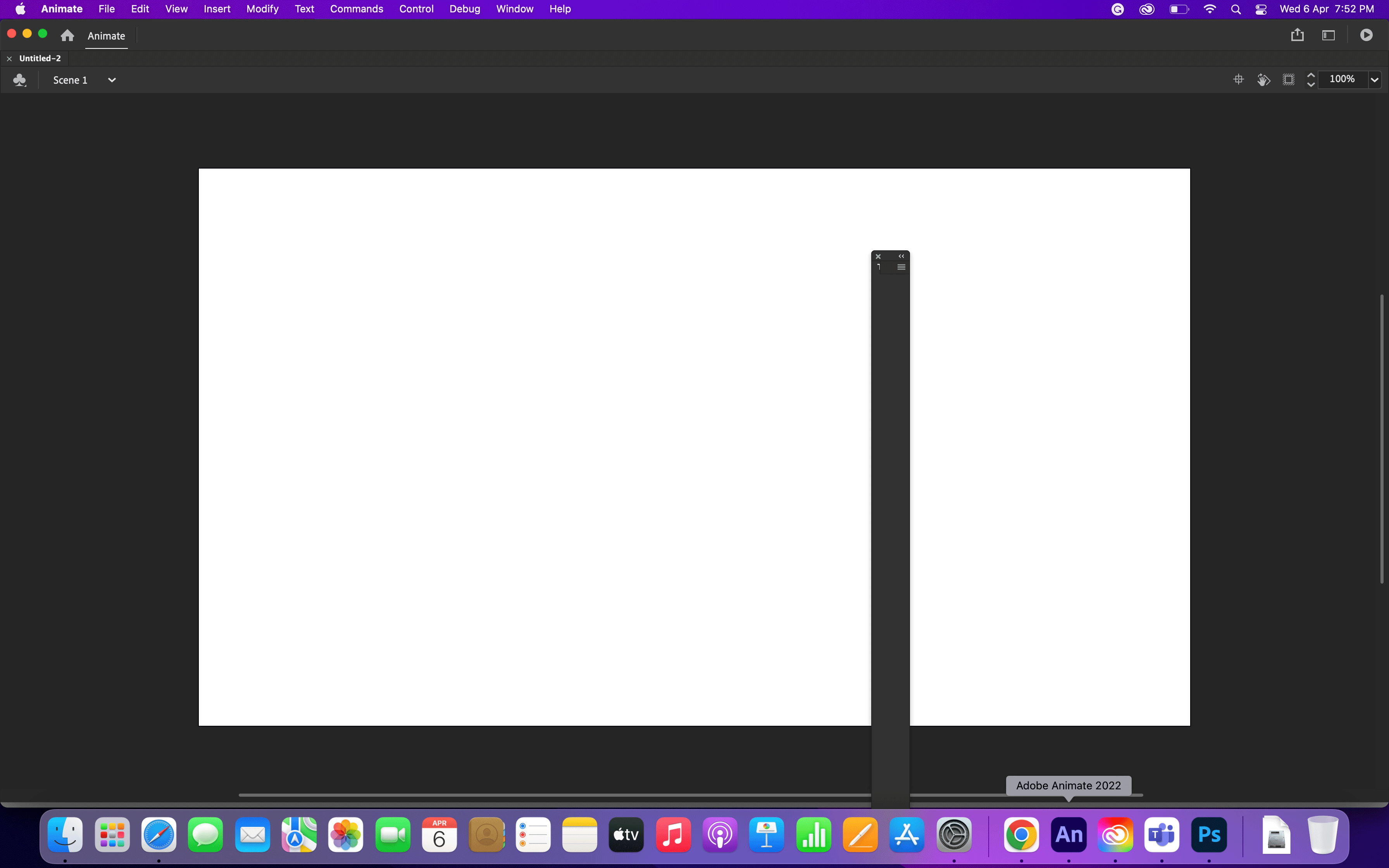
Adobe Animate cc Error

Hi Team,

There was an error in my adobe animate CC . I cannot reset any workspace its always show artboard

    This topic is closed to new replies. Start a new post to keep the conversation going.

    7 replies

    _keyframer
    Community Expert
    Community Expert
    Apr 7, 2022 11:44 AM UTC

    What happens when you hit the F4 key? (Hide/show UI)

    Translate
    Animator and content creator for Animate CC
    Community Expert
    Apr 6, 2022 6:48 PM UTC

    Change your workspace


    settings. 


    Translate
    Participant
    Apr 7, 2022 5:00 AM UTC

    Hi Nick,

    This is not work.. Already done this several times...

    Translate
    Community Expert
    Apr 7, 2022 8:46 PM UTC

    What about uninstall and reinstall?

    Translate
    kglad
    Community Expert
    Community Expert
    Apr 6, 2022 2:32 PM UTC

    restart animate.

    if that fails, restart your computer

    if that fails:


    1.assign (if none now exist) a custom keyboard shortcut:

    2.reset your preferences* (you should not give up on this until you've tried several times)

    3.confirm you were successful by checking your keyboard shortcut was reset


    if it's not, return to step 2

    if it is reset, check if the problem is resolved


    *

    press and hold Control+Alt+Shift (Windows) or Command+Option+Shift (Mac OS) as you start Animate.

    Translate
    Participant
    Apr 7, 2022 5:02 AM UTC

    Hi Kglad,

    Not working ..already done this before posting. even I can delete my profile then reinstall adobe animate.. but still not working. The problem remains the same.


    Translate
    kglad
    Community Expert
    Community Expert
    Apr 7, 2022 2:41 PM UTC

    did you confirm you successfully reset preferences?

    Translate