jonahremigio
Participant
November 11, 2016
Answered

Adobe Animate CC Stage/Canvas Scaling Stuck

  • November 11, 2016
  • 1 reply
  • 1213 views

I recently downloaded the most recent version of Adobe Animate CC for the first time, and I've been having incredible issues with the stage. I've restarted Animate, my computer, ran the program as an administrator, etc. The issue is that when I create a new document, the stage gets stuck on the right side of the workspace, with some of it getting cut off by the toolbars. This isn't an issue of the "Pastebar" option, because the canvas just won't move left. I've proved a screenshot below of the extent to which the canvas can move left. I could use help as soon as possible, as I have a very large project to work on with Flash.

This topic has been closed for replies.
Correct answer kglad

is that cc 2017 (help>about animate)?

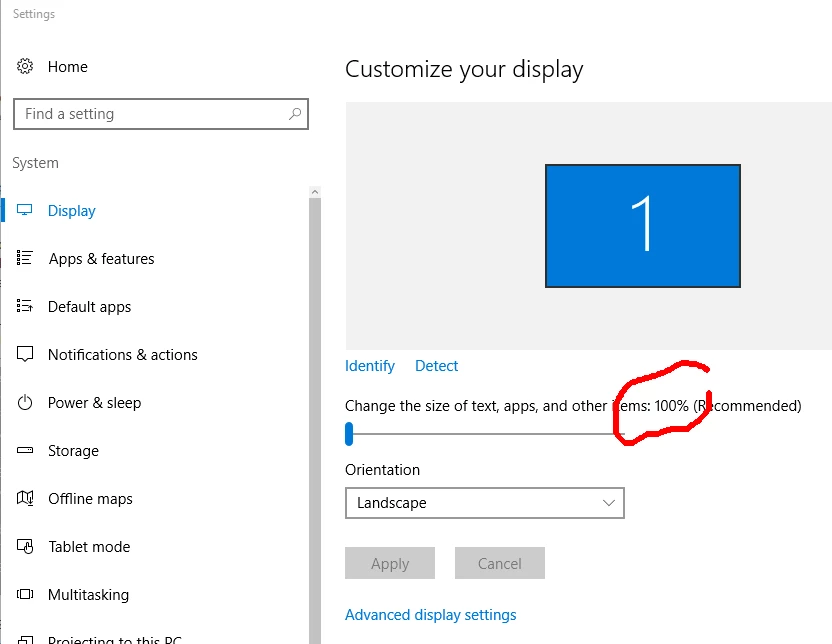
is your screen scaled at 100%?

1 reply

kglad
Community Expert
Community Expert
November 11, 2016

i don't see anything cut-off, but try changing your workspace from essentials to something else.

jonahremigio
Participant
November 11, 2016

I've tried doing that multiple times, and with every workspace. Also, in this view, nothing's cut off because I'm not zoomed in enough. If I try to fit the canvas to an appropriate scale, the right side gets cut off, and I can't pan left.

kglad
Community Expert
kgladCommunity ExpertCorrect answer
Community Expert
November 11, 2016

is that cc 2017 (help>about animate)?

is your screen scaled at 100%?