Issam22261068eq3p
Participant
Dec 16, 2021 9:12 AM UTC
Answered

Adobe animate image Issue

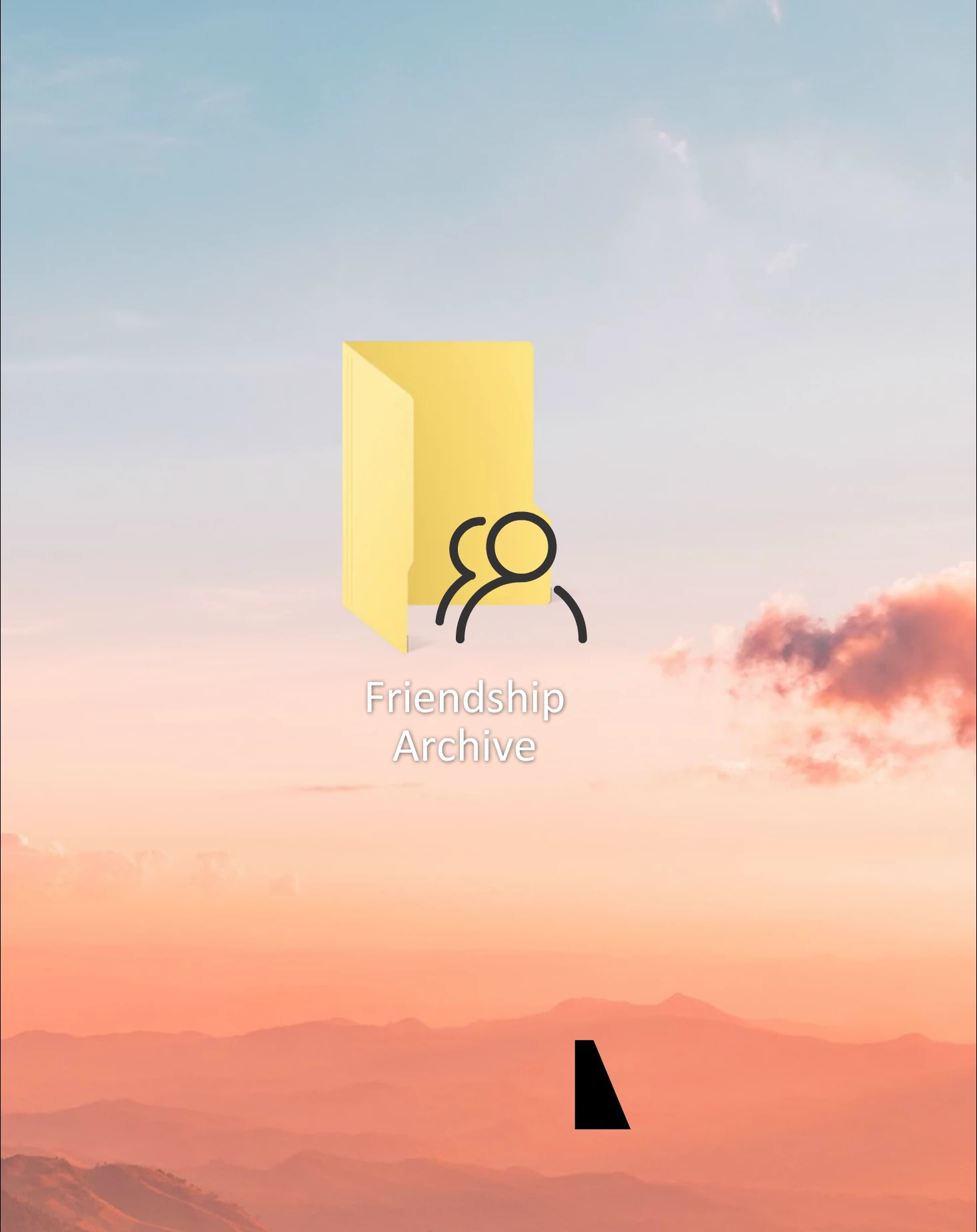
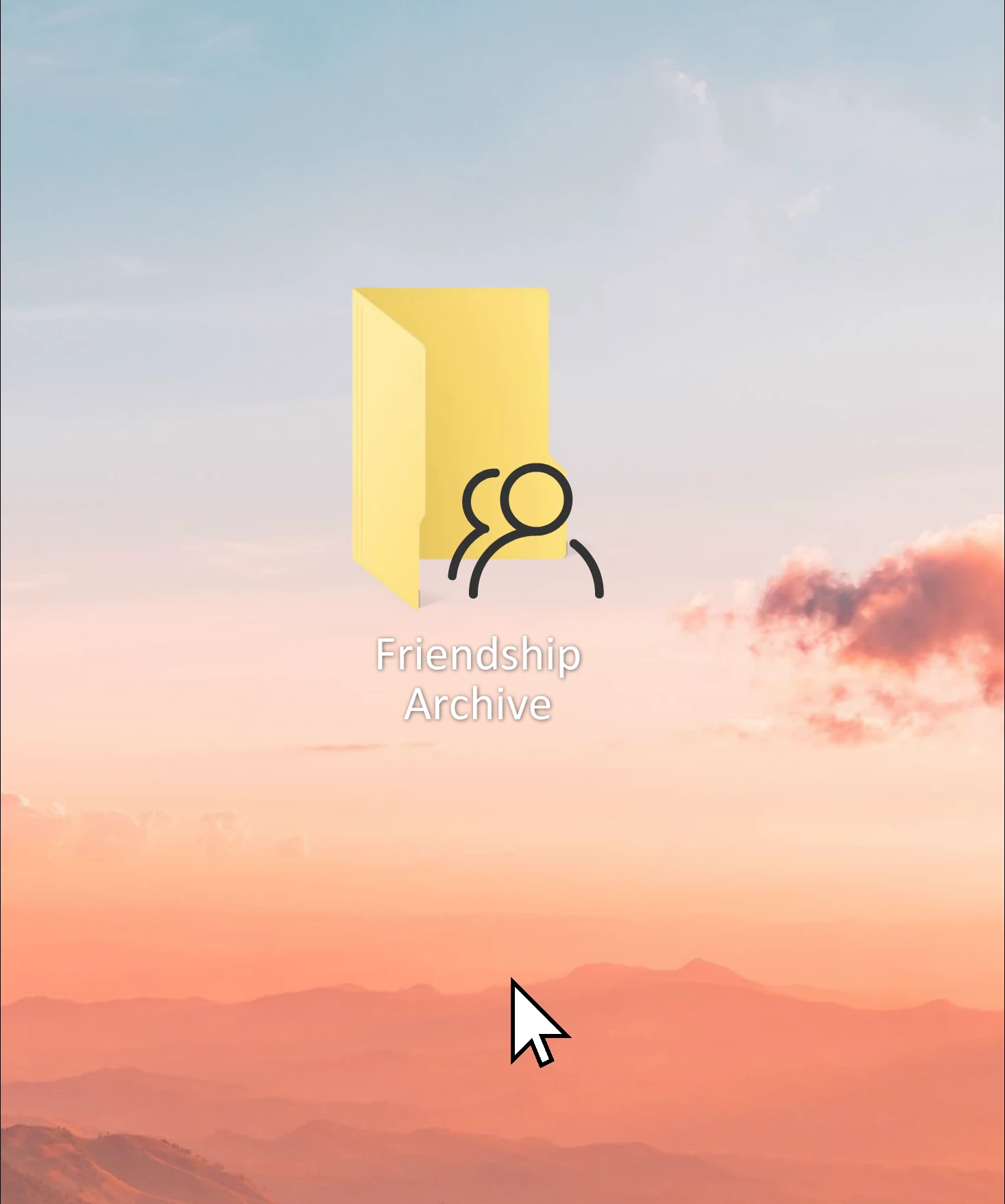
hey everyone recently i'm trying to make a animation in adobe animate but i having this issue ( small images don't appert ) and i don't know what's the solution to it 
    This topic is closed to new replies. Start a new post to keep the conversation going.
    Mario_CR
    Mario_CRCorrect answer
    Community Expert
    Dec 16, 2021 6:02 PM UTC

    This is a limitation of the program, if you scale down bitmaps too much in relation to the stage they either disappear or show up as squares in rendering. The solution here is vectorizing the mouse pointer bitmap by selecting it on stage > Right-click> Trace, or by replacing it with an image in vector format, like this one: https://www.freepik.com/free-vector/cursor-pack-nine_1538098.htm


    2 replies

    Mario_CR
    Community Expert
    Mario_CRCommunity ExpertCorrect answer
    Community Expert
    Dec 16, 2021 6:02 PM UTC

    This is a limitation of the program, if you scale down bitmaps too much in relation to the stage they either disappear or show up as squares in rendering. The solution here is vectorizing the mouse pointer bitmap by selecting it on stage > Right-click> Trace, or by replacing it with an image in vector format, like this one: https://www.freepik.com/free-vector/cursor-pack-nine_1538098.htm


    Translate
    kglad
    Community Expert
    Community Expert
    Dec 16, 2021 4:17 PM UTC

    the object you're moving is on a layer below the layer containing the "friendship archive" object.

    Translate