
Question
Adobe Animate wont come up on my scree
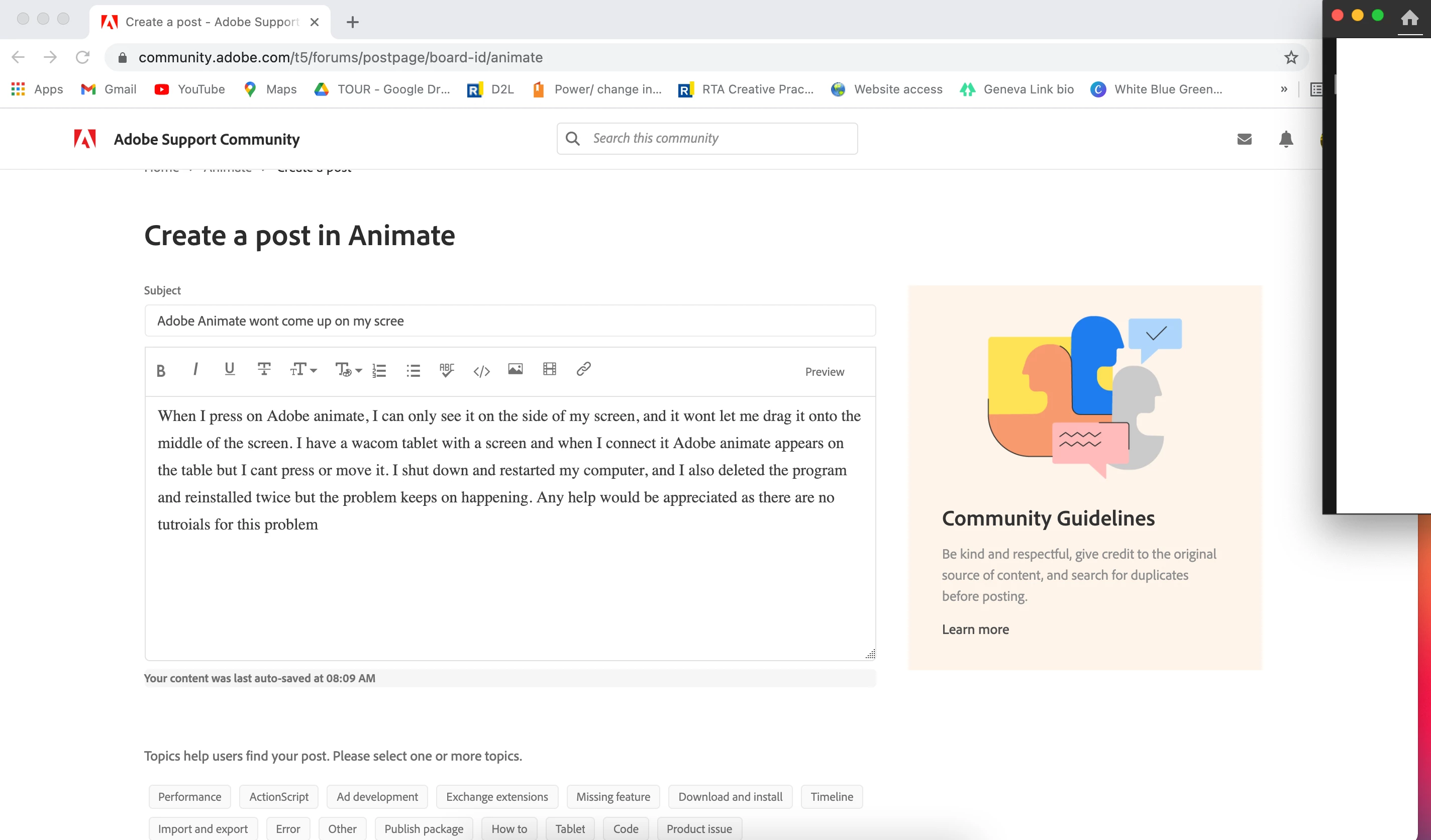
When I press on Adobe animate, I can only see it on the side of my screen, and it wont let me drag it onto the middle of the screen. I have a wacom tablet with a screen and when I connect it Adobe animate appears on the tablet but I cant press or move it. I shut down and restarted my computer, and I also deleted the program and reinstalled twice but the problem keeps on happening. Any help would be appreciated as there are no tutroials for this problem. from the picture below you can see adobe animate in the corner of my screen, and that is as much as I can see of the program.


 AdChoices