


Participant
January 31, 2021
Answered

Adobe Animated 2019 pencil tool multiframe editing not working??

  • January 31, 2021
  • 1 reply
  • 333 views

So animating and I'm trying to use the multiple frame edit tool so I can grab all my pencil markins and it's not working for some reason? I could of sworn I've done this before and it worked just fine? This is what it looks like
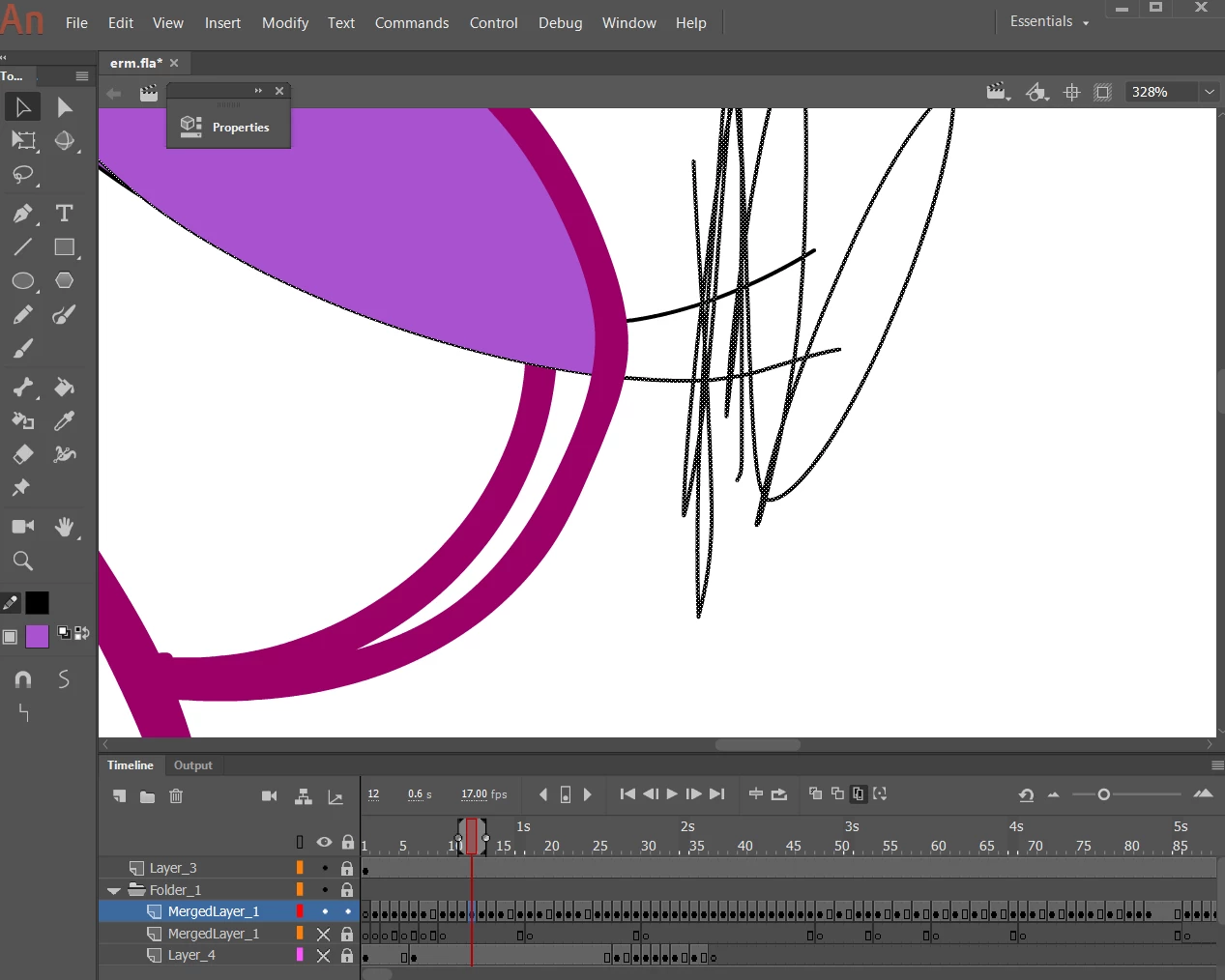
I tried making the selection big and small, and it just selects the pencil lines on one frame and erm, if I had to go through all frames and get the pencil lines I will be really heart broken. So is there even a way or command I can do to get rid of all the pencil lines or something if I'm not supposed to use multiple frame editor or whatever?

    This topic has been closed for replies.
    Correct answer n. tilcheff

    Hey Danielle,


    With edit multiple frames range defined, go Select All and then choose 'No Stroke' from the color picker under tools.

    This should get rid of all the pencil lines / strokes.


    1 reply

    n. tilcheff
    n. tilcheffCorrect answer
    Legend
    January 31, 2021

    Hey Danielle,


    With edit multiple frames range defined, go Select All and then choose 'No Stroke' from the color picker under tools.

    This should get rid of all the pencil lines / strokes.


    Nick - Character Designer and Animator, Flash user since 1998 | Member of the Flanimate Power Tools team - extensions for character animation
    Participant
    January 31, 2021

    Thank you sm!!! ily!!!