lidiya_127
Inspiring
November 15, 2020
Answered

Adobe Flash cs6 weird crashing issue

  • November 15, 2020
  • 3 replies
  • 855 views

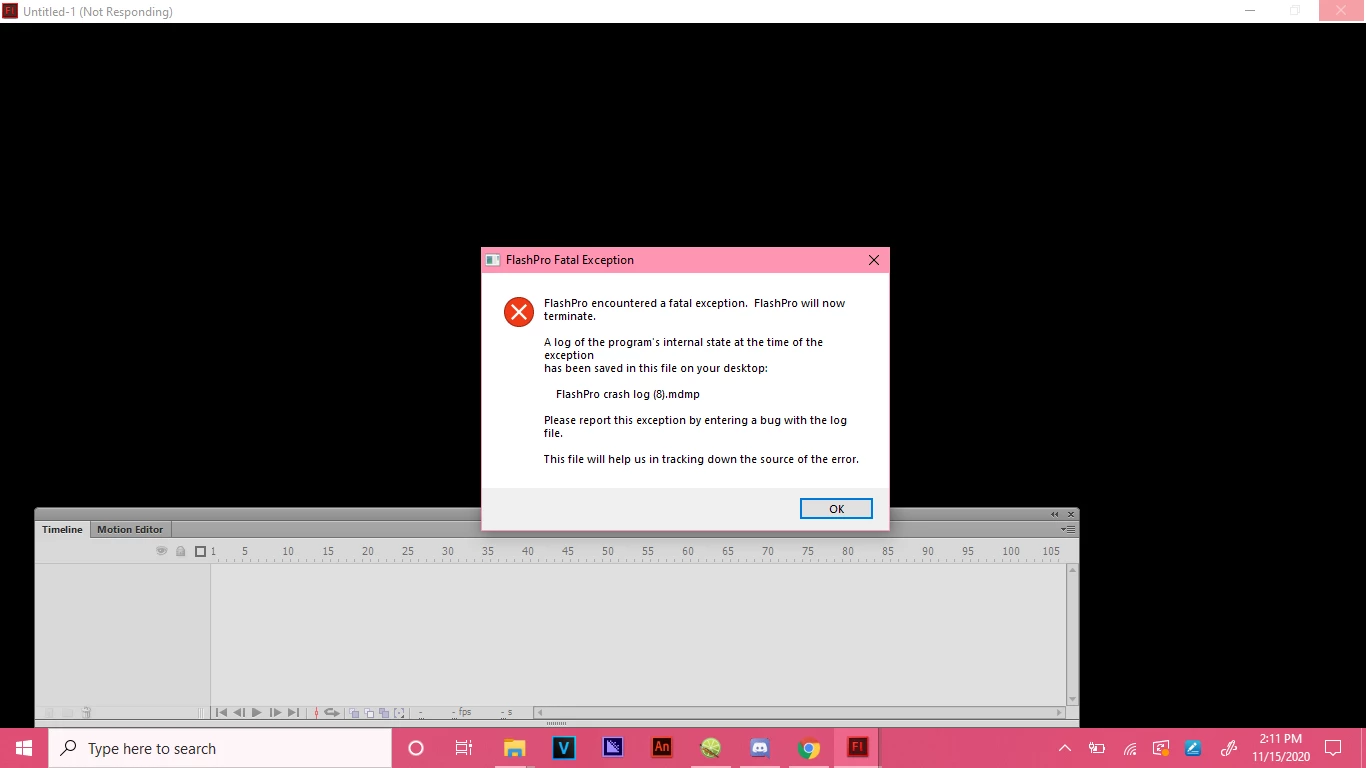
I still use Adobe Flash cs6 since it is a very good program. But it keeps doing this weird crash thing which im not sure how to fix. 
 

    This topic is closed to new replies. Start a new post to keep the conversation going.
    Correct answer n. tilcheff

    Make sure Flash is closed.

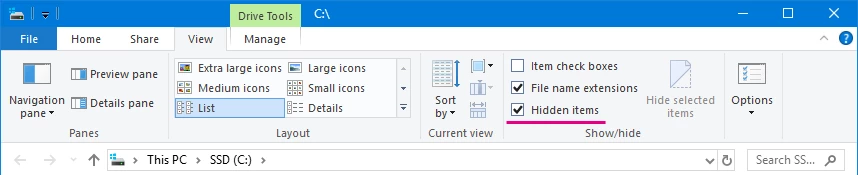
    From your Windows Explorer make sure you choose Show Hidden Files.

    Find this folder:

    C:\Users\YourUserName\AppData\Local\Adobe\Flash CS6\YourLanguage\


    Delete the folder called Configuration inside.


    Start Flash.

    It will create clean new config.


    3 replies

    Robert Mc Dowell
    Legend
    November 15, 2020

    try to erase all your preferences

    lidiya_127
    Inspiring
    November 15, 2020

    I'm not sure how

    n. tilcheff
    n. tilcheffCorrect answer
    Legend
    November 15, 2020

    Make sure Flash is closed.

    From your Windows Explorer make sure you choose Show Hidden Files.

    Find this folder:

    C:\Users\YourUserName\AppData\Local\Adobe\Flash CS6\YourLanguage\


    Delete the folder called Configuration inside.


    Start Flash.

    It will create clean new config.


    Nick - Character Designer and Animator, Flash user since 1998 | Member of the Flanimate Power Tools team - extensions for character animation