


All color settings and hex codes are EXACTLY the same, but don't look the same upon importing from Illustrator to Animate
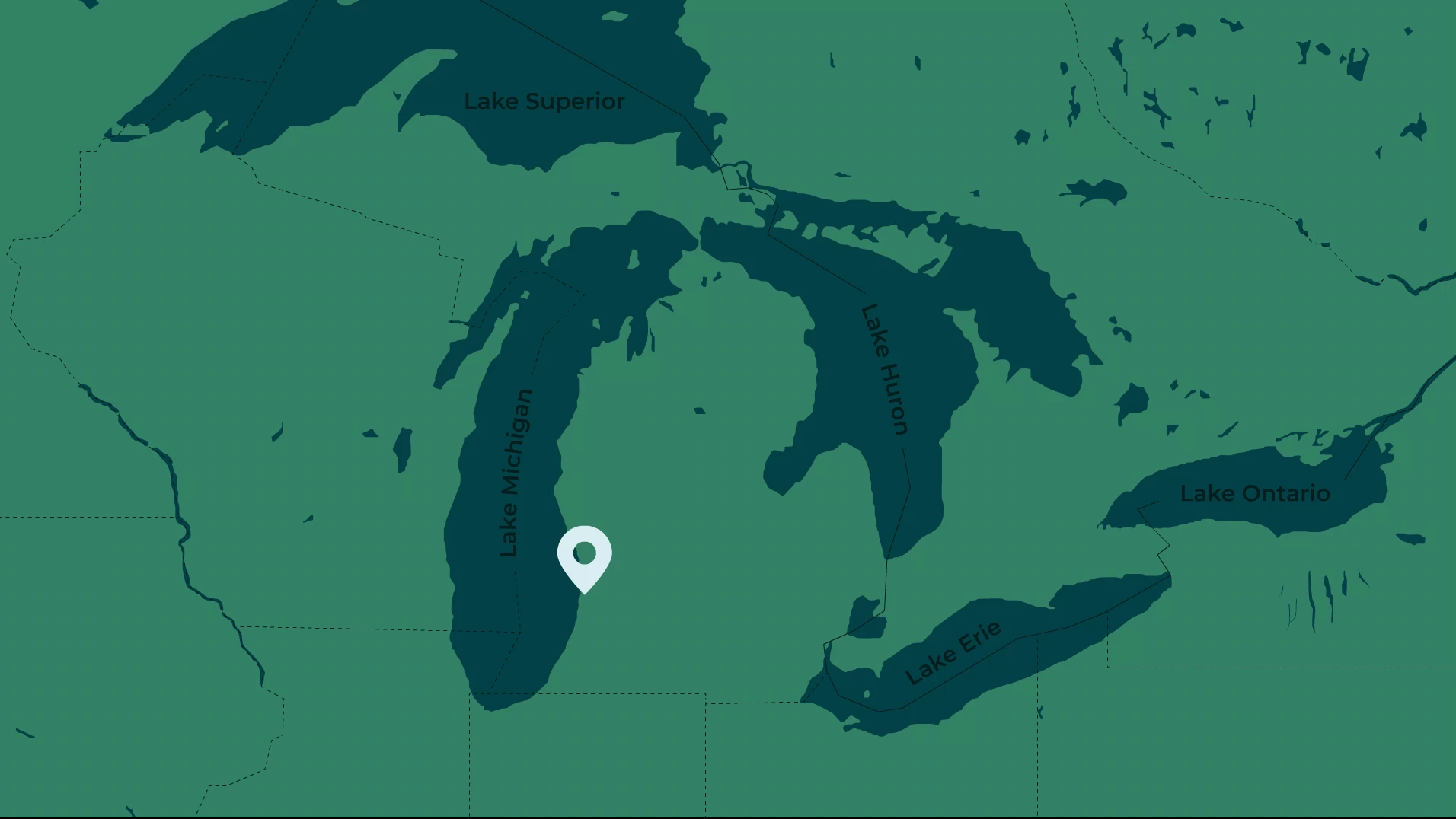
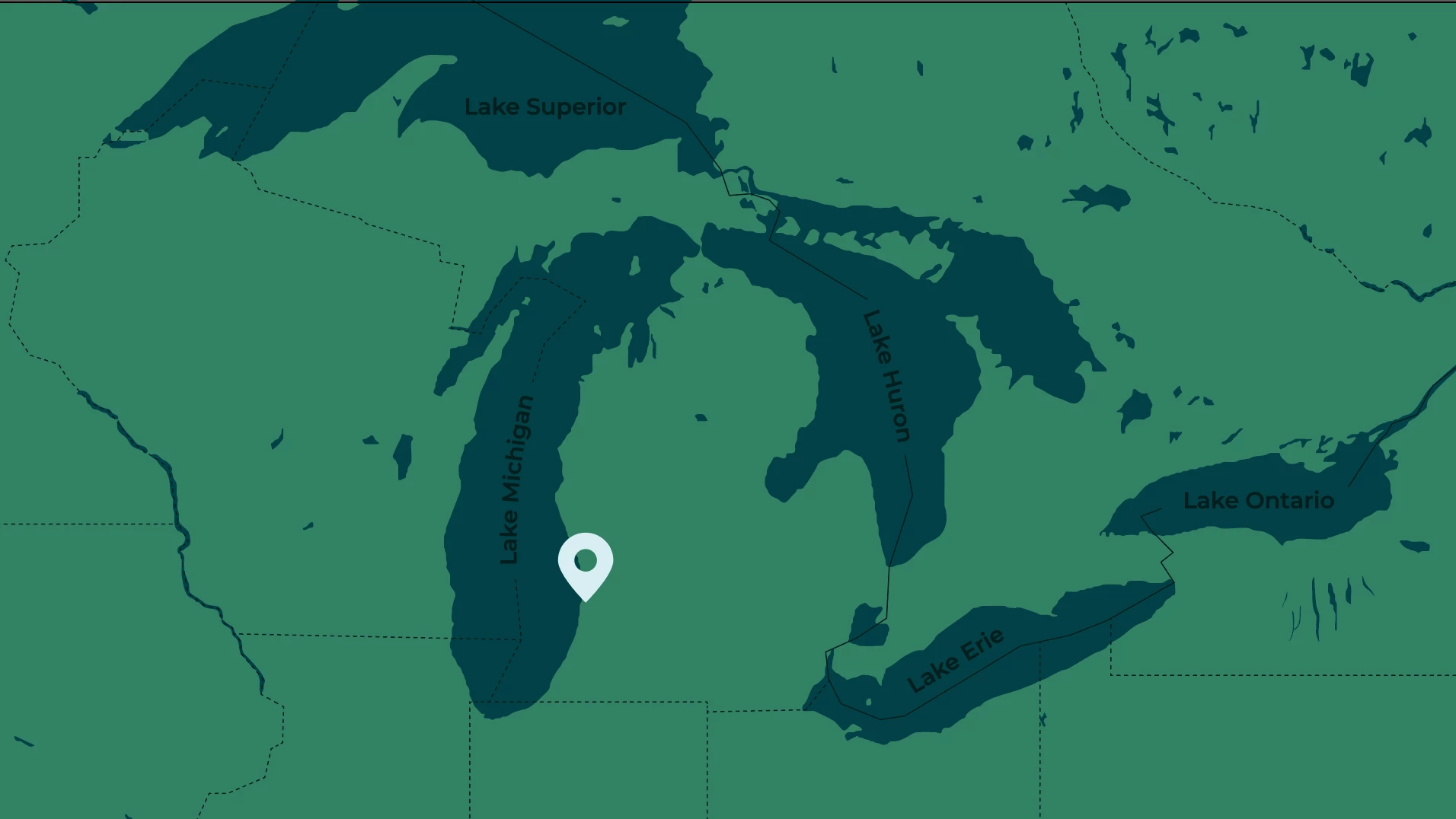
I am working on animating multiple scenes I illustrated in Adobe Illustrator. I am animating them in Adobe Animate. For context, currently I am animating two map scenes that I will later have together in After Effects, so the colors NEED to match. Despite being the same hex codes, color mode, and color profile, when I import one Adobe Illustrator file into Animate, the colors look exactly as they do in the Illustrator document. When I import the OTHER Illustrator file into Animate, the colors are way brighter than they are in the original Illustrator document.
I have gone through and manually checked that everything is consistent and have made sure the color profiles are synchronized in Bridge.
Open to any help on this. I have attached screenshots of the difference in colors


 AdChoices