

Answered
Animate 2021 export video/media: mp4 looks terrible
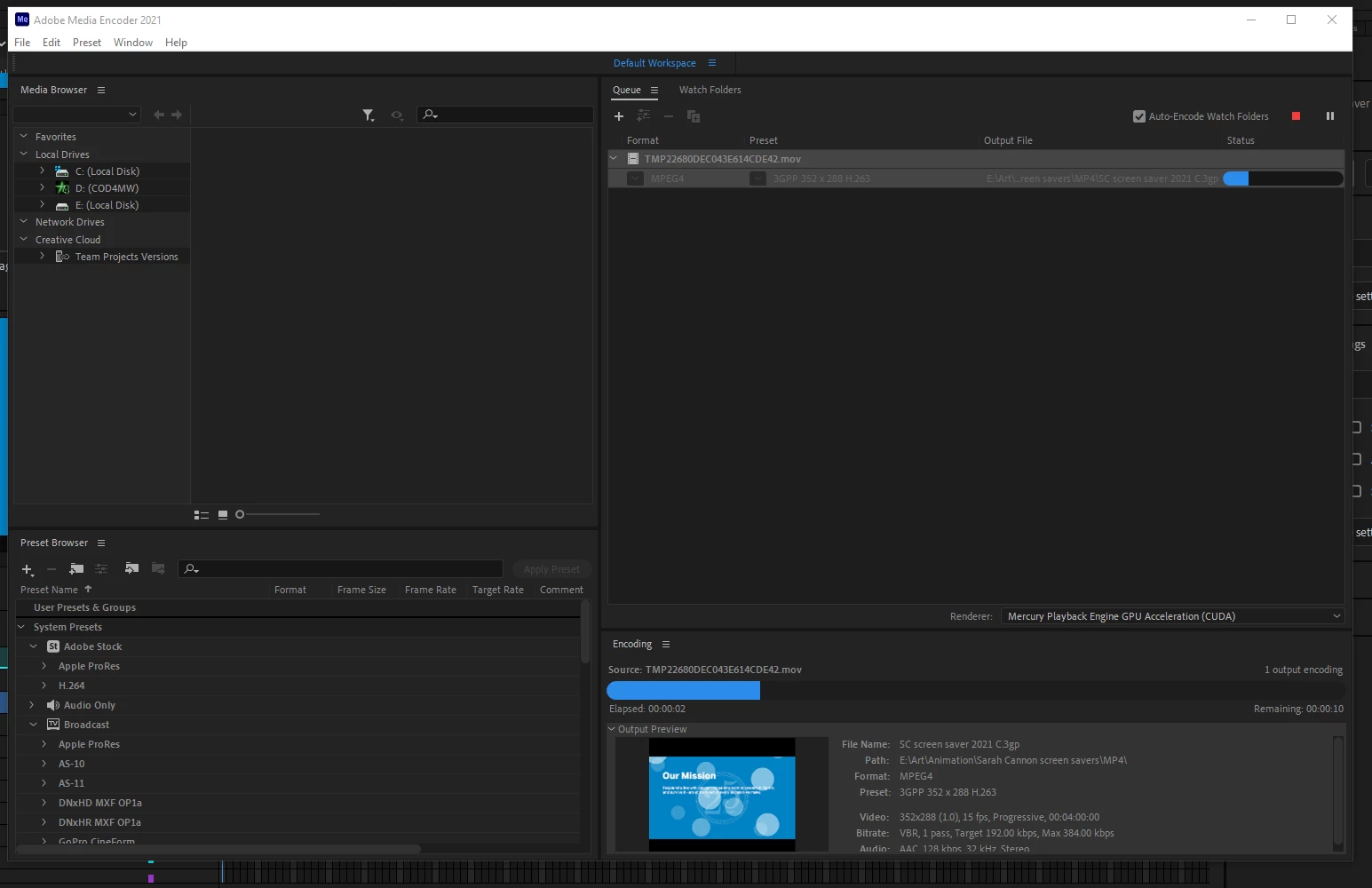
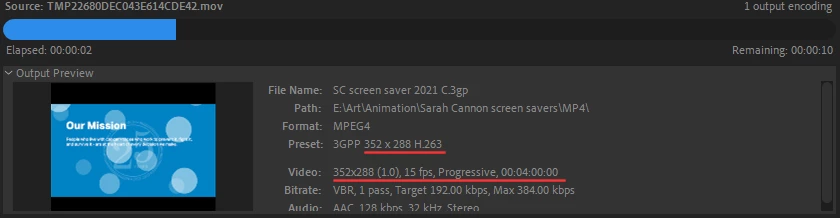
I'm using version 21.0.7, and when I export my project, and Media Encoder opens, and I follow the steps I watched in a tutorial, the final product, the MP4 file, looks terrible when played. The video has very low resolution, and, even when maximized, the display area is small in the frame. I tried raising the resolution from 1280x720 to 1920x1080 in the first export window, but I didn't think that would change anything, and it didn't. I was so excited to complete my first animation, and now this. Can't one step of this learning process be easy?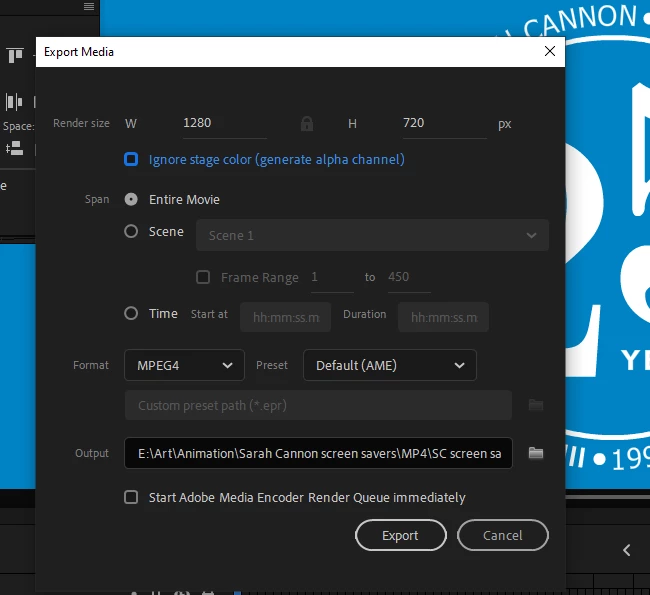




 AdChoices