
Animate 21.0.9 Black Screen Blank Dialog Box Crash
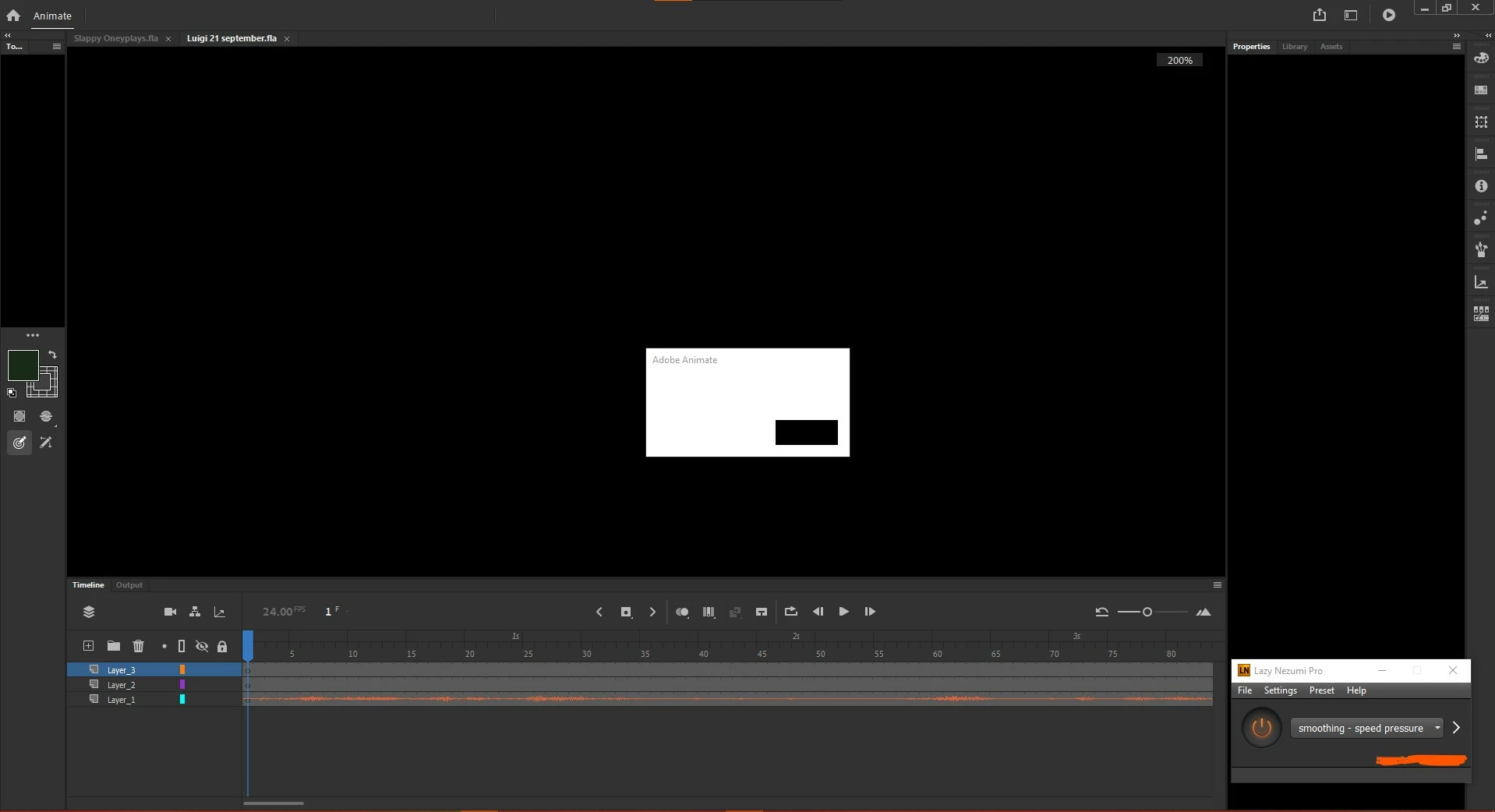 Ever since I've used Animate CC I've had this bug, doesn't matter if opening an old .fla, creating new ones, the file size, nada. About every 30-60 minutes having a project open, while just drawing it occurs, I have to be sure to save often then restart the app. I thought it was a graphics related issue so I reinstalled and updated graphics drivers, updated and reinstalled windows 10, the software, even tried reseting properties multiple times like others were saying to do...to no avail. I'm tired with Adobe basically scamming people with software that seems more broken than their previous counterparts, most people I hear still want to use old Flash because it was more stable. However, here's some of my computer specs if anyone wants to help:
Intel core i7-9750H CPU @2.60GHz
Nvidia Geforce RTX 2060
16 GB RAM / Windows 10 Home 64 bit
Wacom Intuos Tablet / uses Lazy Nezumi over software


 AdChoices