
Participant
February 17, 2022
Question

Animate 22.0.2 resized Texture Atlas shapes position problems in the resulted "atlas.png"

  • February 17, 2022
  • 2 replies
  • 311 views

Hi, never used flash before yesterday.


I'm trying to upscale an animation (animation composed from multiples symbols accross the .fla file) , the animation is in a Symbol, before exporting it in "Export to Texture Atlas" to have the Atlas.png and Json related but :


When I use the "Resolution" option in the texture atlas, the textures are fine and not missaligned (resolution x2 or x3), but its still too small for my use sor I want bigger :
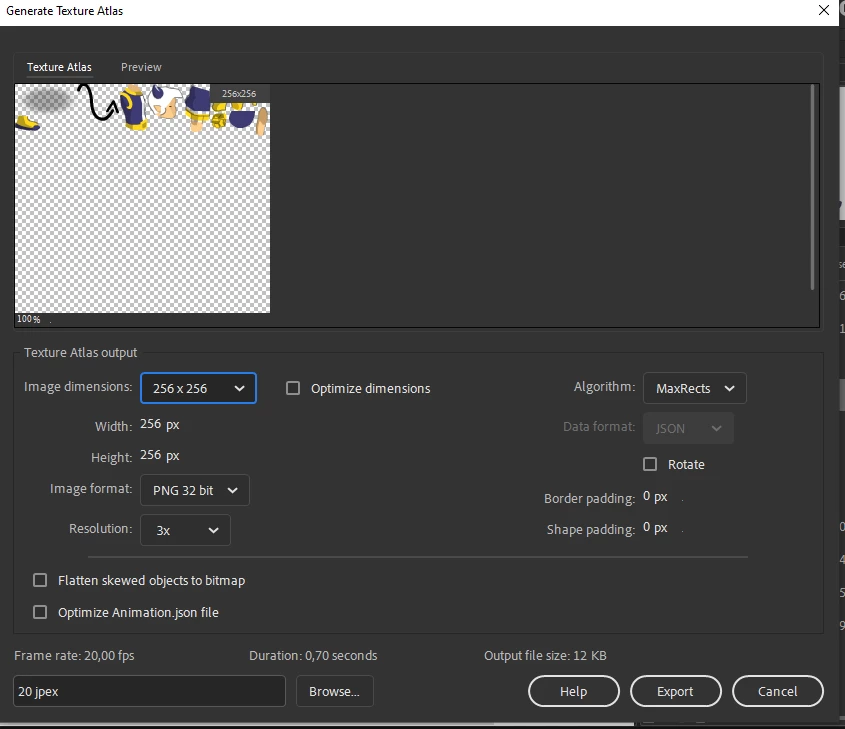


Then I tried resizing manually (I resized every frames with the "Edit multiple frames"), the resulted Atlas is effectily bigger but with misaligned textures :
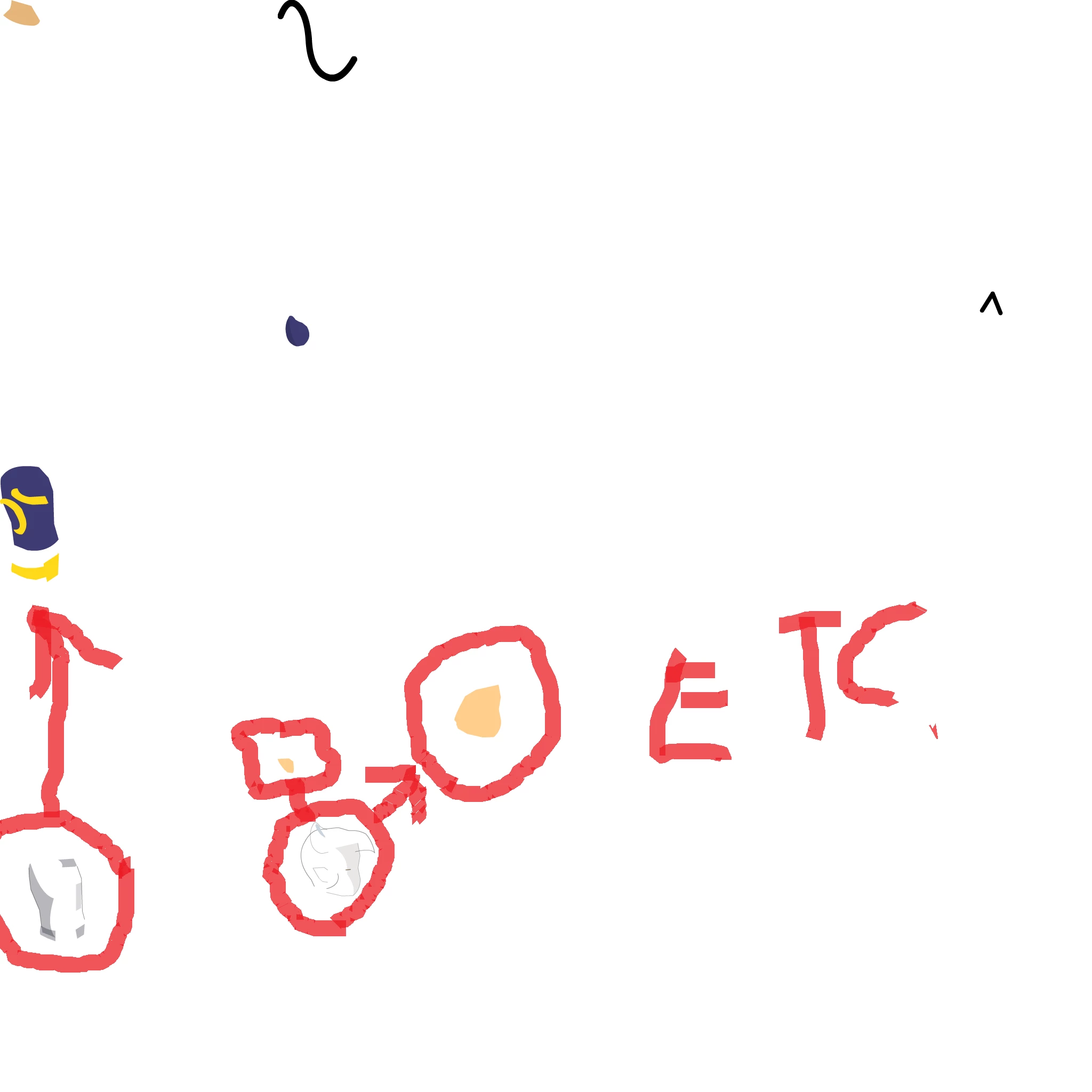


The .fla was originally created in Macromedia Flash 8 so I tried it to resize etc. But same problems occures. I put the .fla file in download, the symbol (that contains the animation I'm trying to resize) is the Symbol 82.


FLA FILE 


Do you know what is going on, why can't I resize it without misaligned texture etc. ? Thanks.

    This topic has been closed for replies.

    2 replies

    n. tilcheff
    Legend
    February 17, 2022

    I tried to open the FLA, but nothing loads on the stage, because of an 'invalid instance name'.


    Anyhow, what you can try is scale up your contents on the stage (as you have done) and use Zero Transform to reset the matrices of your symbols. This will most likely help with the export.


    Nick - Character Designer and Animator, Flash user since 1998 | Member of the Flanimate Power Tools team - extensions for character animation
    Participant
    February 17, 2022

    The scene is empty, the game was build like that. The animations are in symbols,  the one I'm trying to scale is in Symbol 82 (you can open it).


    I tried the Zero Transform thing, but from what I saw, it changed nothing, are you talking about the

    "Set Reg Point to Transform Point" command ? with the "Zero Transform" option ?


    It didn't seem to work, do you know another tool to reset the matrices of the symbols ?

    n. tilcheff
    Legend
    February 17, 2022

    I had no difficulty fixing it with Zero Transform.

    You need to Zero T not only the wrapper but the body parts as well.


    Here is the fixed FLA.


    However, the setup of the rig is absurd with a million of unnecessary nested symbols.


    Upped the container size to 300% and here is the 3x atlas:


    Hope this helps.


    Nick - Character Designer and Animator, Flash user since 1998 | Member of the Flanimate Power Tools team - extensions for character animation
    Participant
    February 17, 2022

    I don't see the edit button sorry, but the black shapes on the second screen are the outlines of other shapes, they are normally superposed to their respective shapes.