
Animate a falling Cherry
So I asked the same Question some time ago, the solution did help me search in the right direction, but I was still not able to solve my problem.
But thanks to that, I now can narrow my Question down to its root.
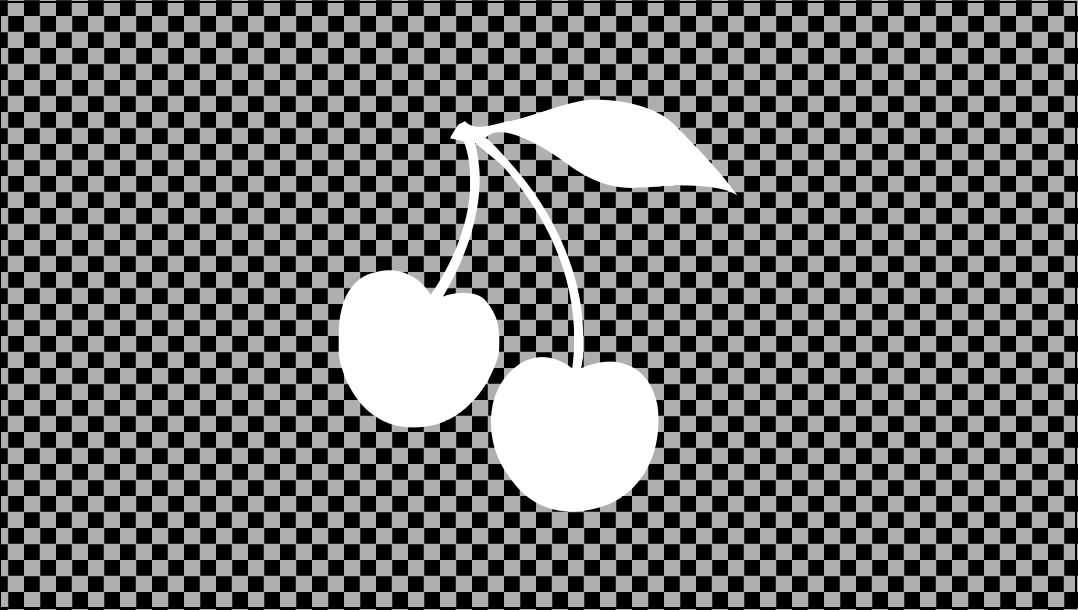
I want to animate a falling Cherry (but still being on the center of the screen. No actual movement on the Y axis).
Now I only want for the two Cherry's to move in a natural way (falling animation) but still being stuck to the cherry stalk.
After watching some tutorials I figured that tweening might be a solution. Jet I can't use it because my Illustrator Cherry is only one Piece (one Layer).
I've got some Ideas on how to solve my Problem but I don't know how to do them or if they are possible to do with that.
With Illustrator I can select some of the cherry's anchor points to move it but in Animate I can't, or I haven't figured it out.
So I figured maybe I can save my Illustrator file as a multiple Layer Picture and have the cherry's and cherry stalk separated.
The Problem with that is that I would eliminate the connectivity of the cherry stalk and the cherry's and that would make the animation unnatural or more unnatural.
I am new to Illustrator and have completely no knowledge on Animate/Flash. I know some Photoshop, but thats it.
But I tried watching some tutorial but none matched my actual search/question.
Help would be really appreciated 
Thanks in Advance.
 AdChoices