
Participant
December 30, 2017
Answered

Animate - Bitmap not appearing after publish

  • December 30, 2017
  • 1 reply
  • 1337 views

I'm working on an HTML5 game I've been creating with Animate. I wanted to create a brick style background. So I drew a bunch of rectangles to look like a brick. Converted that drawing into a symbol and then converted that to bitmap. Then I used that as the background color for a rectangle that I drew covering the whole stage. The design looks about as I'd expect in the editor.
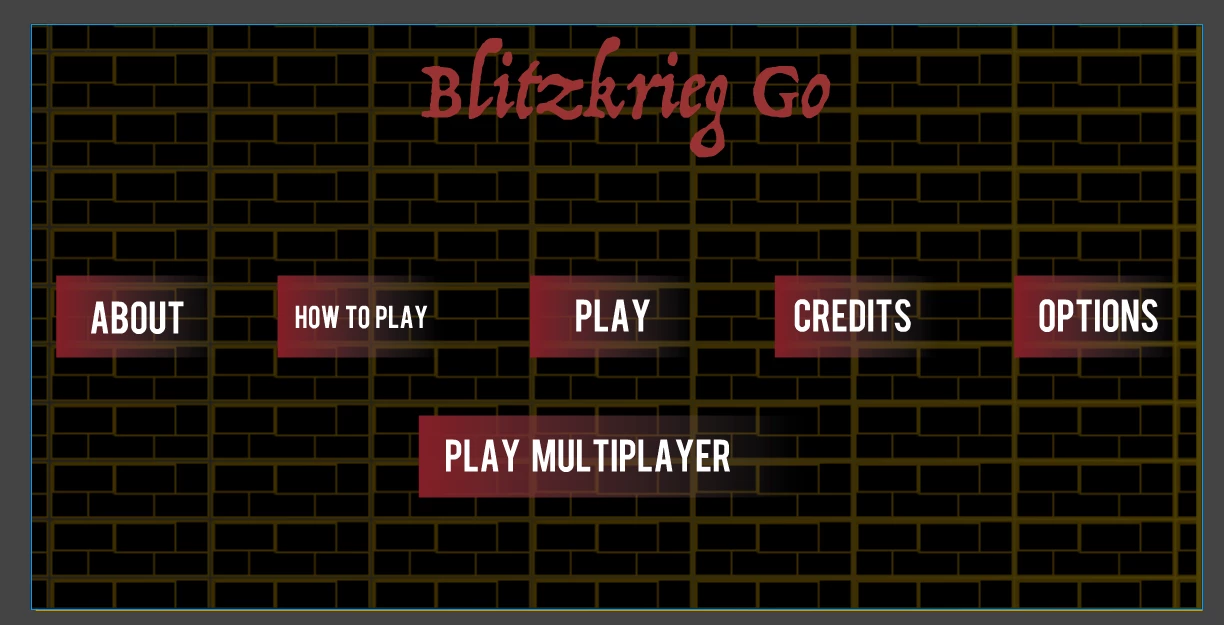
I mean... the original version was a bit bright, perhaps I should've used a more toned down orange... anyway I then drew another black square on a layer above and dropped the alpha channel so it darken the background a little. And this is the effect.

Buuuuuut.... when I test (aka publish, aka view in the browser) the project it looks like this
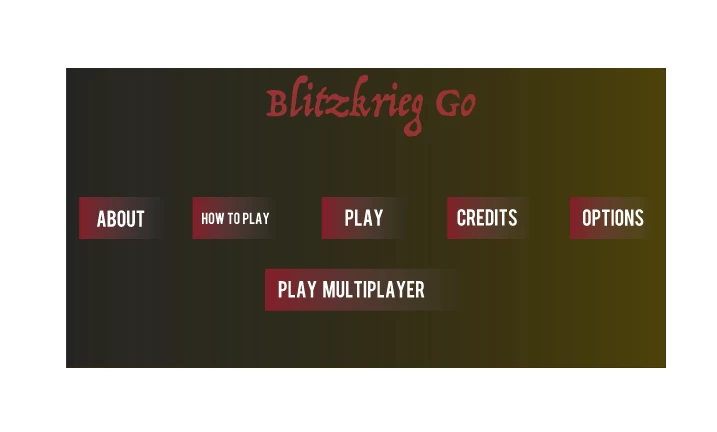
The gradient background that appears is from another layer bellow. Basically the darkening layer is still there, but the bitmap drawing is gone. why?

Can anyone help me with this?

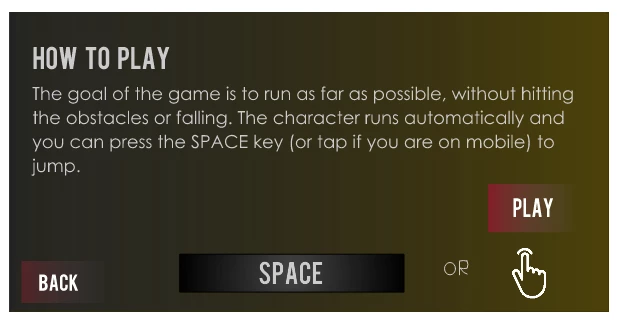
PS: just to add insult to injury, in another frame I'm also using a bitmap, that's an icon.png and it does render in the browser. (it's the hand icon)
This topic has been closed for replies.
Correct answer Thaenor

Nope, checked the console and saw nothing. I did find it strange that it was sending - in the resources tab - a spritesheet with my two assets, and then another one with the brick like bitmap. That's what gave me the idea to toggle it off. Since then it's been working fine, even in the "deployed" version. (index)

1 reply

ThaenorAuthor
Participant
December 30, 2017

Turning off the option to render the bitmap assets in a spritesheets seems to have fixed this issue. I don't have an explanation for it, but it fixes the problem

Legend
December 31, 2017

The explanation is that some browsers (*coughChrome*) have tighter security restrictions on content run from the local file system, which affects things like sprite sheets. If you'd opened the browser's developer console you probably would have seen a relevant error message.

ThaenorAuthorCorrect answer
Participant
December 31, 2017

Nope, checked the console and saw nothing. I did find it strange that it was sending - in the resources tab - a spritesheet with my two assets, and then another one with the brick like bitmap. That's what gave me the idea to toggle it off. Since then it's been working fine, even in the "deployed" version. (index)