
Known Participant
August 13, 2021
Answered

Animate Broken on Second Display, Wacom

  • August 13, 2021
  • 2 replies
  • 382 views

Hello,

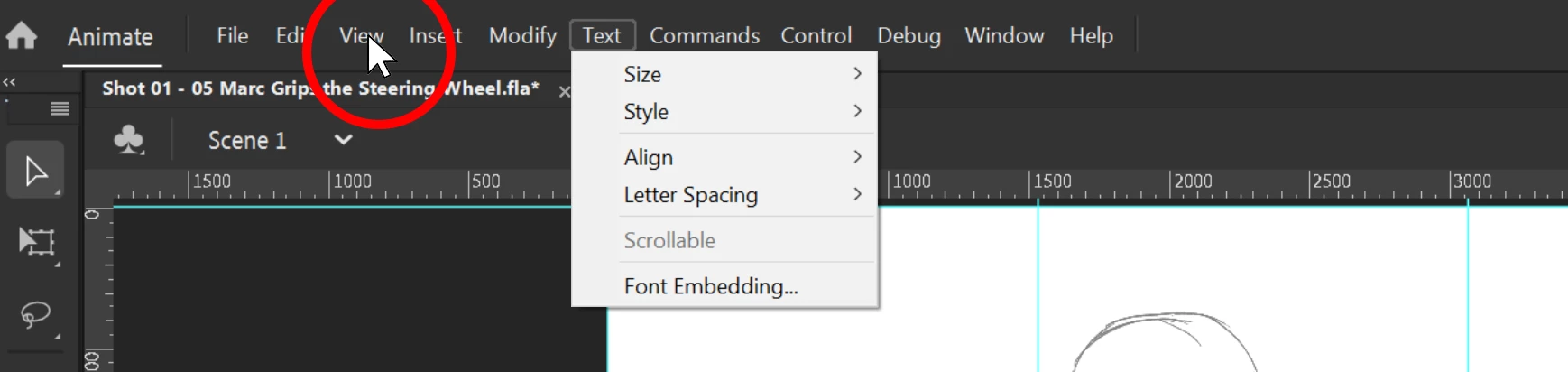
I have a Wacom Cintiq 24 DTK-2420 as my second display. When I try to use Adobe Animate, the mouse is out of sync. This is incredibly frustrating. Edit > Preferences > Drawing > Tablet Input is set to 'Windows Ink.'  Please help. Thank you.


Specs:

Adobe Animate Version 21.0.7, Build 42652

Window 10 Pro Version 10.0.19042 Build 19042
NVIDIA GeForce RTX 3090
RAM: 128 GB

Driver: 471.68 Studio Driver
This topic has been closed for replies.
Correct answer arvind_bv

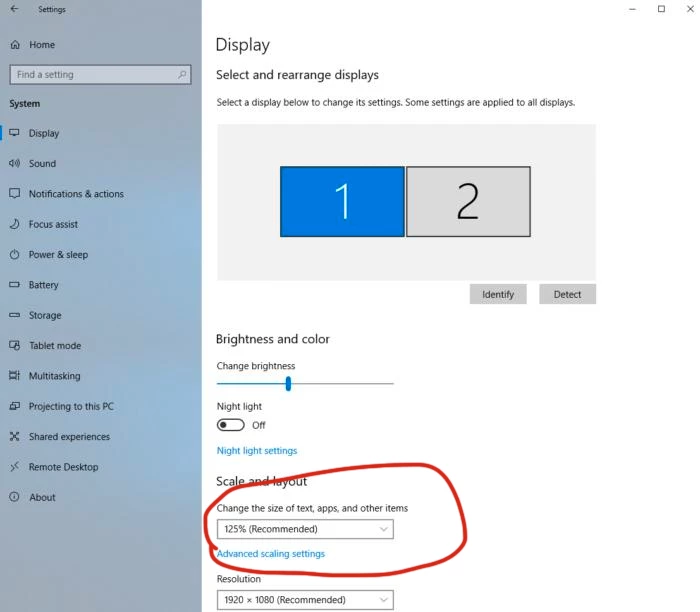
Are you using different display scaling factor in both of your displays? If Yes, this is a known issue we are working on a fix. Workaround is to use similar display scaling factor for both monitors.


2 replies

arvind_bvCorrect answer
Adobe Employee
August 16, 2021

Are you using different display scaling factor in both of your displays? If Yes, this is a known issue we are working on a fix. Workaround is to use similar display scaling factor for both monitors.


Known Participant
August 17, 2021

Yes, this is the issue. There are different scale settings. I need to keep these settings as they are. I look forward to seeing the fix. Thank you.

Community Expert
August 13, 2021

Have you tried to syncing it within wacom settings?