

Answered
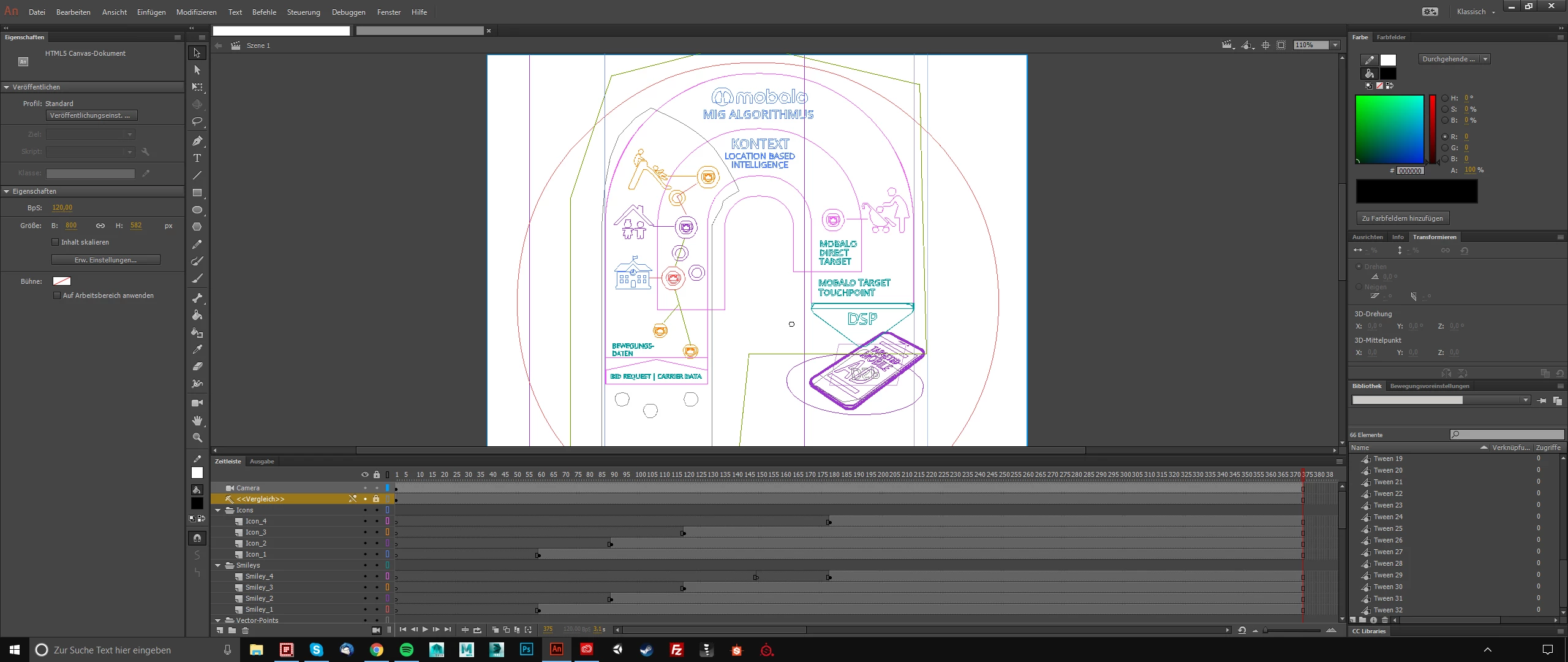
Animate CC 2017.5 stuck in outline view
P
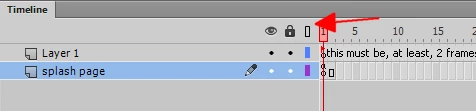
I accidentally changed the display-view to outline-only and by all means I can't find the solution to this. I tried going into View > Previewmode (Ansicht > Vorschaumodus) and click through the settings there but nothing changes. I also clicked through every other setting in the view menubar but nothing changes a thing.
I restarted Animate CC but it looks like it is a project-based setting since other projects are working fine. Sorry if there is an easy solution but I just can't find it. I'm new to Animate CC but overall experienced advanced software...
Thank you in advance!


 AdChoices