

Animate CC - an unspecific error message appeared
Help wanted!!!
hi everyone.
I have a problem with an animate file (Animate CC V 18.0.2.) - it could not be saved while working on an animation - an unspecific error message appeared.
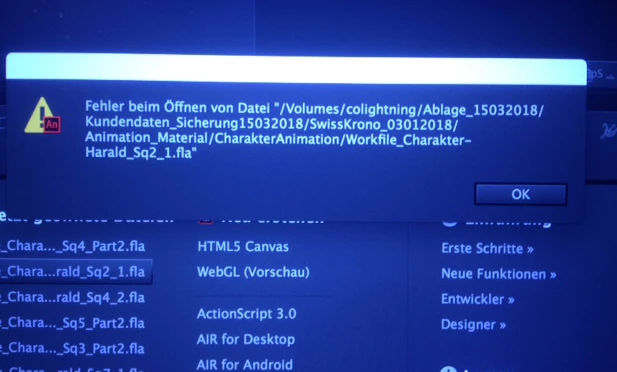
After closing animate and reopening the file, a message appeared that the file was corrupted.
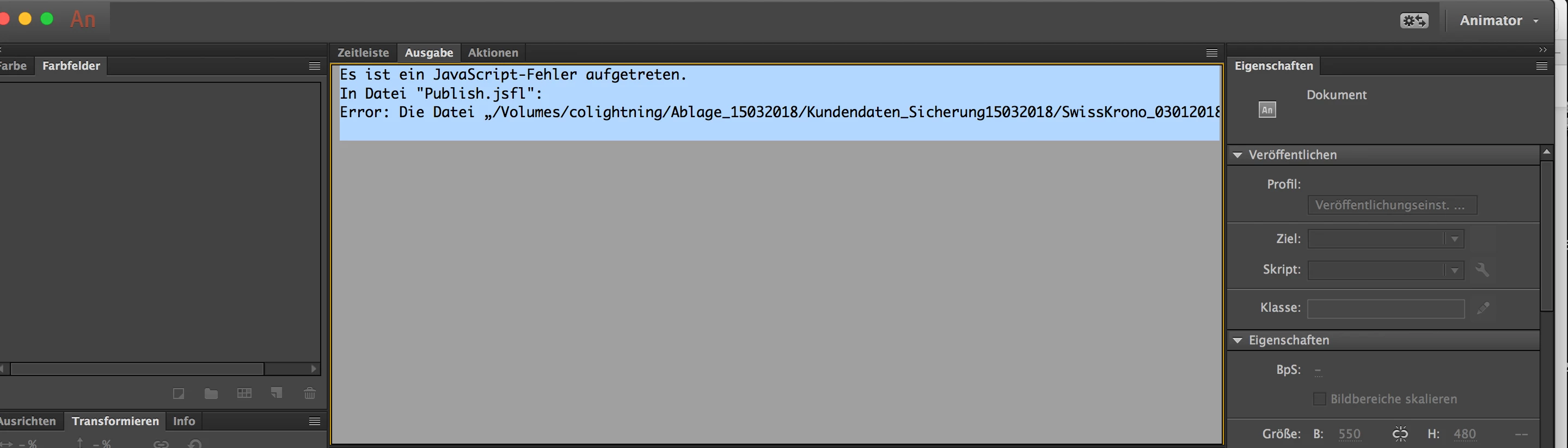
You screenshot after confirming with OK followed a hint that there is a javascript error.
If someone knows the problem and has an idea how I can fix it.
this is an important animation for a customer who has three days of work.
I have no desire to start over.
can I still save the file or fix the error?
what surprises me is that the file itself is only displayed with 1kb, but it should have 17-20 MB.
Unfortunately there is no adobe support until Monday and I can't wait that long - because I have a deadline for the job.
thank you in advance for your advice.
André


 AdChoices