Jillian9358
Participant
November 9, 2020
Answered

Animate CC Brush issue?

  • November 9, 2020
  • 2 replies
  • 553 views

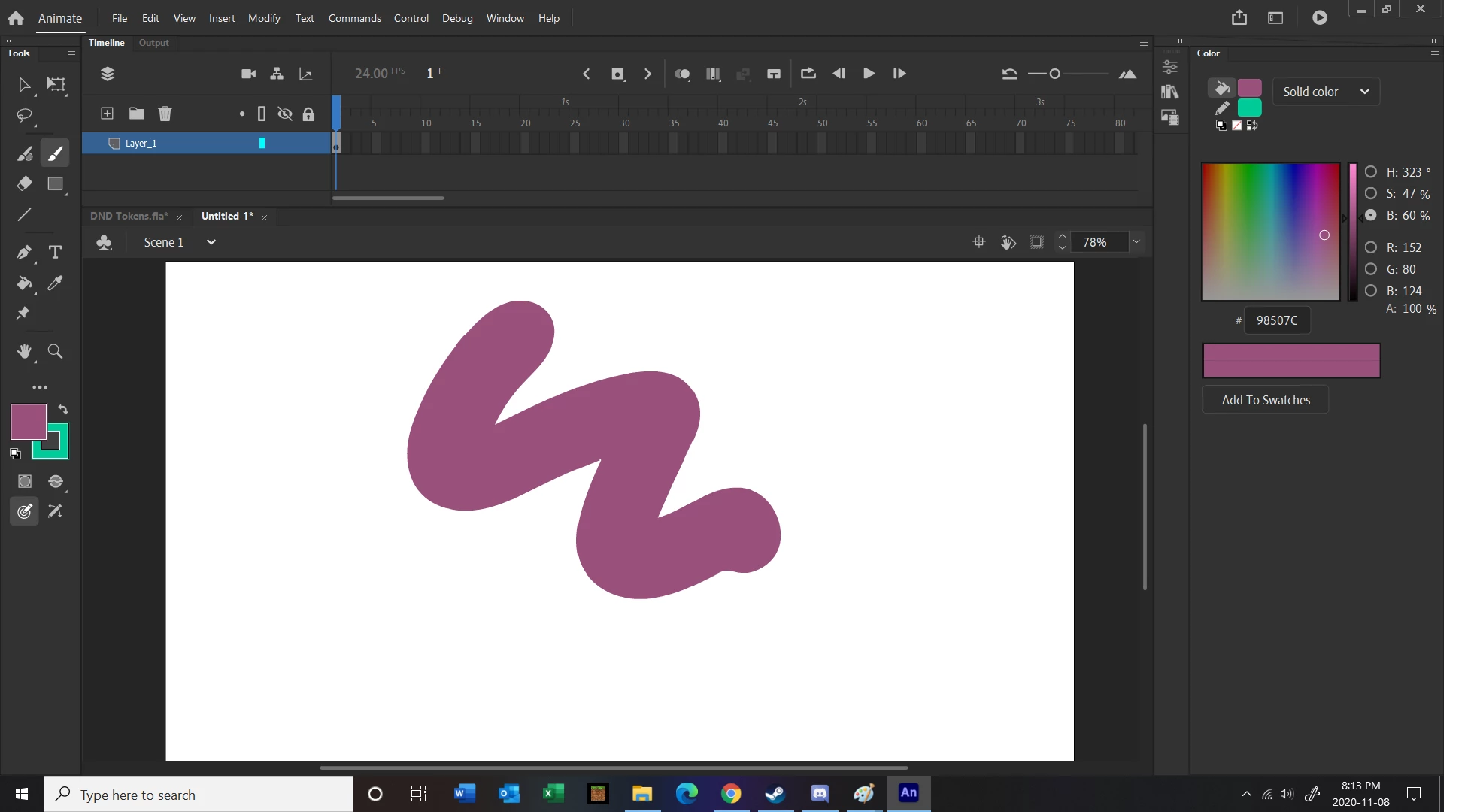
Hello! I have been using adobe Animate CC with no issue, but recently I seem to have activated a feature accidentally I do not know how to change. When I try drawing with my brush, the lines look like this: 
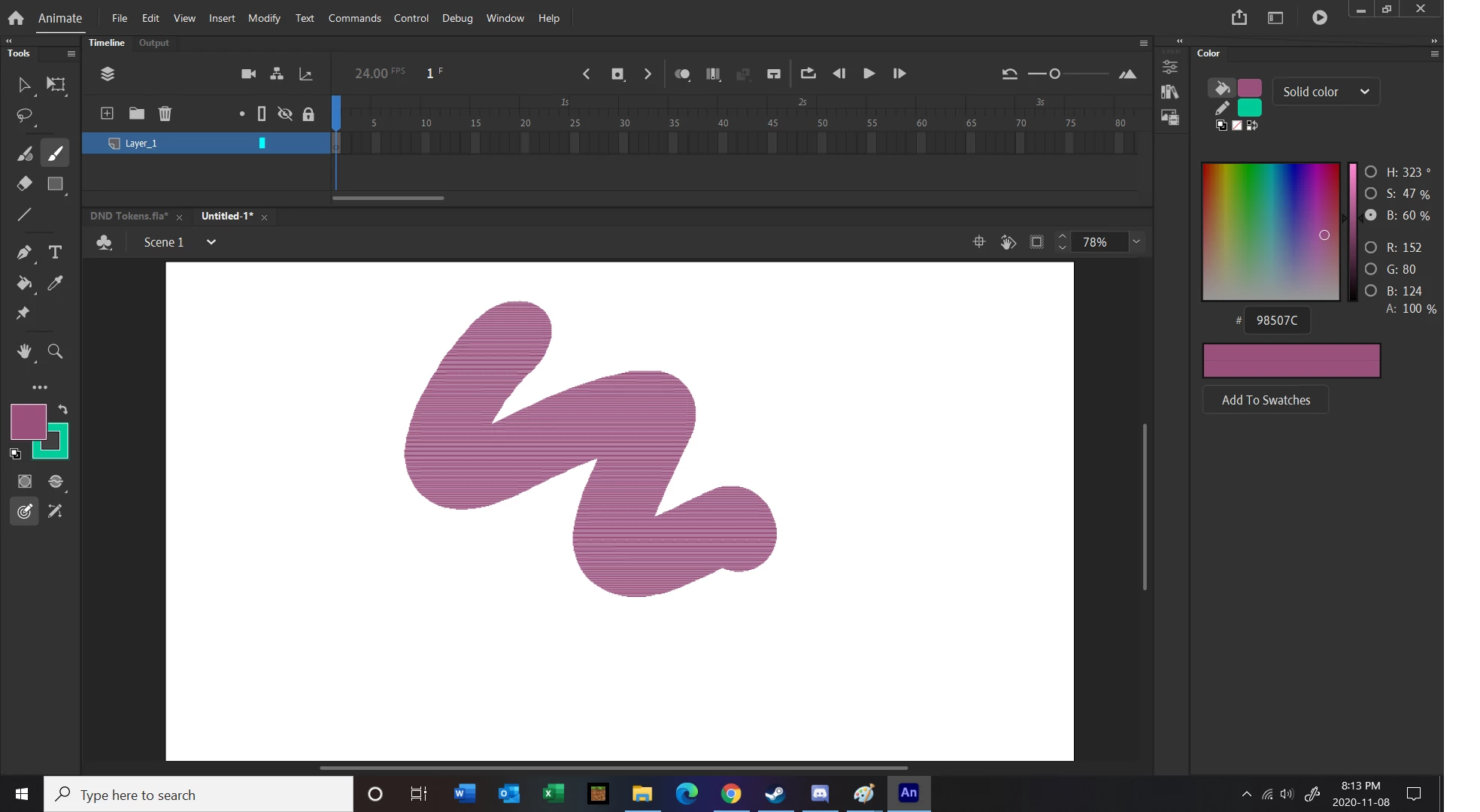


And when I release my pen, the line creates itself but ever so slightly to the right of where I drew it,  (REALLY annoying for lineart) and a bit low quality. I've changed the settings multiple times and yet it still does this, and yet it was working fine a few days ago. Please help!!
This topic is closed to new replies. Start a new post to keep the conversation going.
Correct answer arvind_bv

Hello,


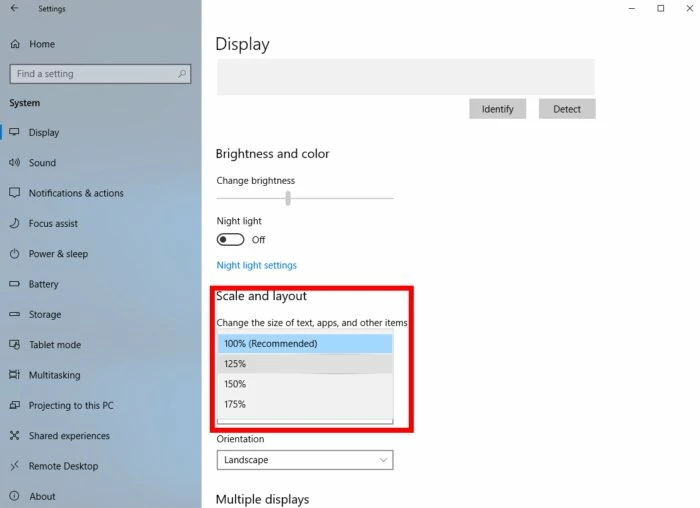
Thanks for getting in touch. Please change your Display scaling factor to 100% or recommended to avoid the issue.

2 replies

Jillian9358
Participant
November 9, 2020

This worked, thank you so much!! I was so confused as to why it was doing that, this means a lot!

arvind_bvCorrect answer
Adobe Employee
November 9, 2020

Hello,


Thanks for getting in touch. Please change your Display scaling factor to 100% or recommended to avoid the issue.