
Participant
February 20, 2022
Question

Animate cc lagging while drawing using brush

  • February 20, 2022
  • 3 replies
  • 2505 views

Hi this is rakib 

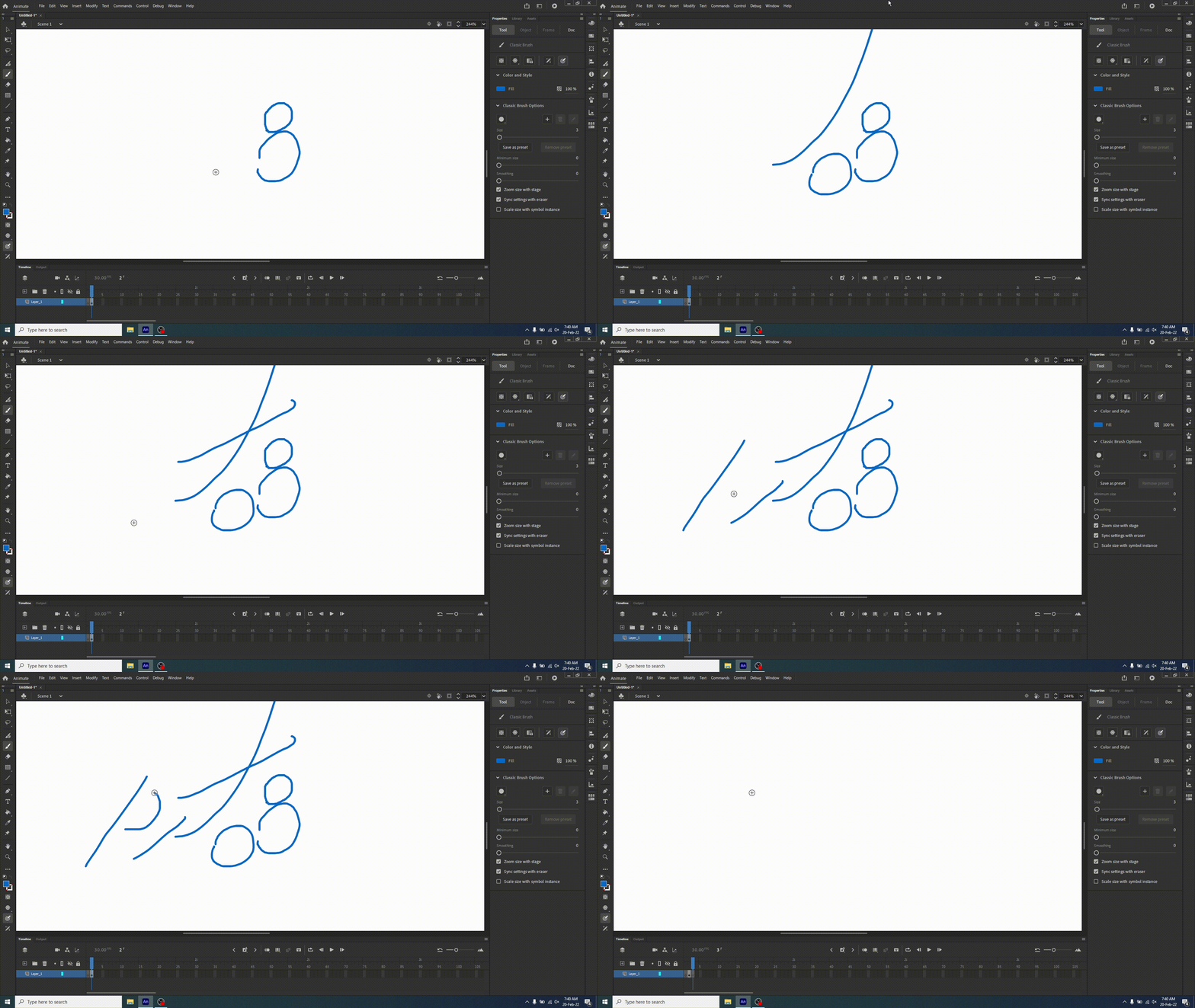
I am using adobe animate cc for animation I recently notice adobe animate cc lagging while I drawing something using brush . But in photosho is is super fine. I notice when I click brush and paint and release click the line is automatically smooth . real time preview is not working there is a lag . 

I am using hp z4g4 tower 32gb ram quadro rtx 4000 gfx with latest driver. 

kindly help me any one . kindly see this .
 

    This topic has been closed for replies.

    3 replies

    Community Expert
    March 10, 2022

    Try messing with your smoothing settings. Looks like you have them set to 0. Also if you're using a drawing tablet, make sure you have the correct drivers for your system. 

    _keyframer
    Community Expert
    Community Expert
    March 10, 2022

    I'm running two MacBook pros one Big Sur the other Monterey and not experiencing this issue with the same settings you have. I'm not familiar with your system specs but I would think it's enough to get you to draw smoothly. Are you using a drawing tablet or pen display by any chance? If so is the driver for said device updated also?

    Animator and content creator for Animate CC
    Joseph Labrecque
    Community Expert
    Community Expert
    March 9, 2022

    The smoothing is processed after the line is drawn. This may not be ideal - but is how it functions.