hm74599568
Participant
November 23, 2018
Answered

Animate CC responsive alignment images

  • November 23, 2018
  • 1 reply
  • 835 views

Hey there

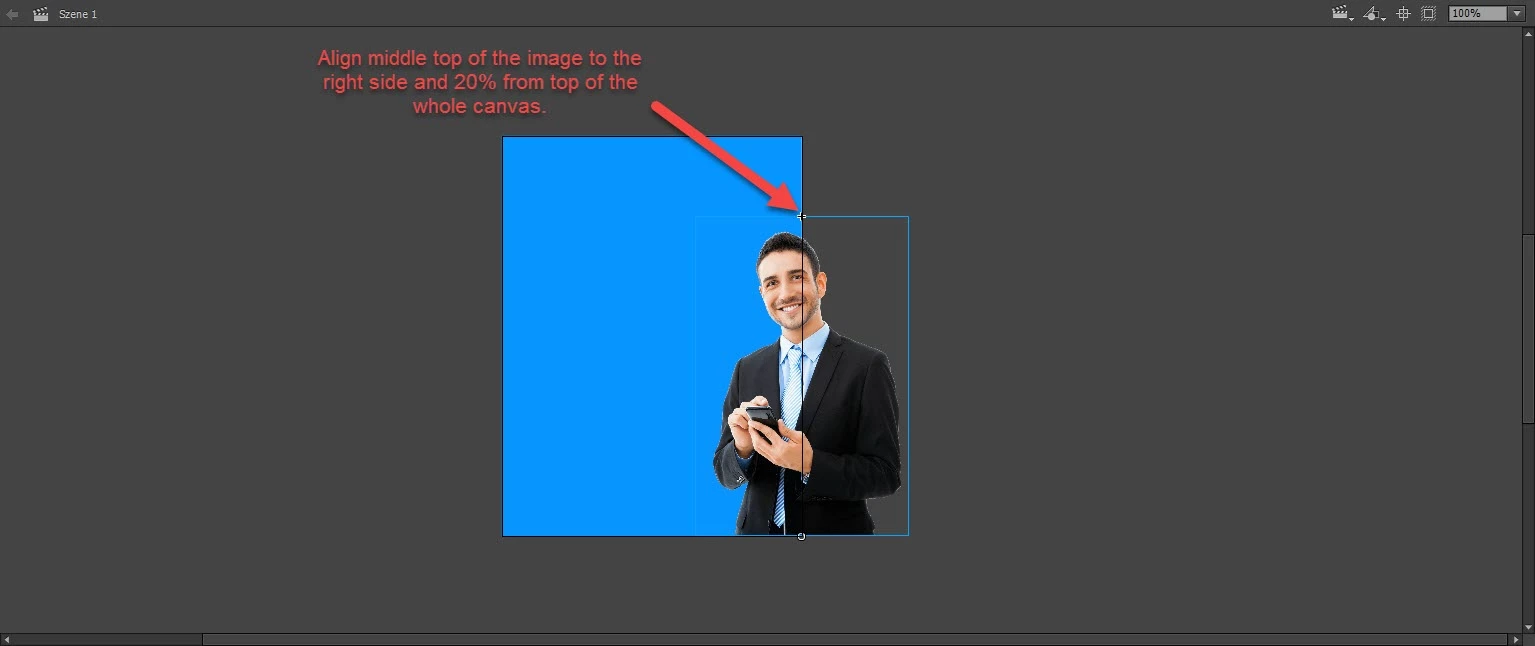
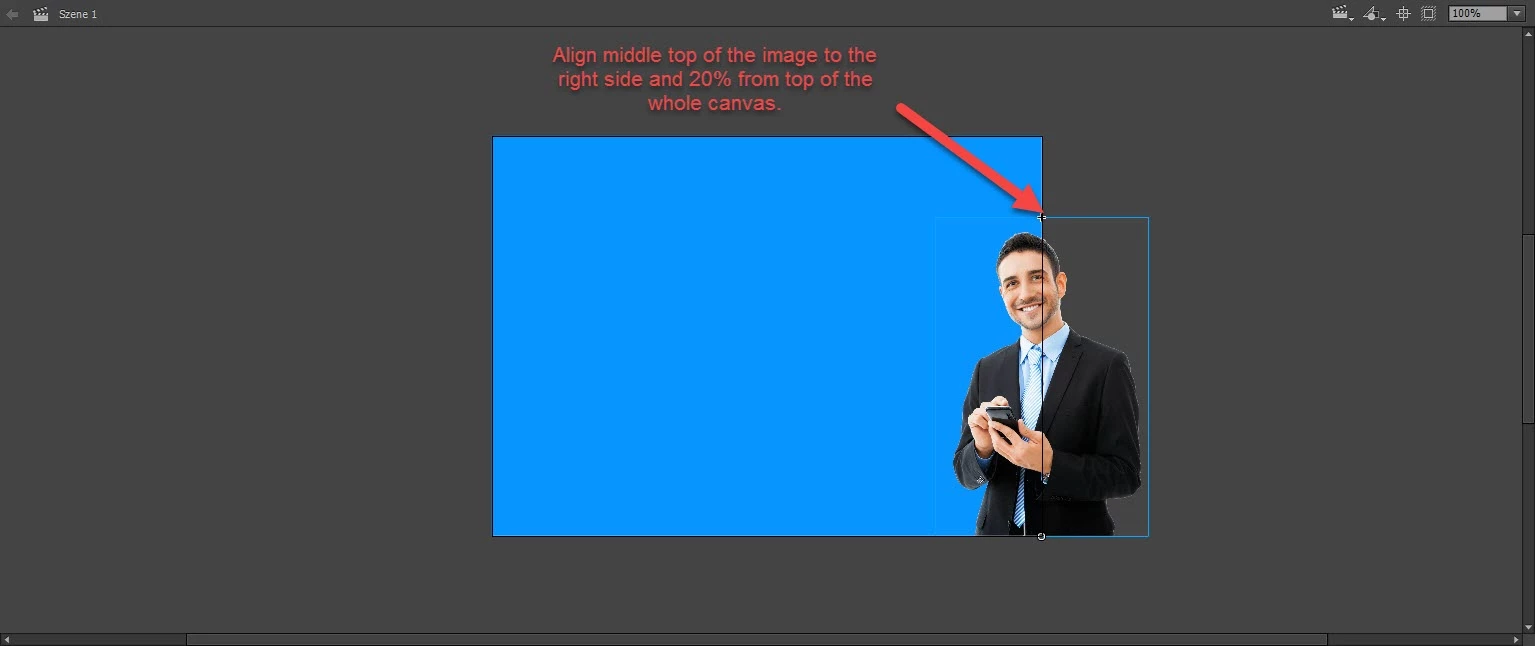
I want to create an HTML5 File and align an image independently from the other elements in Animate CC 2018. I mean, for example, to align the middle top point of an image always to the right side and 20% from top of the whole canvas. I know how to set the whole canvas responsive but here I would like to influence only the image.

I don't want the other element to be aligned or resized and I know that it has been possible in Adobe Edge Animate 2014 to set an anchorpoint of an image and that anchorpoint to the canvas but I can't find the settings in Animate CC 2018.

Thank you in advance
This topic has been closed for replies.
Correct answer kglad

if your canvas isn't responsive, the canvas won't change when the window changes.  you could still position whatever object in response to a window change (using window.onresize) but if the canvas edges don't change, your image's position relative to the canvas doesn't need to change.

1 reply

kglad
Community Expert
kgladCommunity ExpertCorrect answer
Community Expert
November 23, 2018

if your canvas isn't responsive, the canvas won't change when the window changes.  you could still position whatever object in response to a window change (using window.onresize) but if the canvas edges don't change, your image's position relative to the canvas doesn't need to change.

hm74599568
Participant
November 26, 2018

Thx for help but my question is about only fixing the position of an image not to resize it. If I check the responsive settings to width for the canvas the image is aligned correctly but also resized. Is it possibly to only set the position of an element but "ignore" the resizing in Animate CC?

kglad
Community Expert
Community Expert
November 26, 2018

i said nothing about image size.