
Participant
September 1, 2022
Question

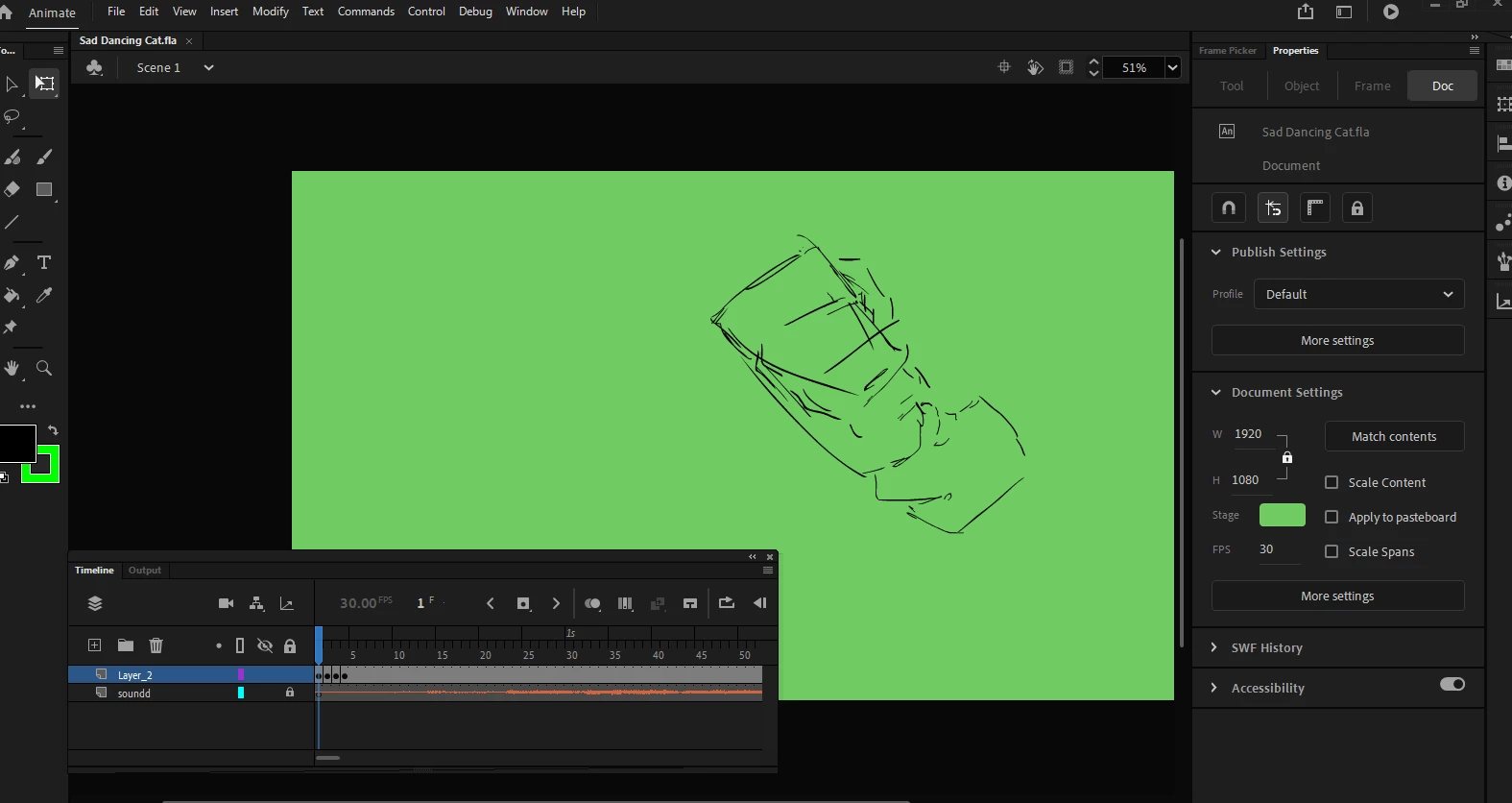
Animate CC's choppy playback and I haven't even done anything yet
  • September 1, 2022
  • 3 replies
  • 212 views

I quite literally have 5 seconds of frames, most of which are the same, and a wav file. It lags at frame 3.

I've provided a video, also.


I have the GPU hardware acceloration, and have allocated space to Adobe. My canvas is 1920 by 1080, but shrinking it doesn't work, so that's not it. Removing frames doesn't do anything significant. And it's only on frame 3. If only Harmony wasn't somehow MORE expensive.

This topic has been closed for replies.

3 replies

Community Expert
September 6, 2022

make sure you have the requirements to run animate. Also don't run a bunch of other programs in the background.

https://helpx.adobe.com/animate/system-requirements.html

Mario_CR
Community Expert
Community Expert
September 2, 2022

Looks like a bug, it always lags around the 3rd frame with audio regardless of the playhead position, seems to play fine after that. Report the bug here: https://adobe.allegiancetech.com/cgi-bin/qwebcorporate.dll?BPY8J4

In the meantime, turn off the audio layer at the start to get the correct timing for that fraction of a second.

kglad
Community Expert
Community Expert
September 2, 2022

what if you start your sound on the 2nd frame?

kglad
Community Expert
Community Expert
September 1, 2022

is that an as3 project?


do you hear the same problem when you test?