
May 21, 2017
Answered

Animate crashes every time I try to export my animation as a video

  • May 21, 2017
  • 1 reply
  • 3509 views

I've tried it multiple times and the same thing happens every time.

Her's what I do:

So I go to File>Export>Export video...,
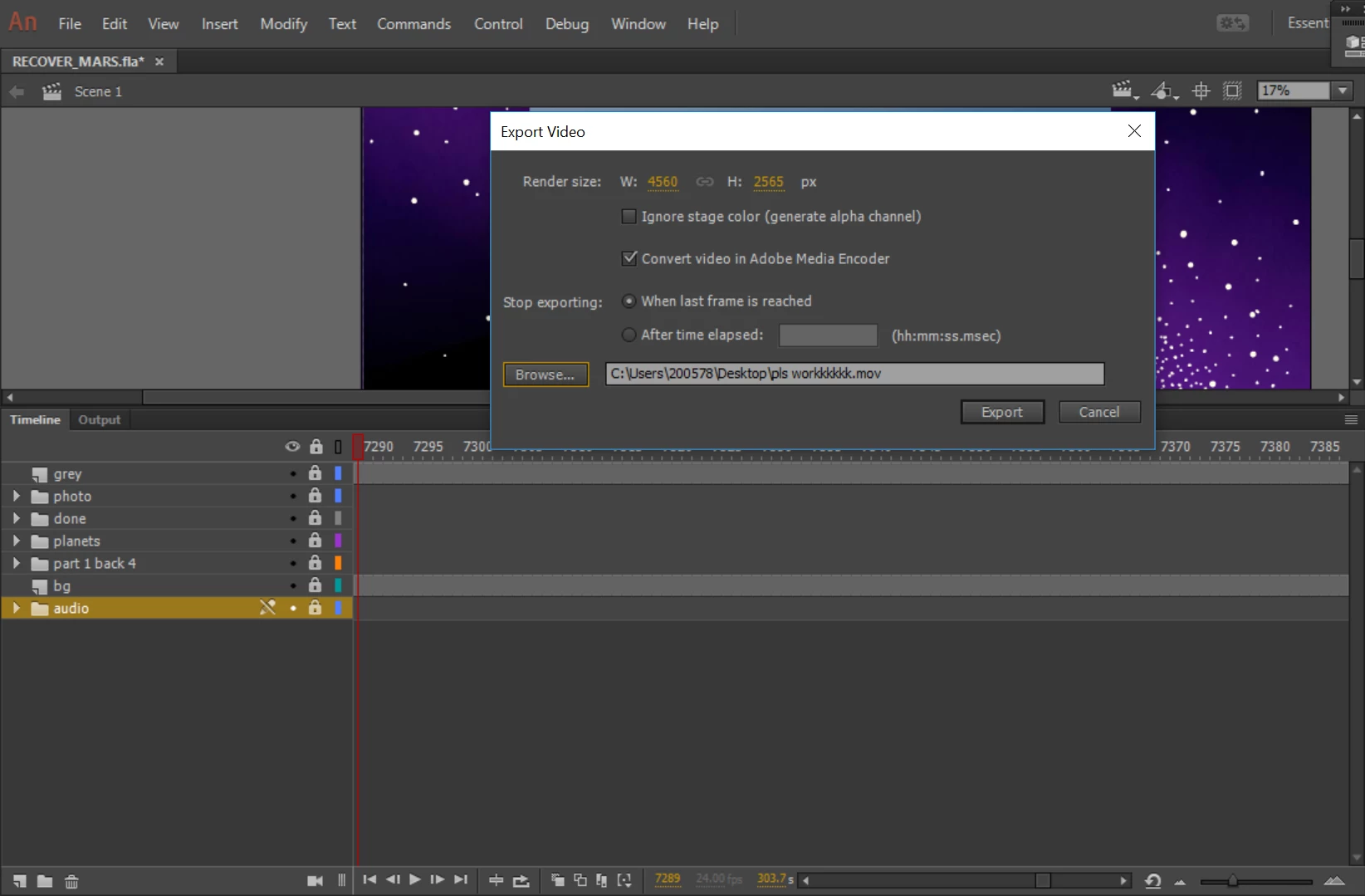
Then this pops up, as normal and I click export, causing this to pop up:
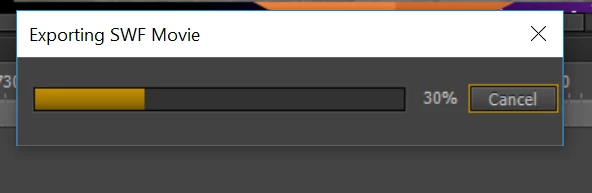
And then that will run through smoothly until 100% and then a third window pops up:
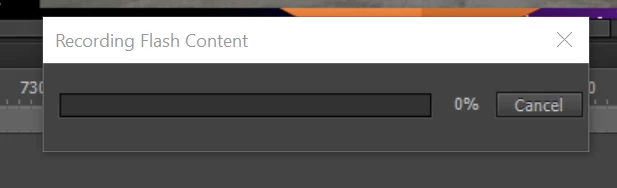
This is where its gets a bit stuffy. It'll often load for ages, dipping in and out of working and not working:
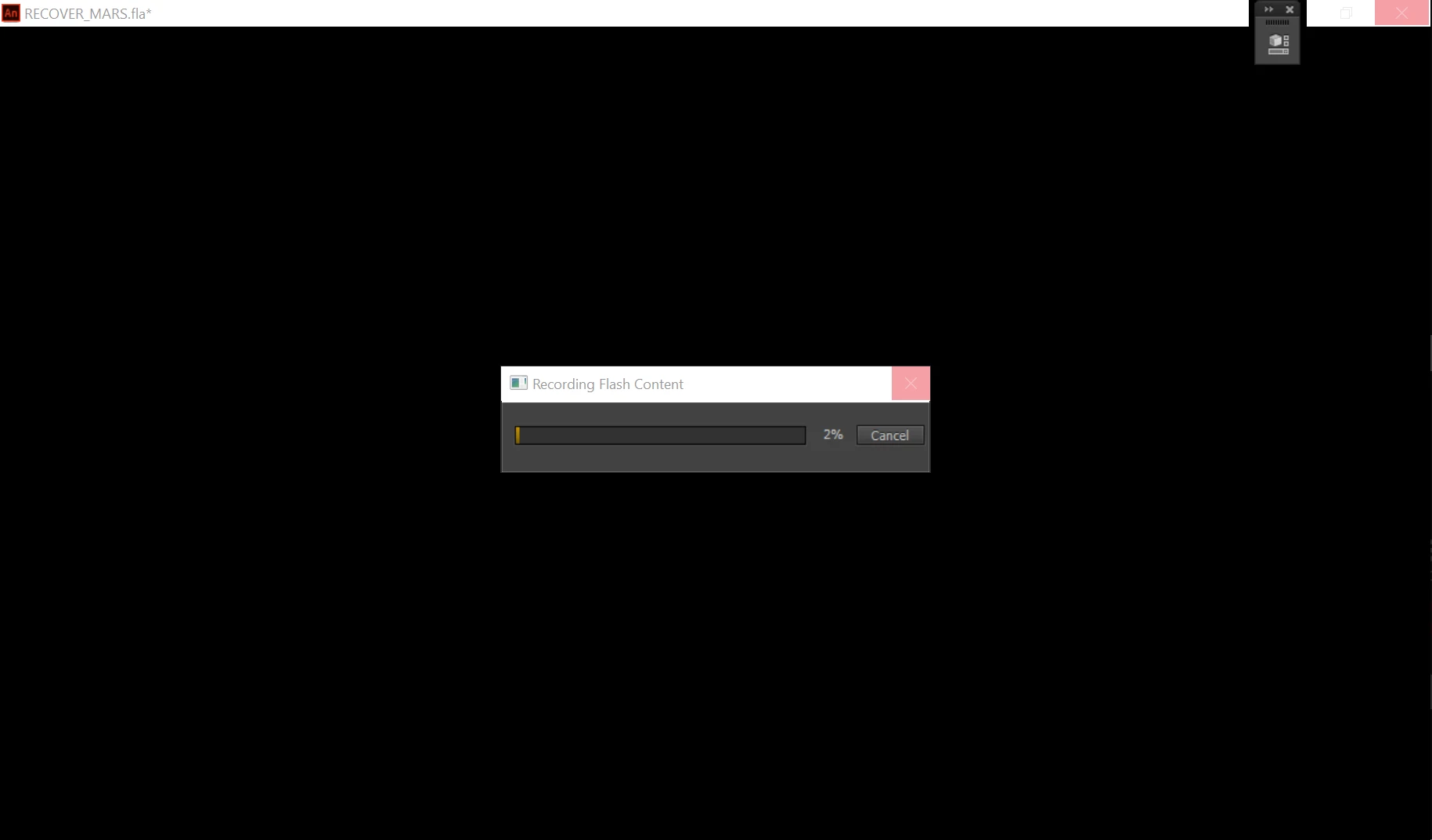
Until it eventually reaches anywhere from 2% to 32% or something and then gives up completely. The window goes white and it remains on Not Responding until it crashes all together (the Animate has stopped working, close the program window comes up) and then that's the end of that:
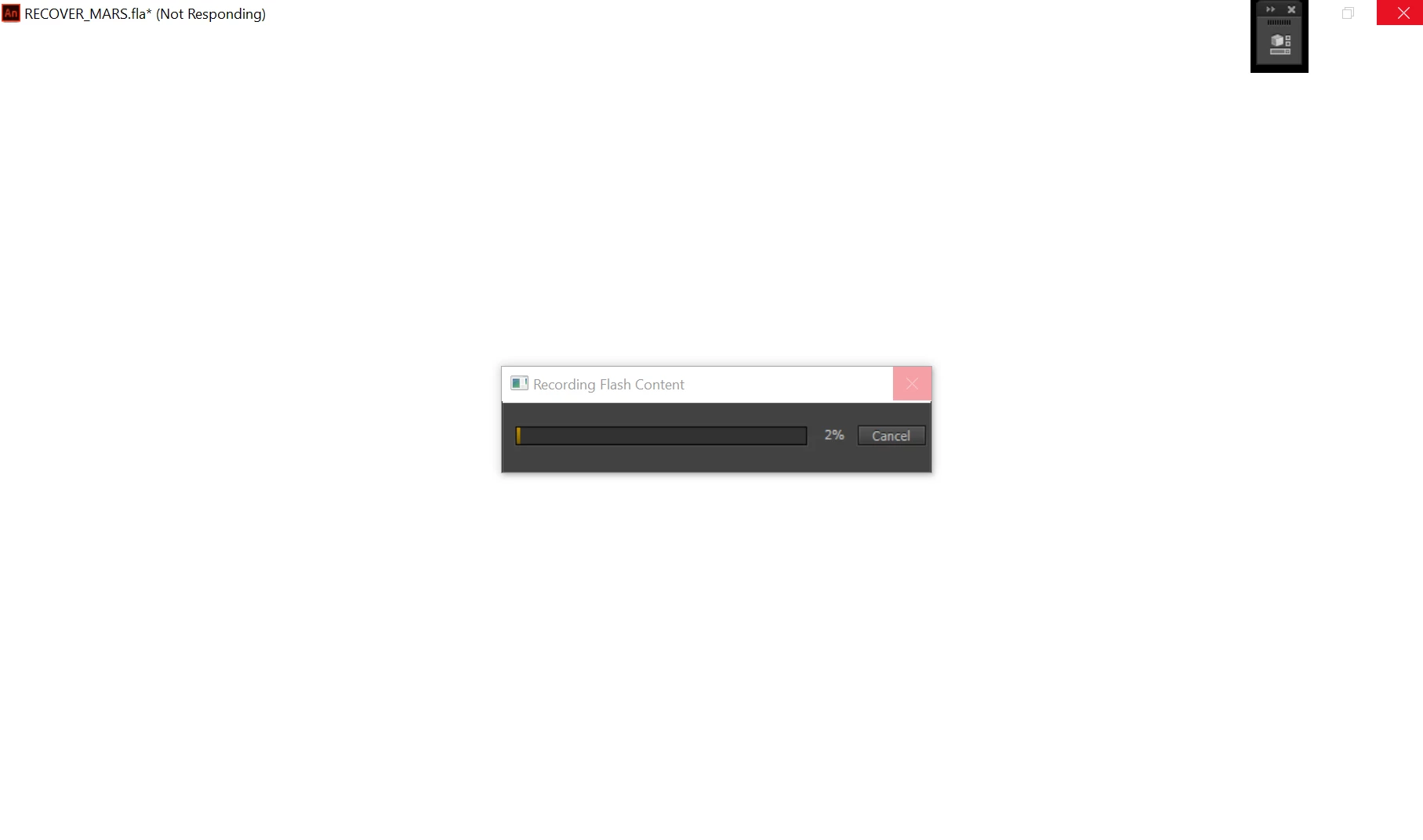
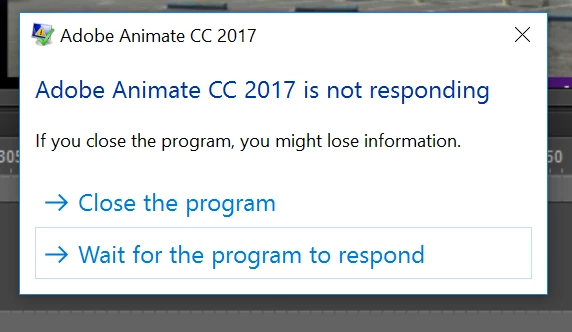
I've used animate countless times before with smaller animations and have never encountered this problem before. My animation goes for around 7 minutes and is 99.4 MB.

Any suggests on what to do?

    This topic has been closed for replies.
    Correct answer Colin Holgate

    Do you have QuickTime installed? The exporter uses QuickTime features to achieve what it's doing.

    Here is the current Windows installer:

    Download QuickTime 7.7.9 for Windows

    1 reply

    Colin Holgate
    Colin HolgateCorrect answer
    Inspiring
    May 21, 2017

    Do you have QuickTime installed? The exporter uses QuickTime features to achieve what it's doing.

    Here is the current Windows installer:

    Download QuickTime 7.7.9 for Windows

    May 21, 2017

    I'm pretty sure I already have QuickTime but I just downloaded it again to make sure it's the right version.

    I've just tried to export it again so we'll see how that goes.

    May 21, 2017

    Yep, all good! I think I must've accidentally deleted some QuickTime files or something earlier because when I installed it it said 'Repair' as an option (the one I chose) and that seemed to do the trick. Thank you!