
Participant
June 12, 2021
Question

animate doesn't open on Macbook air m1 chip.

  • June 12, 2021
  • 3 replies
  • 2133 views

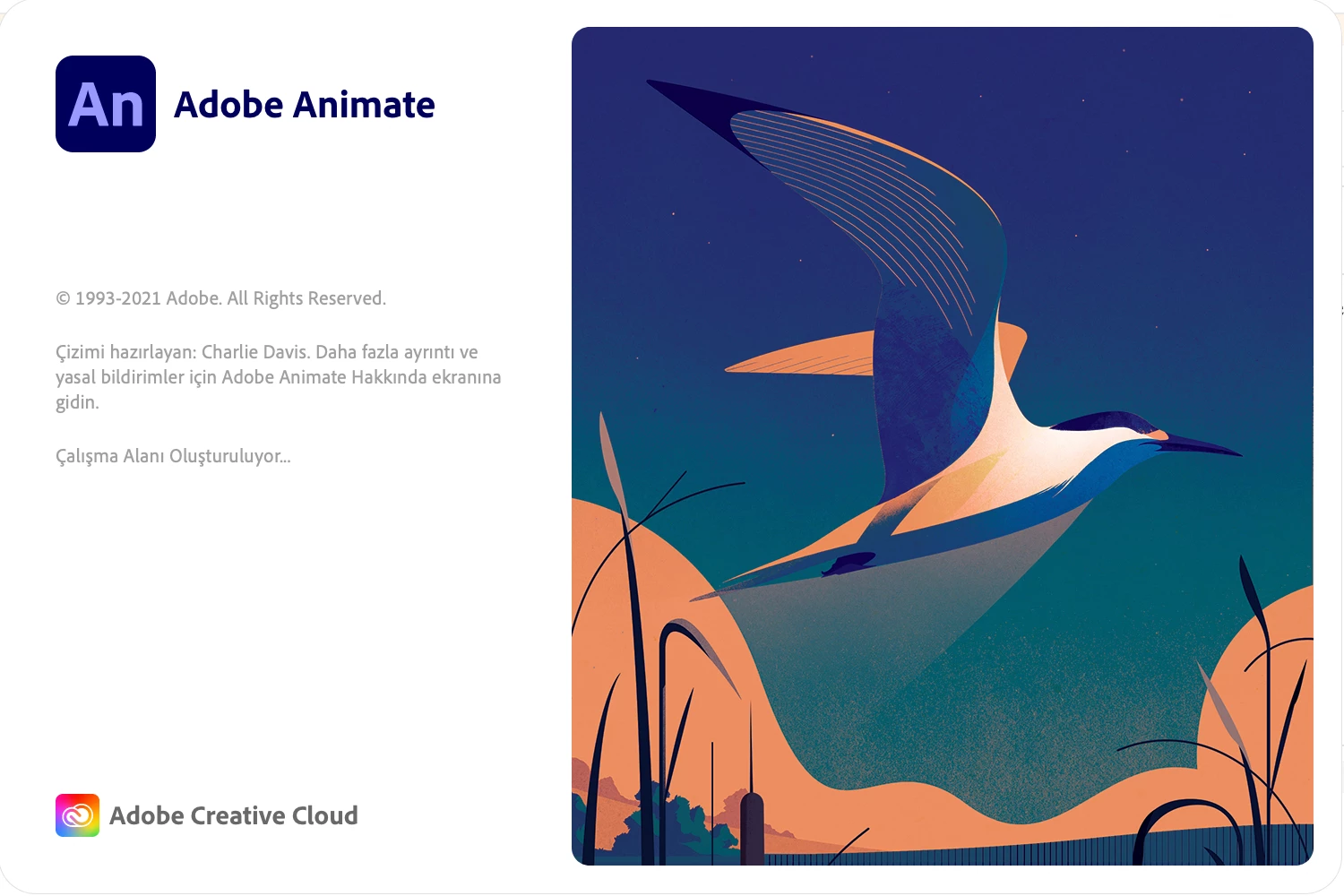
When I tried open adobe animate on macbook air m1 chip, the application freeze on startup screen with "Creating workspace" text.

Please help for this issue immediately because i bought the new mac and sold my older one and I have to work with Adobe Animate.


Thank you for your supports
    This topic has been closed for replies.

    3 replies

    Community Expert
    June 14, 2021

    Make sure you have the latest version 21.0.7

    Yunus5E6EAuthor
    Participant
    June 13, 2021

    Okay, I updated my mac os and everything work fine now.


    Thank you for your support @Colin Holgate  i took your time. The problem was just about my mac os version.

    Colin Holgate
    Inspiring
    June 12, 2021

    Animate is working ok on my M1 iMac. I can't remember if it took longer than normal the first time I ran it, but now it's only on the building workspace step for about five seconds.

    Have you tried restarting? Also there was an update a few days ago, could be worth checking to see if you have that update yet.

    Yunus5E6EAuthor
    Participant
    June 12, 2021

    Colin thank you so much for your reply
    Yes I tried to restart my mac, and installed recent build also i tried few older version.

    Colin Holgate
    Inspiring
    June 12, 2021

    Something else to try: as soon as you have started to open Animate, hold down Command-Option-Shift. That should bring up an option to reset the Animate settings. It can often fix issues like this.