
Participant
June 17, 2021
Question

Animate from a symbol to another

  • June 17, 2021
  • 2 replies
  • 726 views

Hello everyone,


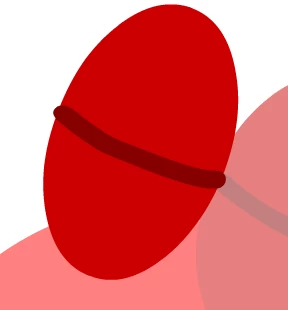
I am very new to animations and how things work and I have a problem that I can't solve. I have a graphic symbol that represents the closed left eye of my character (which the symbol is created by using the oval tool and the brush) and I would like to animate it so it opens the eye slowly and looks left. I have my main character which is a symbol, and my left eye (closed) which is also a symbol. When I am trying to animate using the classing tween, it modifies my current symbol (which is the closed eye) and creates multiple tweens in my library. I was thinking of creating a new symbol that represents the new open eye and "replaces or "transitions" from the closed eye to the open eye.


    This topic has been closed for replies.

    2 replies

    _keyframer
    Community Expert
    Community Expert
    June 18, 2021

    Make your eye it's own Graphic Symbol. Inside of it, have the upper lid, lower lid, the white of the eye and pupil all as individual assets/symbols on their own layer. Start with the eye open in its default state. Animate it blinking closed then open so it loops.
    Back out on parent timeline (where the rest of your character is, create a keyframe for this eye symbol (on its own layer), and in Properties panel or the Frame Picker panel, tell the eye symbol to play once starting on frame 1. Repeat this every time you want to make the character blink.

    This is called "nesting". Your eye symbol can contain as many assets as needed depending on your character design. Some choose to have the eyeball and pupil as separate symbols on different timelines for freedom of movement - but that's totally up to you and how you prefer to set up your characters. But that is the basics of nesting.
    For the other eye, reuse the same symbol or duplicate it and all nested to symbols to change it if the eyes are not similar.

    Animator and content creator for Animate CC
    Participant
    June 23, 2021

    Thanks for the info! It helped a lot!


    n. tilcheff
    Legend
    June 17, 2021
    Nick - Character Designer and Animator, Flash user since 1998 | Member of the Flanimate Power Tools team - extensions for character animation