Participant
February 11, 2024
Question

Animate one part of an imported painting

  • February 11, 2024
  • 2 replies
  • 158 views

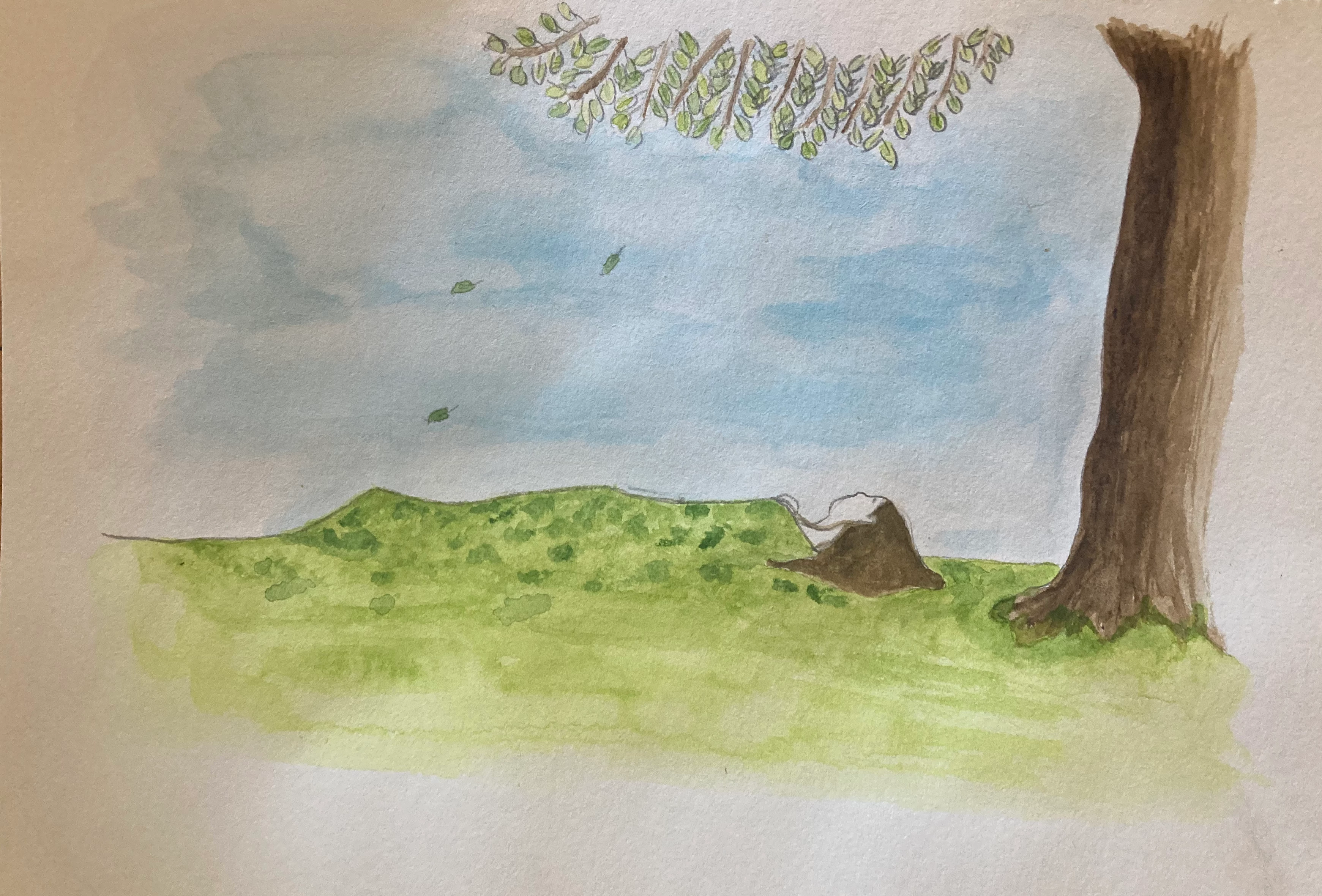
Not sure if I've got the right program for this - I have a painting (attached) and I want to animate it so the leaves move. Can this be done here? Thanks in advance!

    This topic has been closed for replies.

    2 replies

    Participant
    February 12, 2024

    I agree with kglad, you'd need to draw the leaves onto a new layer.

    But once you do, I'm going to offer another solution --

    Right click on the frame and you'll see options to turn your drawings ("create") into tweens (ie classic and motion).

    Classic tweens:

    -> your standard 'start position' to 'end position' animation. Place your leaf where you'd want it to start, extend that frame out for however long you want your animation to play out by pressing 'f5' on your keyboard. Press 'f6' to make a new keyframe and move your leaf to it's new position. With your frames selected, right click and press 'create classic tween', and it will have been animated. 


    Motion tweens:

    This will give you more control over a falling leaf, I'd say, as you can put in new positions throughout the animated tween section. To do this you'll right click on your one frame and press 'create motion tween'. Then extend out to however long you'd want your animation to last either by continuously pressing f5 down, or clicking an empty frame underneath that timestamp and clicking f5 there). Now, if you select any frames inside of this yellowed section and move your leaf, it will be recorded (you'd make a new keyframe).


    Hope that helps!


    kglad
    Community Expert
    Community Expert
    February 11, 2024

    you have some work to do first (and that prelim work is probable easier to do in photoshop).


    you need to move the leaves to another layer and then convert them from a bitmap to a movieclip and then animate them.


    doing the first part (moving the leaves to a layer above the rest that will be background) is easier in photoshop.