
Answered
Animate - position and size
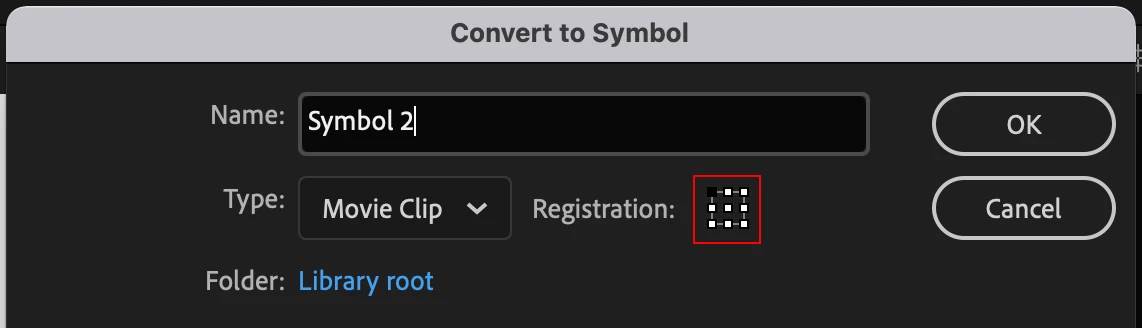
I'm putting together artwork for a 1080p screen (1080x1920px). I've imported an all-over background into the library. When I place it onto the stage and position it at 0,0, it locks to the top left of the stage as I prefer it to, the registration point is top left of the object. However, when I convert to symbol and then drag that symbol onto the stage, its registration point defaults to the centre of the image and I can't for the life of me get it to move to the top left. Inputting 0,0 as the position sees the centre of the image locked at the origin, meaning top left is at -540,-960. This is killing me! Help!



 AdChoices