
Participant
April 24, 2022
Question

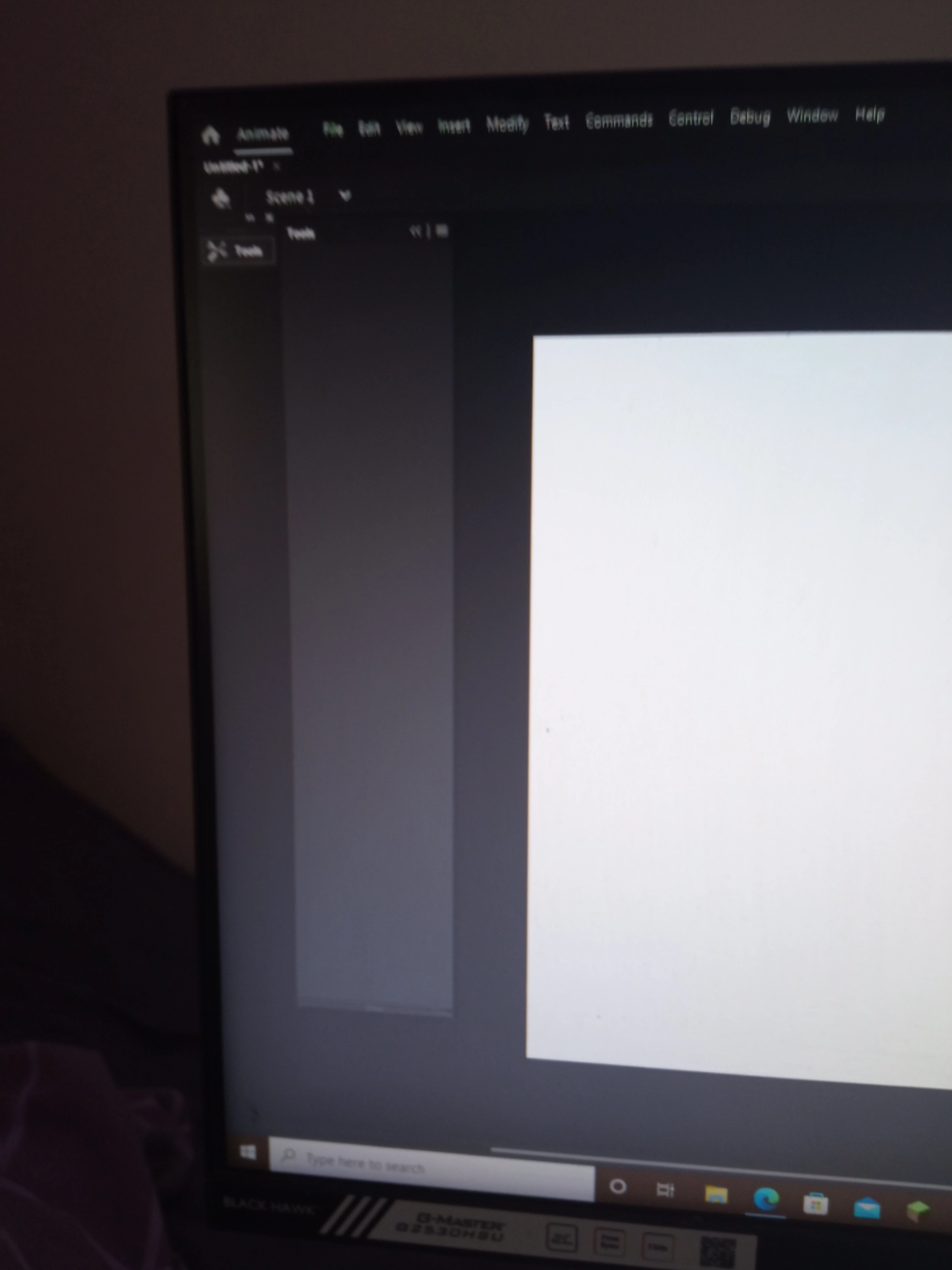
Animate started without any windows, in all workspaces

  • April 24, 2022
  • 2 replies
  • 325 views

Hey so i just downloaded animate and when i loaded it up it stars with no windows. I went to change to a different workspace and nothing happened, tried to reset workspace and nothing happened and when adding the tools menu manually nothing is there. Please help?
This topic has been closed for replies.

2 replies

Participant
November 14, 2022

I have the same problem. How did you resolve it?

kglad
Community Expert
Community Expert
November 14, 2022

the op's not likely to respond.  people generally post and then once a problem is fixed, they fail to follow-up.


ie, reset your preferences per above.

kglad
Community Expert
Community Expert
April 24, 2022

reset your preferences:


1.assign (if none now exist) a custom keyboard shortcut:

2.reset your preferences* (you should not give up on this until you've tried several times)

3.confirm you were successful by checking your keyboard shortcut was reset


if it's not, return to step

2 if it is reset, check if the problem is resolved


* press and hold Control+Alt+Shift (Windows) or Command+Option+Shift (Mac OS) as you start Animate.

Participant
April 25, 2022

Hey, sorry but what should i assign a custom keyboard shortcut to?

kglad
Community Expert
Community Expert
April 25, 2022

anything customized will work for this.  you're just need something to confirm that you actually reset the preferences by seeing your customization was reset (because resetting always takes multiple attempts, as far as i can tell.)