Participating Frequently
July 11, 2019
Question

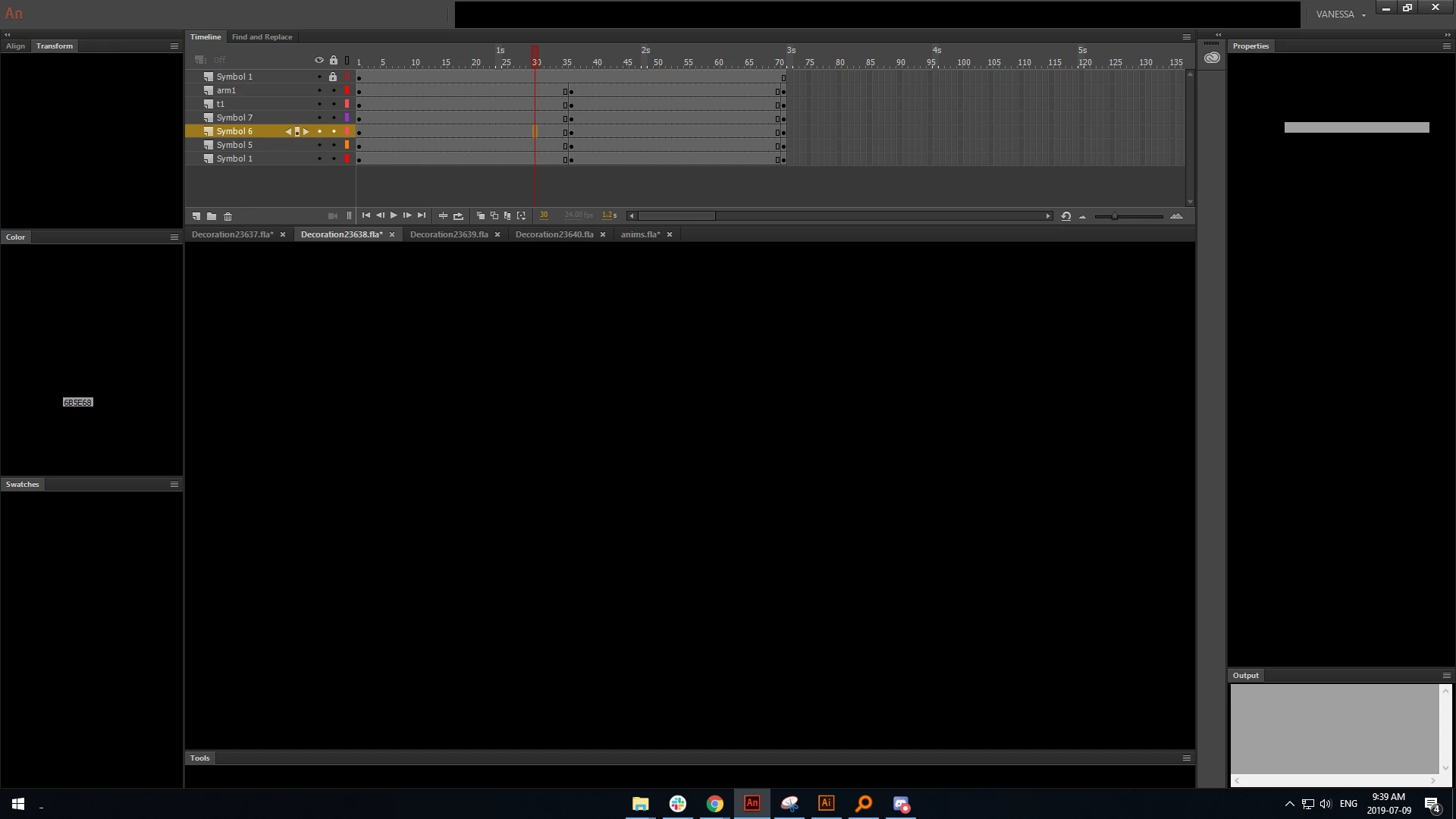
Animate UI goes black

  • July 11, 2019
  • 3 replies
  • 1081 views

This has been an ongoing issue for me, across Animate 18, and Animate 18.0.2.

I cannot upgrade my Animate to the latest version because it's incompatible with the workflow in place at my company (so please do not suggest this).

I initially had this issue on a 5+ year old computer; it was a daily occurrence where, at any given time, my UI starts going black and Animate eventually seizes up.

I have a newer PC build now, and the problem presented itself on this new build. I completely wiped Animate 18 from my PC with the help of IT, and installed 18.0.2, and the issue is _still_ persisting.

What could be causing this? Is it at all related to the graphics card?
This topic has been closed for replies.

3 replies

trepanivAuthor
Participating Frequently
July 30, 2019

Hey Adobe! It's not great that you can't provide any answers on this either, as my studio uses CC daily for every single project we're working on.

Doesn't feel good, to sit with this issue.

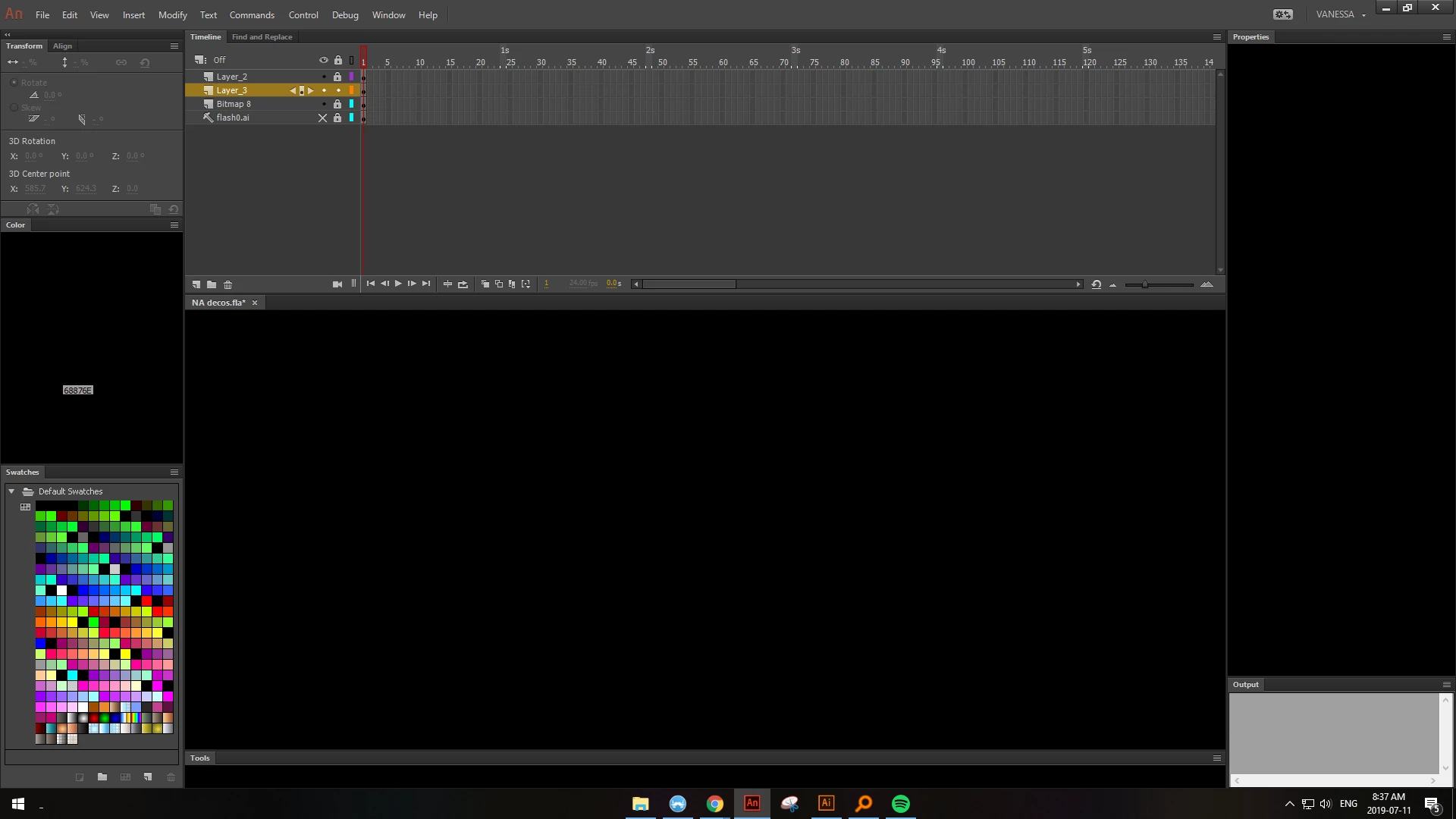
Here's a glimpse of what July looked like for me~

Preran
Legend
August 9, 2019

I am sorry for being late to this discussion. If you are still facing this issue, I suggest getting in touch with the Adobe Support team using this link Contact Customer Care

If you have a team or Enterprise license, work with your administrator (assuming you are not one) to get in touch with Adobe Support.

Thanks,

Preran

trepanivAuthor
Participating Frequently
July 17, 2019

I will be keeping this thread open as this issue happens to me daily, and I'd like a response or as many ideas to try as possible.

n. tilcheff
Legend
July 11, 2019

Hi mate,

"Is it at all related to the graphics card?"

I believe so.

Or I should say - I believe it is related to Animate having problems with the video hardware. Won't speculate of what nature these problems are.

I've experienced a few horrifying situations like this in 19.2.1 while just playing with it.

I have no advice other than try to play with graphics card settings or installing older or newer driver.

Going to 19.x most likely will not improve anything anyway, although it seems to be a little faster.

I do a lot of testing in about 10 versions of Flanimate and AnCC 2018 seems to be the most sluggish and terrible performer of all.

Upcoming 20 has significant performance improvements, but is still much slower than CS6.

Good luck with trouble-shooting this! It's terrible.

Nick - Character Designer and Animator, Flash user since 1998 | Member of the Flanimate Power Tools team - extensions for character animation
trepanivAuthor
Participating Frequently
July 11, 2019

It's validating to know that it  _could_ be related to the card itself or drivers! It gives me some sort of starting point to get IT down and try to find some sort of solution :/