


Participant
November 4, 2020
Question

Animate will not open.

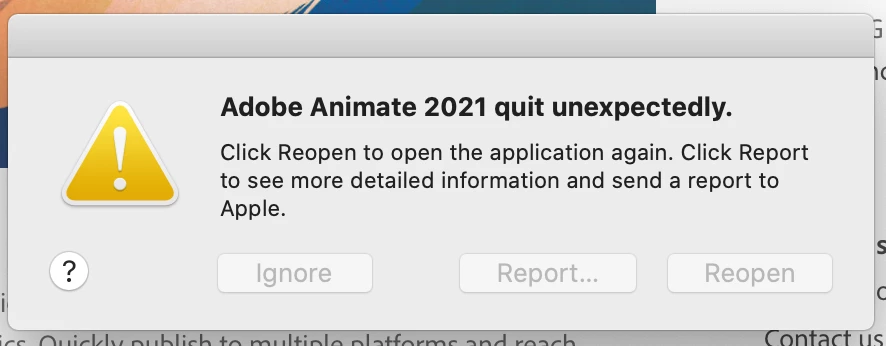
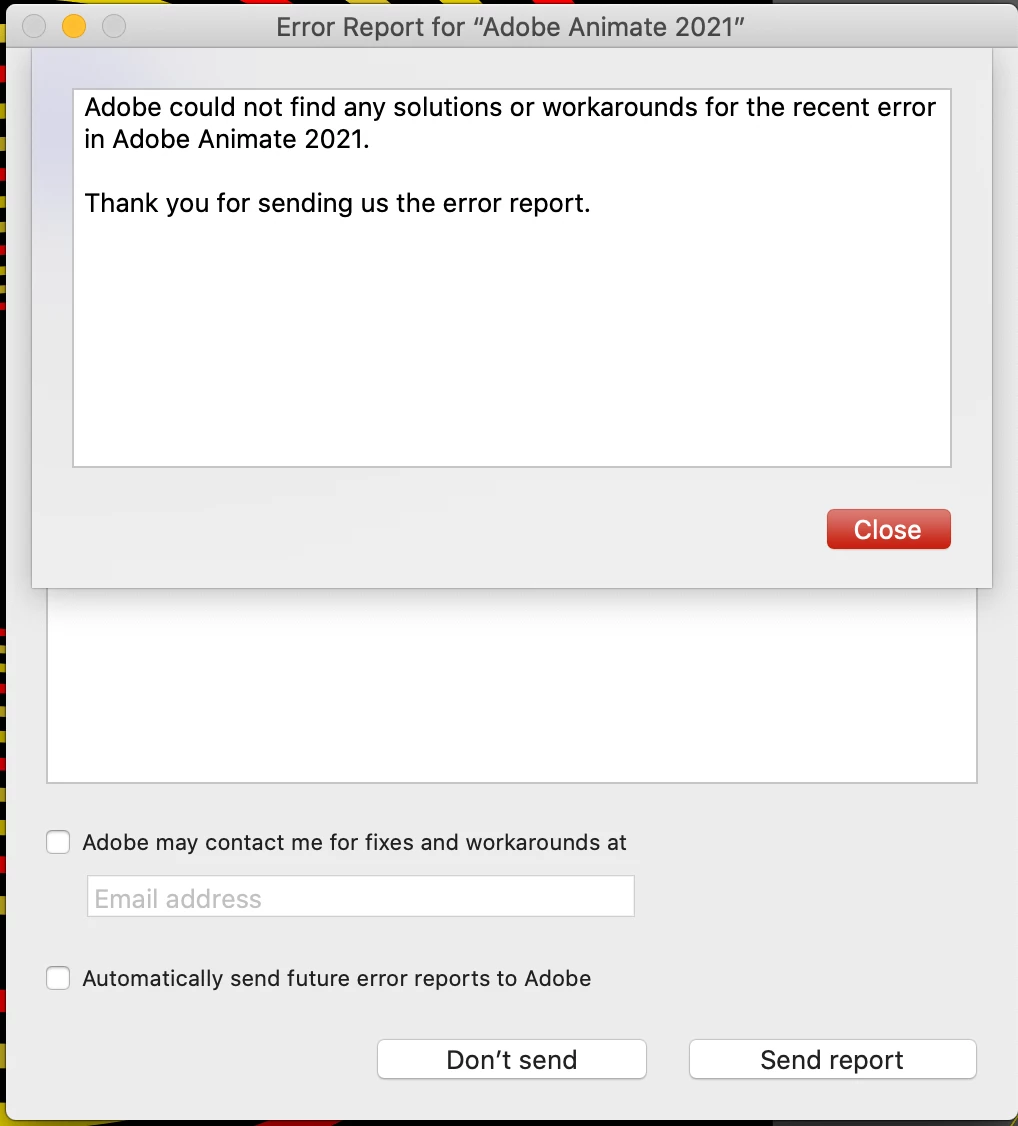
I opened animate for the first time today and I recieved an error stating that it had unexpectedly quit. I hit repoen and it goes through the motions as if it will open and the same error again.  I restarted and my Animate is uptodate.  Does any one know how to fix this? I have a project and I'm a bit short on time!
    This topic is closed to new replies. Start a new post to keep the conversation going.

    3 replies

    kglad
    Community Expert
    Community Expert
    November 4, 2020

    reset your preferences: https://helpx.adobe.com/animate/using/set-preferences.html


    if that fails, update your os, restart your computer and retry opening animate.

    Translate
    Participant
    November 5, 2020

    I am also having this issue. Is there a way to change the preferences when the application won't open though? I've reinstalled, uninstalled, uninstalled adobe destop suites, shut down my computer, literally tried anything and I am having this same issue. 

    Translate
    kglad
    Community Expert
    Community Expert
    November 5, 2020

    when you uninstall animate (or any other cc program) using the cc desktop app, you're offered the option to remove preference files.  choose that option and then when you reinstall your preferences will be reset:


     https://helpx.adobe.com/creative-cloud/help/uninstall-remove-app.html

    Translate