
Sharpe D
Known Participant
January 12, 2023
Question

Animated custom pattern brush effect

  • January 12, 2023
  • 2 replies
  • 785 views


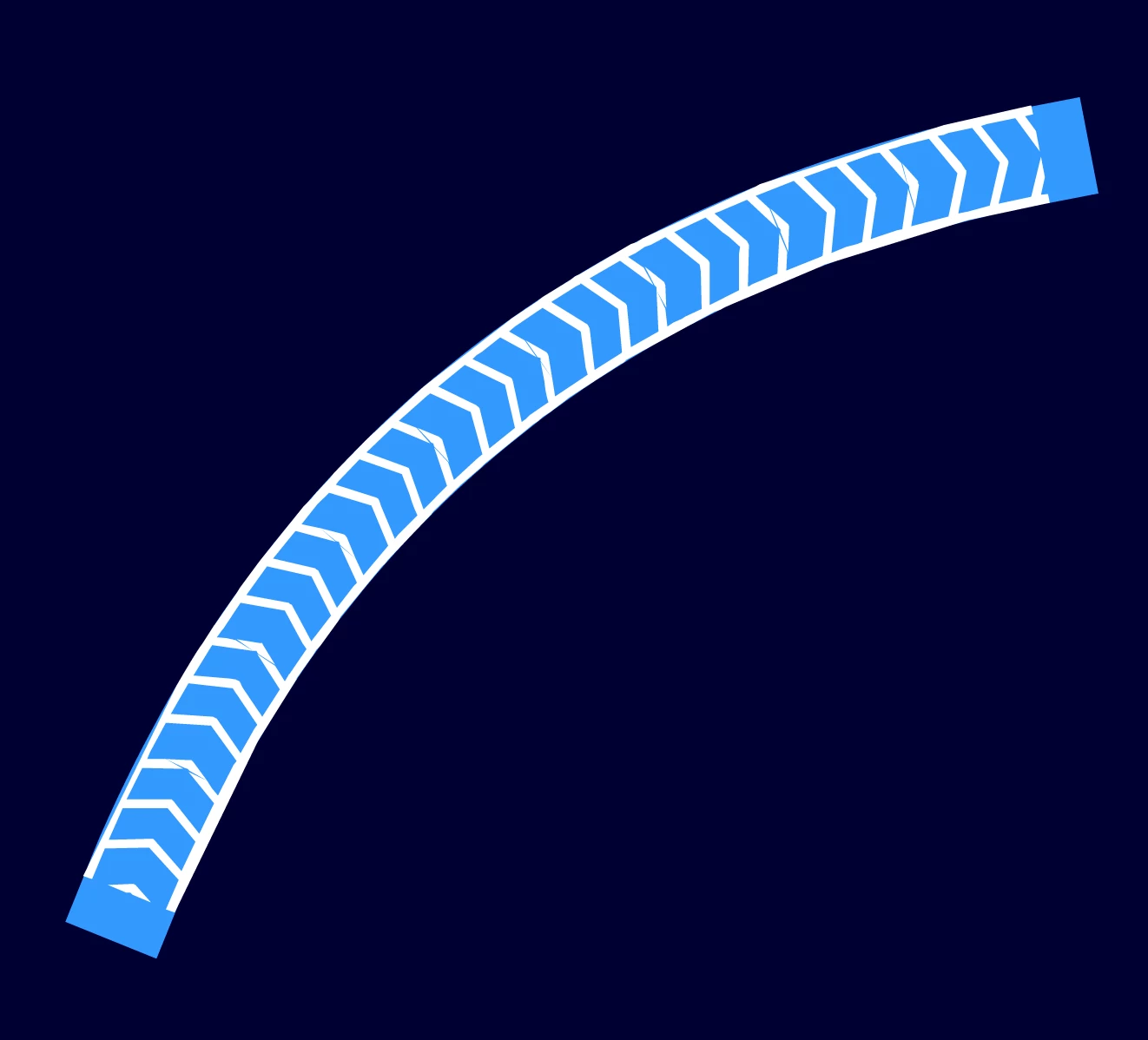
I am looking to create an animated custom pattern brush effect through a line. The end result would be a colored line either red, blue, green, etc. Arrows or carrots (pattern brush) would show movement through the line.


I am hope for an extremely easy and quick way to use this brush on different lines that bend, have angled turns, etc. 


Anybody know an easy to create thr animation? Can the brush animate in run time? Hope this makes sense.
 

    This topic has been closed for replies.

    2 replies

    _keyframer
    Community Expert
    Community Expert
    January 17, 2023

    While it's easy to create a custom pattern brush or use one of the pattern brushes that ships with Animate, it's nearly impossible to animate the pattern within the stroke itself. You'd have to create a looping pattern animation and mask it along a stroke or brush path. I know that's pretty vague but I've also needed to create this type of animation and I end up having to spend hours finding workarounds. It would seem to be an easy technique but in reality, it's pretty difficult. I'll revisit this and try to find a way.

    Animator and content creator for Animate CC
    Community Expert
    January 13, 2023
    Sharpe D
    Sharpe DAuthor
    Known Participant
    January 16, 2023

    That video is very helpoful for creating the brush. The Adobe documentation is very vague. 


    The other part was if it is easily possible to have the brush animate, have the arrows easliy move across the line in runtime?

    Sharpe D
    Sharpe DAuthor
    Known Participant
    January 16, 2023

    Here is another example of the lines and arrows. Again, looking for an easy way to animate the arrows over the lines in Animate or better yet Captivate.