Inspiring
November 5, 2018
Answered

Animated Symbol problem.
  • November 5, 2018
  • 2 replies
  • 406 views

Hello.

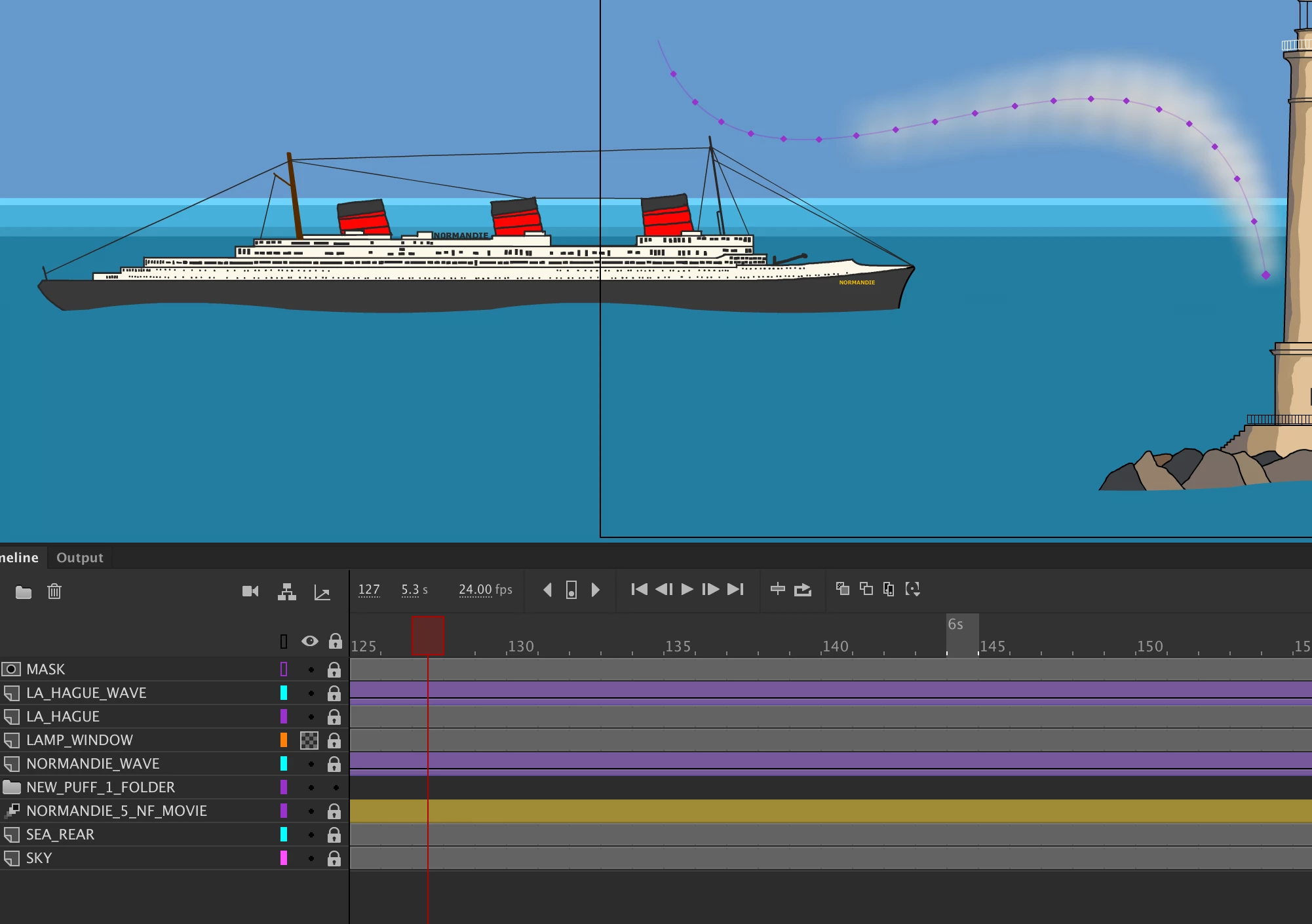
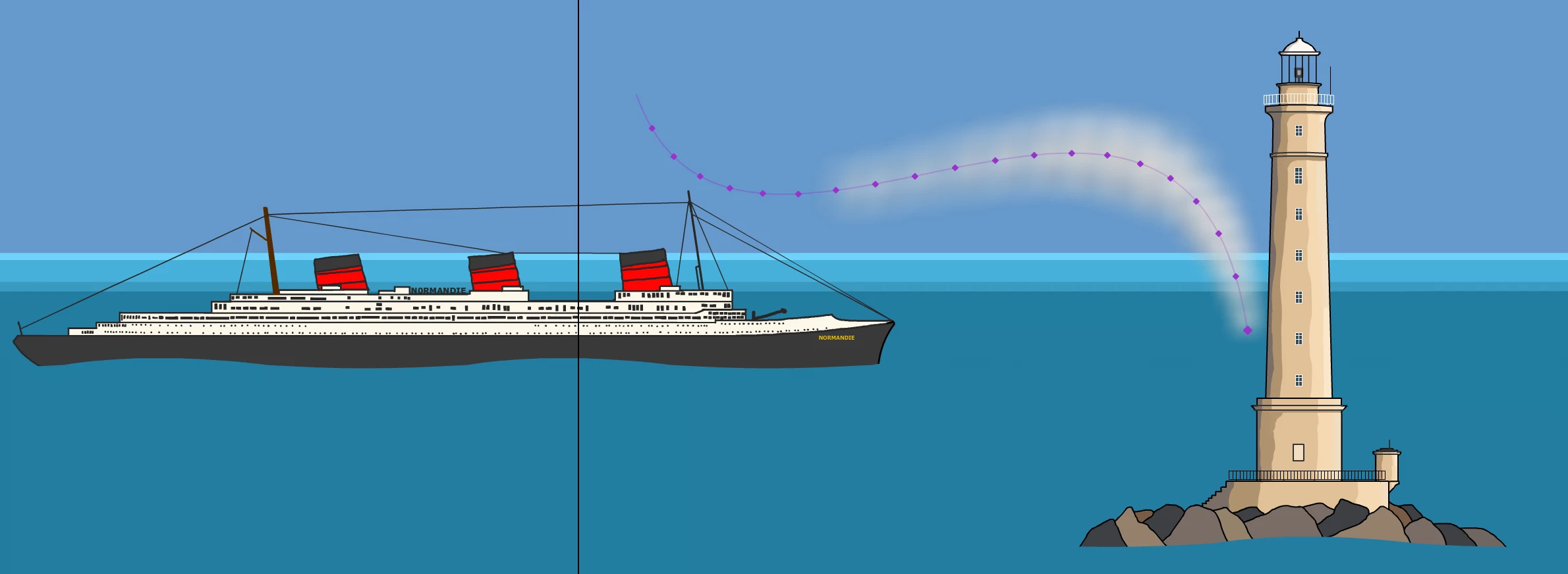
I have created an animation of smoke, and converted it into a movieclip symbol (New Puff 1 in timeline). I do not know how to attach the smoke symbol to the ship symbol. When I add the smoke symbol to the timeline I cannot do anything to it, for example, I cannot move it with the transform tool so it lines up with the ship funnel, and I cannot seem to create a tween.I am totally lost. Does anyone have any advice? I have attached two screen shots to give some idea of the situation. If I try to move the smoke symbol, another copy appears on the stage, and the original just stays there anyway.

Thanks for any help.

This topic has been closed for replies.
Correct answer _keyframer

I would animate the smoke inside the ship symbol.
So to explain what would be happening INSIDE the ship symbol: the ship is stationary and smoke is animated coming out of its stack(s).

On parent timeline (or main timeline if that's where it is), Tween the ship symbol containing the smoke animation across the stage.

2 replies

Community Expert
November 5, 2018

I second that. Keyframer is right. If you put the smoke inside the ship symbol the smoke will move with the ship.

_keyframer
Community Expert
_keyframerCommunity ExpertCorrect answer
Community Expert
November 5, 2018

I would animate the smoke inside the ship symbol.
So to explain what would be happening INSIDE the ship symbol: the ship is stationary and smoke is animated coming out of its stack(s).

On parent timeline (or main timeline if that's where it is), Tween the ship symbol containing the smoke animation across the stage.

Animator and content creator for Animate CC