Participating Frequently
November 28, 2016
Answered

animating a character for Muse

  • November 28, 2016
  • 1 reply
  • 296 views

hi all,

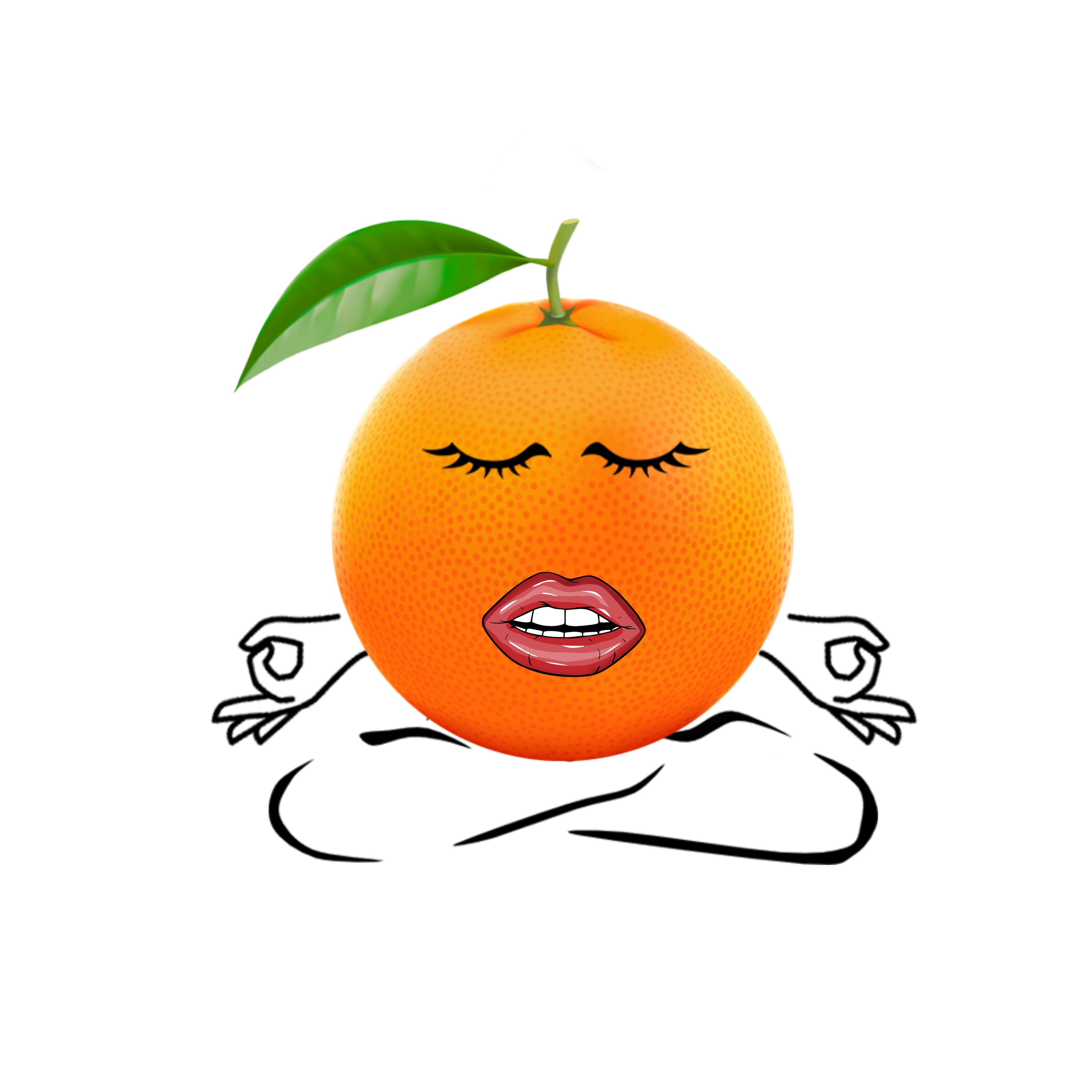
i am designing a website for a nutritionist that features a zen orange in the logo.  the goal is to have the orange walk across the top of the logo, squish its' waist area in around the hips then jump down into position (the position is the letter "O" in the logo).  the walking zen orange will have eyes and a mouth, arms/hands, and legs/feet.

i am going through many tutorials on lynda.com and on youtube.  if anyone can offer any guidance as to how i should approach it, with tweens, layers, paths, etc.  i would really appreciate the help.  i would like the animation to start shortly after the site loads whenever they go to the home page.  i will insert a screenshot of the home page and a quick mockup of the orange (i just pasted any arms legs eyes and lips i could find.  i will be using illustrator for the real character).

the zen orange will appear from off page on the left and walk fancily across the "NUTRITION for Every-Body" before she pauses near the letter "B" and squishes in her hips like an hour glass before she lets go and jumps up and falls into plasce as the "O".  is going to put her hands on her hips and squish the center of her body so the orange looks like an "hour glass"

is going to put her hands on her hips and squish the center of her body so the orange looks like an "hour glass".  then she will let go and return back to the shape of an orange as she jumps up and drops into the "O" in the word "Every-Body".  the arms, legs, eyes and lips will all disappear when she lands and becomes the half of orange  for the "O" in the logo.

sorry for the repitition...

thanks,

anthony

This topic has been closed for replies.
Correct answer Colin Holgate

There are animators here who might step in with some general advice, but for performance reasons there are a couple of things to know about, assuming you're planning on this being an HTML5 banner.

There are two types of tween for movement, Motion Tween and Classic tween. With HTML5 a Motion Tween can lead to a bigger file and worse performance.

Similarly, with a Classic Tween there is an easing value, which if you just set it to a value of -100 to +100, works well. But, if you go into the graph of the tween and adjust that, to then get custom easing, that would also make a bigger file that performs worse.

So, use Classic Tweens and only enter a number in the Properties panel to set the amount of easing.

There are code solutions that would let you have more complex tweens without losing performance, but if you can get by with what I've described that would save you some time figuring out the code solutions.

1 reply

Colin Holgate
Colin HolgateCorrect answer
Inspiring
November 28, 2016

There are animators here who might step in with some general advice, but for performance reasons there are a couple of things to know about, assuming you're planning on this being an HTML5 banner.

There are two types of tween for movement, Motion Tween and Classic tween. With HTML5 a Motion Tween can lead to a bigger file and worse performance.

Similarly, with a Classic Tween there is an easing value, which if you just set it to a value of -100 to +100, works well. But, if you go into the graph of the tween and adjust that, to then get custom easing, that would also make a bigger file that performs worse.

So, use Classic Tweens and only enter a number in the Properties panel to set the amount of easing.

There are code solutions that would let you have more complex tweens without losing performance, but if you can get by with what I've described that would save you some time figuring out the code solutions.