
Participant
December 10, 2023
Answered

Another Vcam problem

  • December 10, 2023
  • 2 replies
  • 1091 views

Ever since I got the new adobe animate 2024 update the vcam has not been working properly. I mean, it works but it is just not accurate. So for example, if I were to make the vcam the same size as the canvas, the vcam will not display everything in the canvas despite it being the same size.
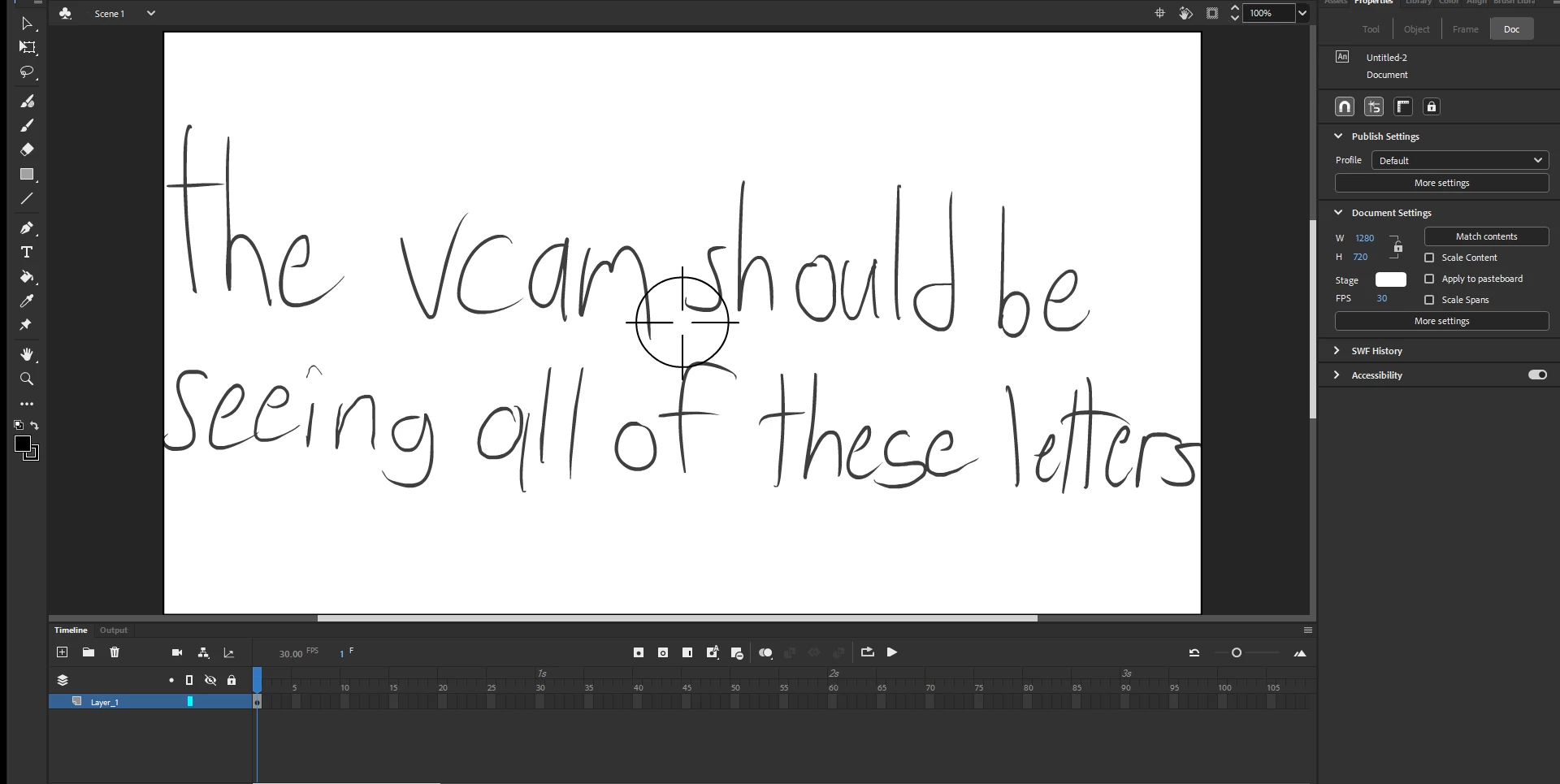
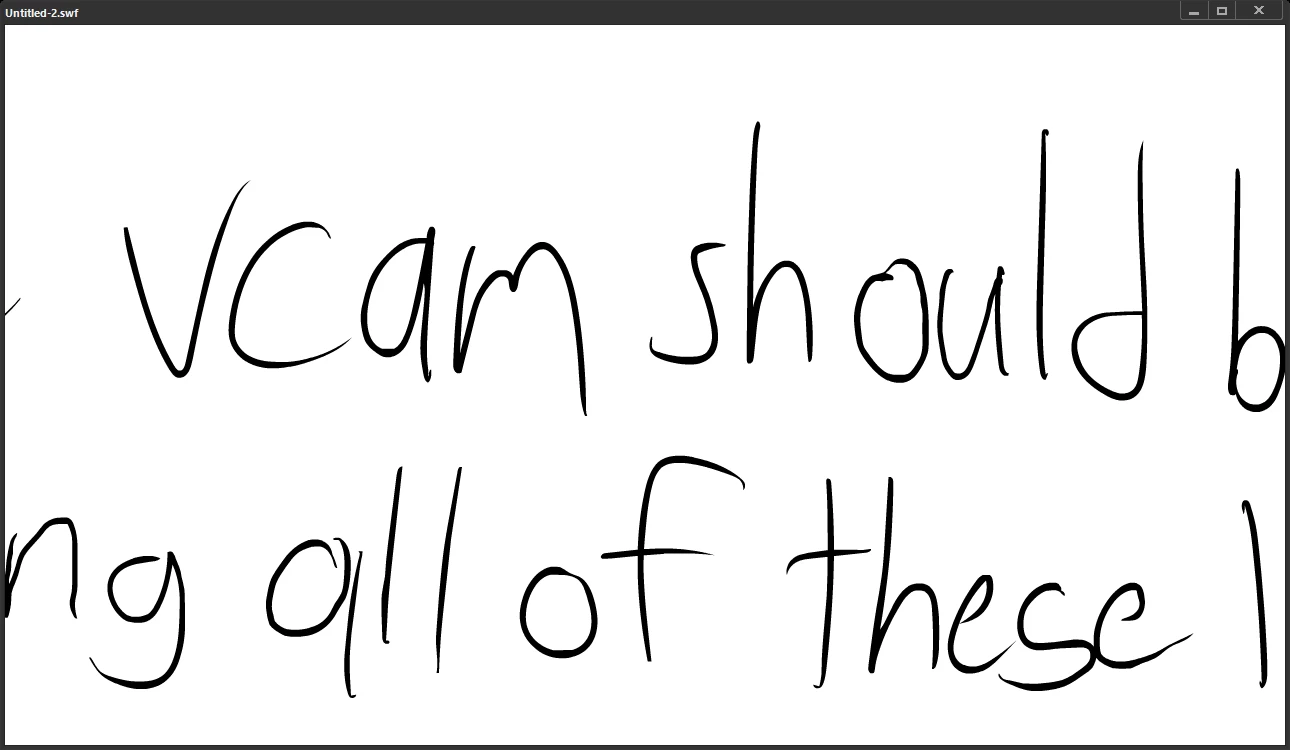
This topic has been closed for replies.
Correct answer Nicholas Piculas

The camera tool is kinda hard to use plus it makes my animation slow. Plus I already figured out the problem but only after making this discussion post. (The vcam had to be the same size as the canvas, it was origninally made for 1920x1080 animations, not 1280x720 so I had to make the vcam another symbol and fix it.)

2 replies

kglad
Community Expert
Community Expert
December 10, 2023

are you using animate's camera?  if so, (and probably even if not), you should be showing your stage with the camera tool selected so its viewport is visible

Nicholas PiculasAuthorCorrect answer
Participant
December 10, 2023

The camera tool is kinda hard to use plus it makes my animation slow. Plus I already figured out the problem but only after making this discussion post. (The vcam had to be the same size as the canvas, it was origninally made for 1920x1080 animations, not 1280x720 so I had to make the vcam another symbol and fix it.)

kglad
Community Expert
Community Expert
December 10, 2023

glad it's solved.


for others, always start with your cam the stage size.

Mario_CR
Community Expert
Community Expert
December 10, 2023

Whose v-cam are you using?

Participant
December 10, 2023

Some vcam I found on a different FLA because it actually works unlike the vcams I try to make.
(I don't remember if whether I made it or not but in case I did not, credit to whoever made it.)