Participant
January 5, 2024
Answered

Anti-Aliasing in Preview/Scene Window

  • January 5, 2024
  • 1 reply
  • 481 views

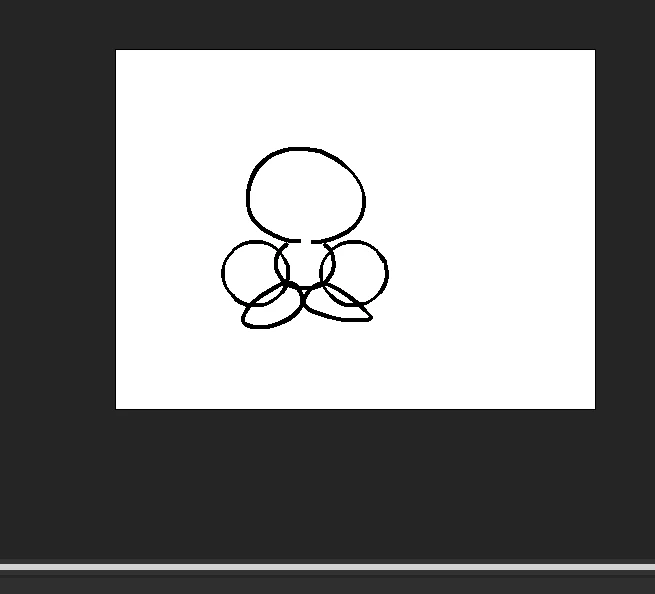
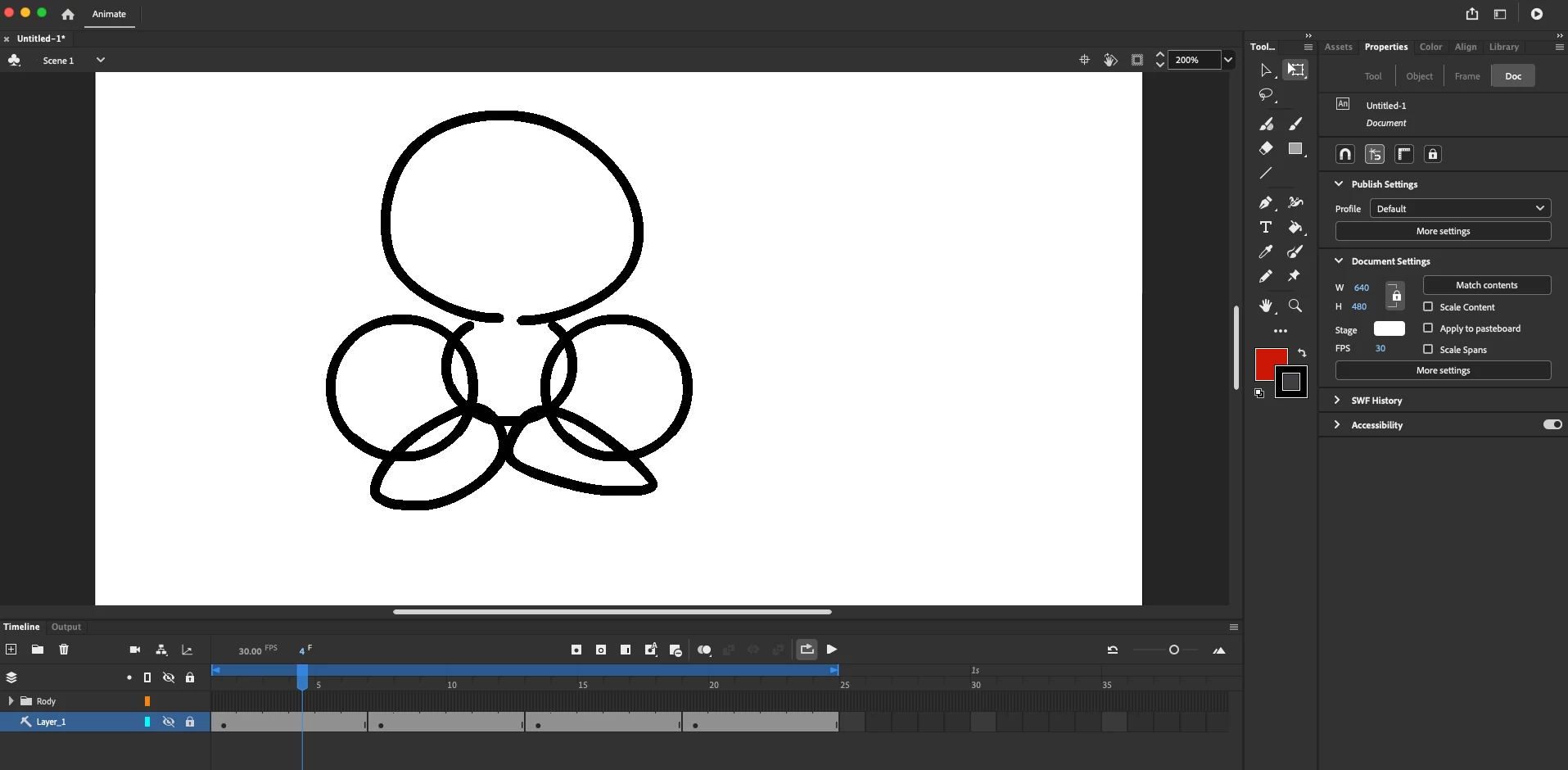
I'm very new to Animate coming from Photoshop and Illustrator. Is there a way to turn on anti-aliasing in the Preview/Scene Window? My strokes will have anti-aliasing as I'm applying them, but become sharp after. The zoom level doesn't make a difference, either.
Similar conversations I've seen were about exporting, but I'm nowhere near that step.
This topic has been closed for replies.
Correct answer n. tilcheff

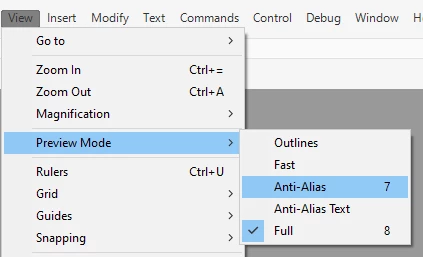
Open the View menu and check which Preview Mode is active. It has to be either Anti-Alias or Full:


1 reply

n. tilcheff
n. tilcheffCorrect answer
Legend
January 5, 2024

Open the View menu and check which Preview Mode is active. It has to be either Anti-Alias or Full:


Nick - Character Designer and Animator, Flash user since 1998 | Member of the Flanimate Power Tools team - extensions for character animation
RopeAJopeAuthor
Participant
January 5, 2024

Got it, thanks!