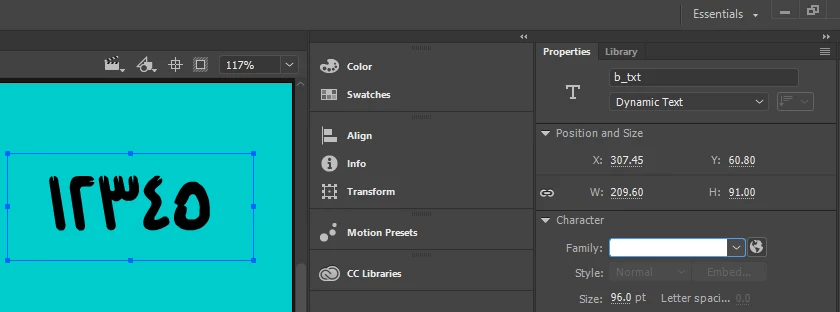
This topic has been closed for replies.
Correct answer elbaza63567749

Have a nice day

there is a script can you use to solve the problem of arabic letters and numbers inside the adobe animate 
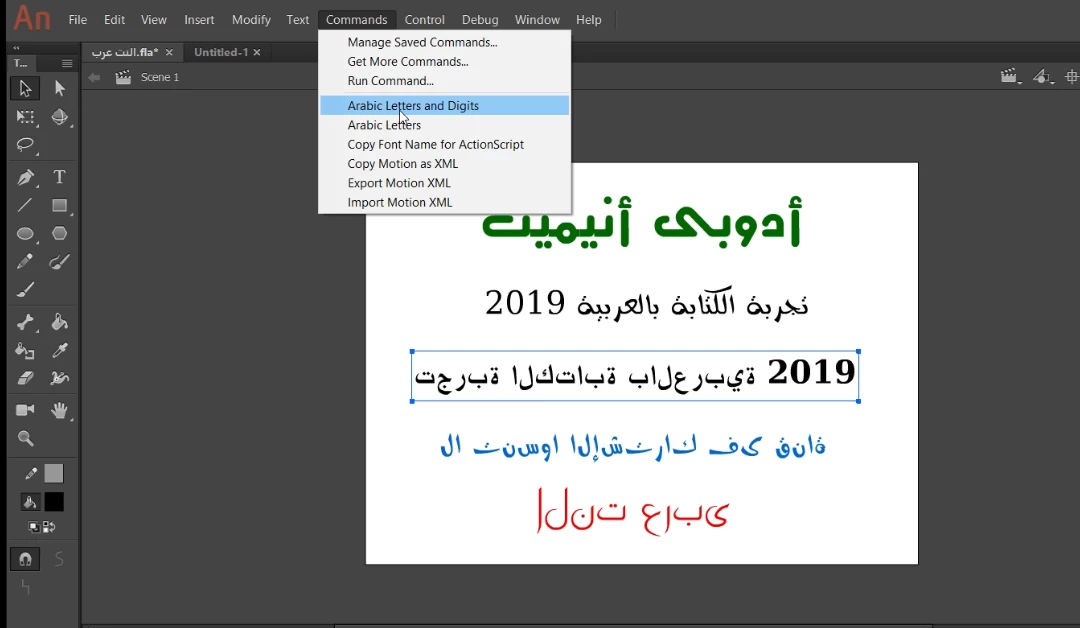
the script available at sourceforge.net

https://sourceforge.net/projects/arabic-letters/

you can view the steps for using script at youtube:

https://youtu.be/qrXj5hLTBtA 


I hope it will help you


3 replies

Legend
January 6, 2019

These are Arabic numerals: 0 1 2 3 4 5 6 7 8 9

It looks like what you want are Eastern Arabic numerals.

تقنية المعلومات
Known Participant
January 8, 2019

The program does not support Arabic language numbers.

Can you help me.

Thanks

The same file attachment

animate_cc_html5_canvas_shorten_code33.fla - Google Drive

elbaza63567749Correct answer
Participant
October 25, 2019

Have a nice day

there is a script can you use to solve the problem of arabic letters and numbers inside the adobe animate 

the script available at sourceforge.net

https://sourceforge.net/projects/arabic-letters/

you can view the steps for using script at youtube:

https://youtu.be/qrXj5hLTBtA 


I hope it will help you


kdmemory
Inspiring
January 6, 2019

Hi تقنية المعلومات

I don't speak, write or know anything specific really about Arabic (script) - but I guess you could use Dynamic Text in combination with Web Fonts. In Google Fonts there's i.e. a font called Amiri which holds latin and arabic letters and numbers. Within the character table of this font I've spotted those arabic numbers you are after.

١٢٣٤٥٦٧٨٩١

If you need info about Using Google fonts in HTML5 Canvas documents, go there.

Klaus

تقنية المعلومات
Known Participant
January 8, 2019

I try the font

The attempt did not succeed

animate_cc_html5_canvas_shorten_code33.fla - Google Drive

kdmemory
Inspiring
January 9, 2019

Hi تقنية المعلومات

The font you tried in your FLA is Kristen itc Regular, a font with no Arabic glyphs at all. That can't work.

You need to use a font with Arabic glyphs and then use Unicodes to convert western number glyphs to arabic ones. I made a little example file how that can be done with random numbers between 0 - 99.

Dropbox - amiri.zip

I used the Amiri Font as a web font from Google Fonts. It's all integrated in the file above. Because I'm no expert on Arabic I might have made a mistake. You need to check the translation array called var arabicodes in my javascript with the help of this FontTable-Amiri.pdf. The unicodes are constructed from those small hexadecimal numbers underneath the Arabic glyph. So the number 5 in Arabic is unicode \u06F5. (The Arabic unicodes start on page 7 with \u0600).

In any case, it is possible to display Arabic numbers and letters as well in Animate with the help of Javascript.

Klaus

kglad
Community Expert
Community Expert
January 6, 2019

any valid font installed on your computer can be used in animate.

but for right-to-left text i found it much easier to handle by editing the js file in a text editor.