
Answered
Asset warp tool, wrong converting under 1500 pixels
- 12 replies
- 4087 views
- Translate
Hello
Adobe Animate: I have used an Asset warp tool on a object. Then appeared an information that:
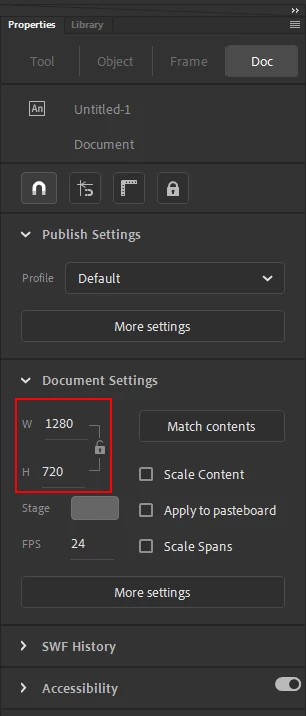
"To ensure a good warping experience, Animate will be converting all files under 1500 pixels".
After that, the object automatically shrunk and the mesh that was created is much larger than the object. Please tell me how to fix it? So that the object is the same size as I determined earlier and that the mesh adjoins it.
In addition, please write me which option use to be able to change the size of the object by entering a value.
Thank you



 AdChoices