
Answered
Audio Scrubbing Desync Animate CC 18.0.2
I've been using Adobe Animate to do lipsync and other timing things for the past year now and with this latest update, it appears as though scrubbing the timeline doesn't always play the audio the waveform shows.
For example, in the following image, I have the playhead over this bit of audio here...
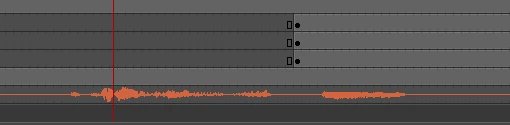
But it's THIS bit of audio I hear while scrubbing through.
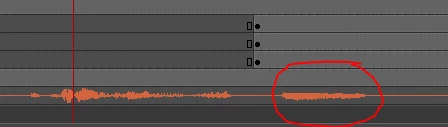
I've never had this issue before.
If I just play through the clip, everything's fine. When I export, everything is still lined up where I had it.
Is this a bug or an issue with my audio settings or what?
I'm on Windows 10 if that helps at all. And I have installed the Chensmooth extension.


 AdChoices