

ItsCacti
Participant
September 23, 2022
Answered

Audio Showing up as flat in Animate CC

  • September 23, 2022
  • 1 reply
  • 270 views

My audio shows up as flat and doesn't play in Animate CC (Specifically version 22.0.8) and searching the topic on google doesn't give me anything. I know the audio works as shown here.
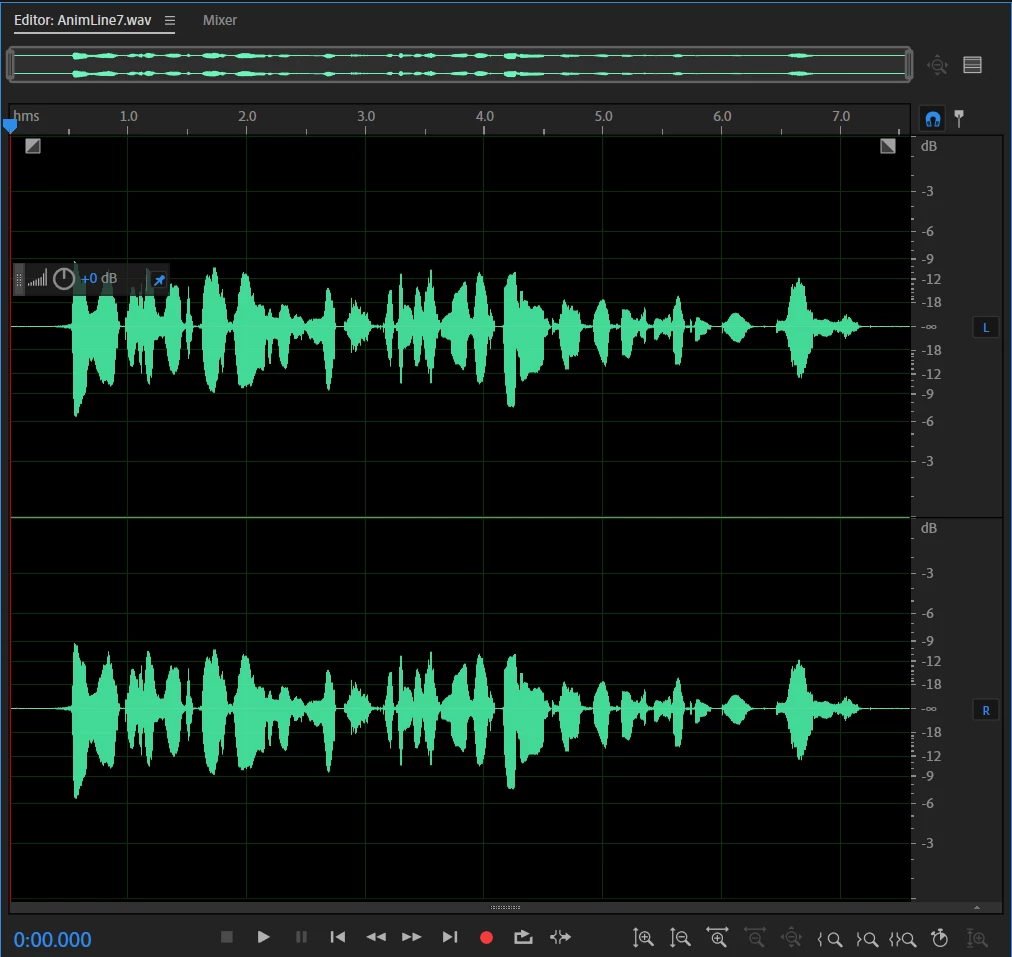
I'm not sure how I fix this as I have little experience with adobe software. I know that the settings I have for the .wav file such as the bitrate and such work with adobe animate becuase I've used the same setting in previous animations.

This topic has been closed for replies.
Correct answer n. tilcheff

Before importing the audio make sure it is 44100Hz, 16-bit PCM WAV.


1 reply

n. tilcheff
n. tilcheffCorrect answer
Legend
September 24, 2022

Before importing the audio make sure it is 44100Hz, 16-bit PCM WAV.


Nick - Character Designer and Animator, Flash user since 1998 | Member of the Flanimate Power Tools team - extensions for character animation
ItsCacti
ItsCactiAuthor
Participant
September 26, 2022

Thank You,


Turns out I was using 32 bit so I just reexported it in 16 bit and it worked.