kirrwed
Inspiring
October 18, 2022
Answered

Audio wont export

  • October 18, 2022
  • 3 replies
  • 1152 views

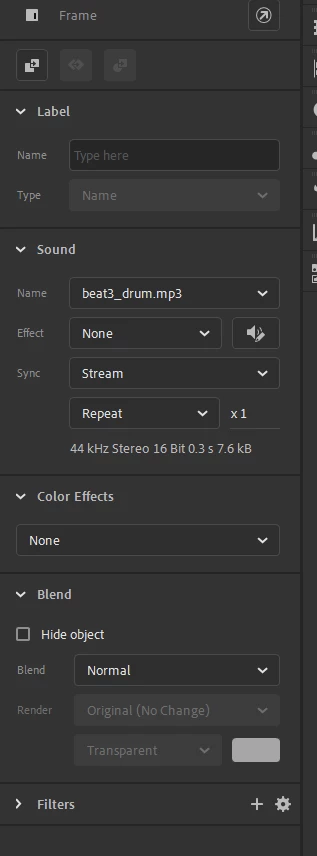
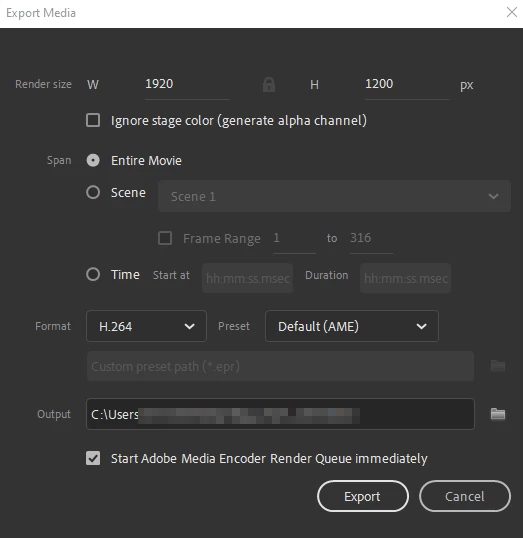
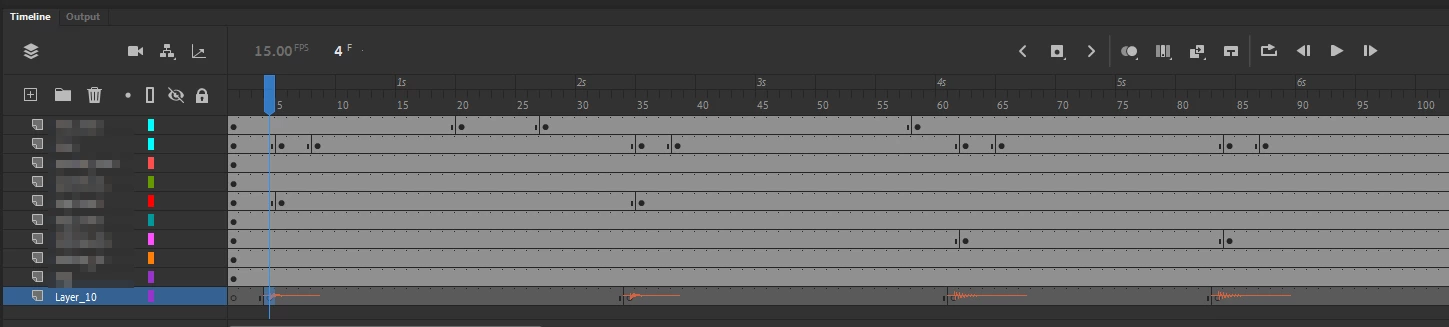
I put together an animation that has a few MP3s in a layer.  It plays fine on playback within Animate editor.  But when I export I get no sound.  Have tried a few different setups, but nothing. Changed keyframes of MP3s to Stream. Nothing on export.  Attached are screens of latest settings.  Media Encoder shows that the export was done with Match Source - High bitrate.  So I'm not sure why the exported MP4 has no sound.
   

This topic has been closed for replies.
Correct answer kirrwed

I was able to get ahold of support.  I closed Animate and accessed a specific folder by putting "appdata" into the Run prompt (windows+R) and changed the Animate folder to Animate.old. Reopened the Animate file and exported and audio was there.

3 replies

kirrwed
kirrwedAuthorCorrect answer
Inspiring
October 21, 2022

I was able to get ahold of support.  I closed Animate and accessed a specific folder by putting "appdata" into the Run prompt (windows+R) and changed the Animate folder to Animate.old. Reopened the Animate file and exported and audio was there.

kglad
Community Expert
Community Expert
October 18, 2022

do your sounds play when you test?

kirrwed
kirrwedAuthor
Inspiring
October 19, 2022

Yes, sound plays fine in edit mode. I still can't figure this out.

Mario_CR
Community Expert
Community Expert
October 19, 2022

We don't know what you mean by "edit mode". Do you mean pressing Ctrl+Enter to test your animation like kglad suggested?

Community Expert
October 18, 2022

I noticed that your frame rate was 15 fps. Try switching your frame rate to 24 or 30 and see if that fixes your audio issue.

kirrwed
kirrwedAuthor
Inspiring
October 19, 2022

I tried 24 and 30fps but no different. Still no audio on export

kglad
Community Expert
Community Expert
October 19, 2022

do you have a lot of free space on your c drive AND on the drive where your exporting the video?