
Inspiring
April 2, 2021
Question

Best plan for project

  • April 2, 2021
  • 2 replies
  • 2806 views

I just thought I would get advice for how best to setup a project before I get too deep in it (given my relative lack of experience with Animate).

There will be six sets of eight buttons on the stage, like these:
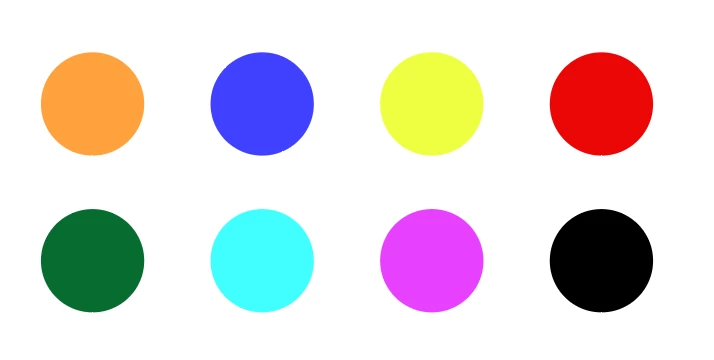
I plan to make them button symbols because I want a little button behavior for each. Clicking one of them causes a unique "card" to open. So there are 48 of these. Clicking the card causes it to disappear.
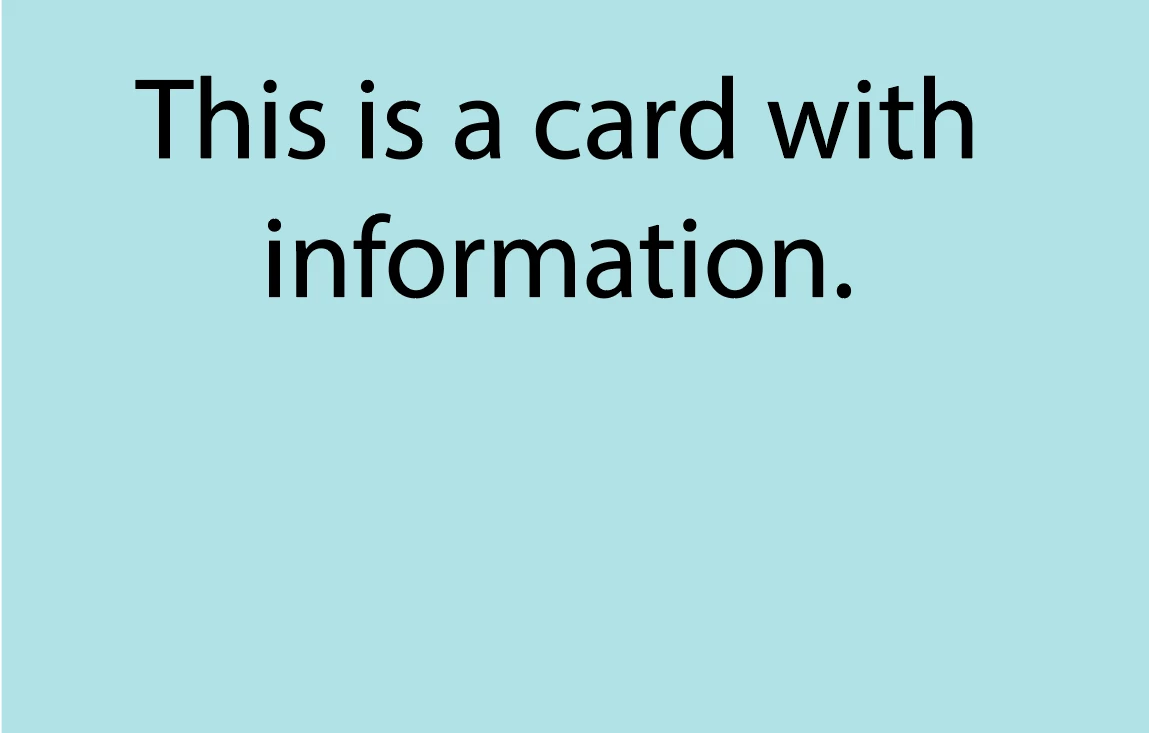
What's the easiest way to set this up? Each card on it's own layer and then create some behavior to animate them on their own timline? Or each card on one layer, and then using labels, mark each one's animation from small to large as it appears? 


I basically understand how to get the functions I want, but I think there is probably an easy way and a hard way to do this. Hoping for some direction to the easy way. Thanks.


This topic has been closed for replies.

2 replies

Community Expert
May 7, 2021

That's a lot of buttons. Good luck with that. 

Also, be sure to check out code snippets to help. 


kglad
Community Expert
Community Expert
April 2, 2021

as3 or html5?


for both, the setup would be the same but the code would be different.  for html5:


1. create and put the buttons on stage and name the buttons prudently, for example, btn_0,btn_1,...,btn_47

2. create your 48 cards in animate, do not put them on stage and prudently assign each a linkage id, for example, card_0,card_1,...,card_47 (where btn_n triggers the appearance of  card with id card_n).

3.  use the following js code:


for(var i=0;i<48;i++){
this["btn_"+i].name = "btn_"+i;
this["btn_"+i].addEventListener("click",f.bind(this))
}
function f(e){
var card = new lib["card_"+e.currentTarget.name.split("_")[1]]();
card.addEventListener("click",ff.bind(this));
this.addChild(card);
}
function ff(e){
this.removeChild(e.currentTarget);
}

Inspiring
April 2, 2021

Thanks, and sorry. HTML5


I get the naming issue from the last challenge I had though this direction will take some time to absorb. 


In your #2, you say to NOT put the cards on stage? Why not? And I was thinking that creating the cards in Illustrator would be easier and allow greate creative control. Should I import them as ai files or as png or something?

kglad
Community Expert
Community Expert
April 2, 2021

because the code adds them to the stage.  so no need to add them.  but if you want, you can, but then the code needs to be changed.  the code would not be more difficult or especially lengthy, but different.  let me know if that's what you want.


you can import ai graphics into movieclips to create your cards.  you can use ai or png, though if you use ai, you can edit the layers and more in animate.  if no editing is needed you can import a png but an svg would scale better than all bitmap file types.